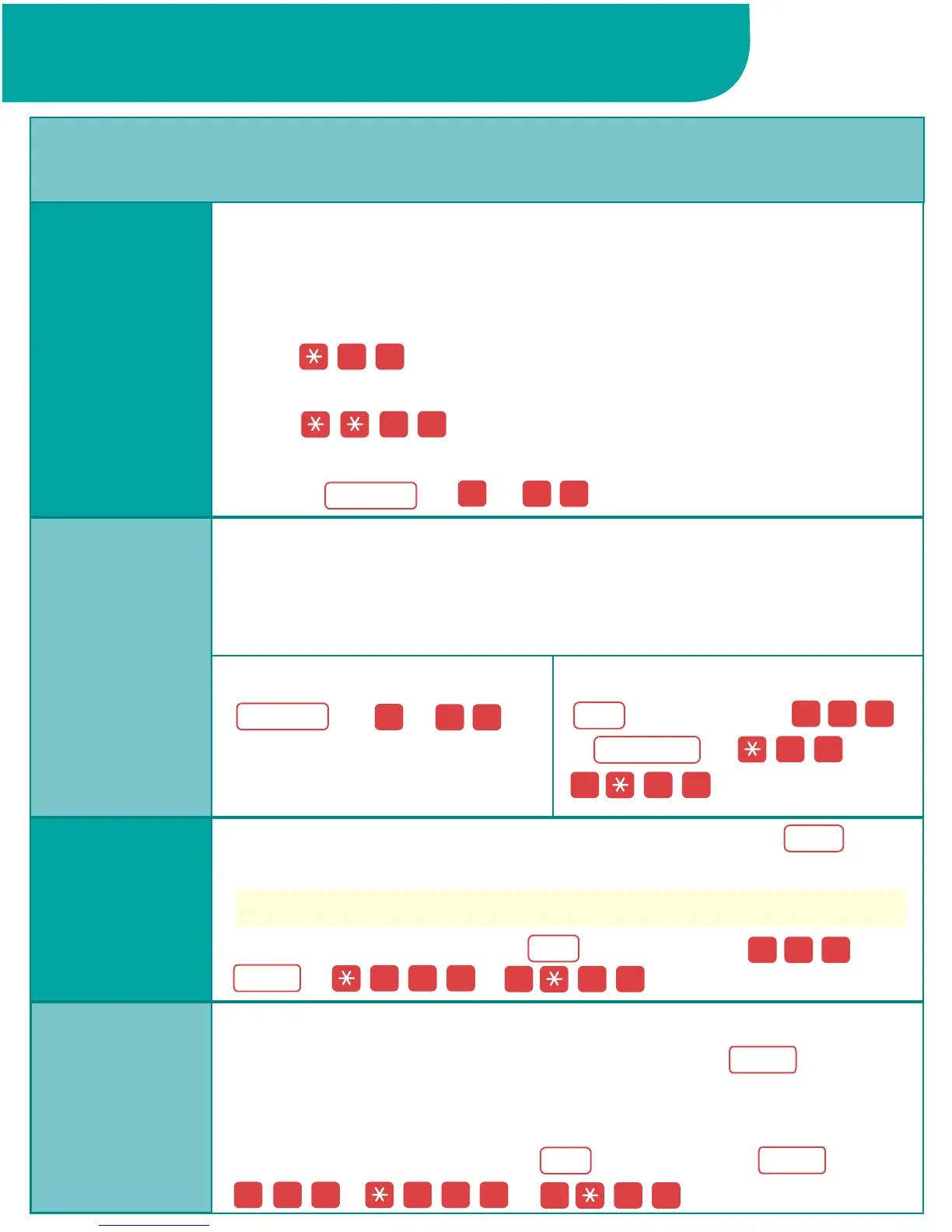
To use Hands-Free Answer Intercom (HFAI), you must program
an HFAI button onto a button. When you press , you can
talk to a person who calls you on an intercom call without lifting
the receiver.
To program an HFAI button:
+ lift handset + +
+ + .
To program onto a button:
+ lift handset +
++ +
.
To use with the feature code:
(or )+ .
Camp-On allows you to complete a transfer to a busy extension.
The call is put on hold until the extension can receive a call; then
it rings automatically and you hear a priority ring (1 long ring and
3 short rings).
You must program a Drop button onto a button. Use to
drop a participant from a conference call.
The display shows 4400-Drop.
To program a Drop button:
+ lift handset + +
+ + .
When Call Waiting is turned on at an extension and you are
already on a call, you hear one tone for inside calls or two tones
for outside calls when a second call arrives at that extension.
To turn on Call Waiting at your extension:
lift the handset and
press .
To turn off Call Waiting at your extension:
lift the handset and
press .
To pick up a Call Waiting call:
hang up and the waiting call rings,
or press (or )+ .
Programming and Feature Codes
Call Waiting
Call Handling Features
Camp-On
Drop
HFAI
1 1
1 1
8 7
5 7
5 7
7 78
7 97
Feature
Feature
Camp-On
EXT
EXT
Drop
EXT
HFAI
HFAI
Drop
#
#
0 0#
0 0#
0 0#
0 0#
0 0#
0 0#


 To Next Page