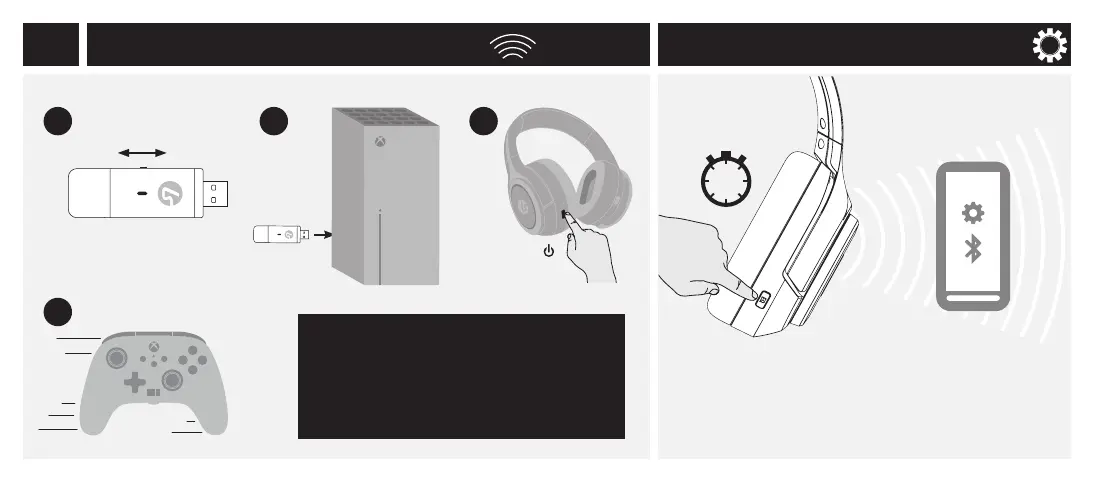
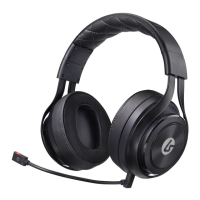
Insert into
USB on PC
or Xbox
En
Select PC or Xbox
Setup: Wireless USB Adapter Setup: Bluetooth
To complete setup for Xbox
and enable Surround Sound go to:
https://www.lucidsound.com/support
!!! IMPORTANT !!!
XB
1 2
4
3
Select “LucidSound LS100X”
from your device’s Bluetooth
settings.
Press and hold EQ/BT
for 3 seconds.
3
sec
4


 To Next Page