1A Carefully remove the top piece of protective foam and other included materials. Then place
your LulzBot Mini on a flat and level surface with 30 centimeters (12 inches) of clearance in every
direction.
1
STEP
Unpack Your LulzBot Mini
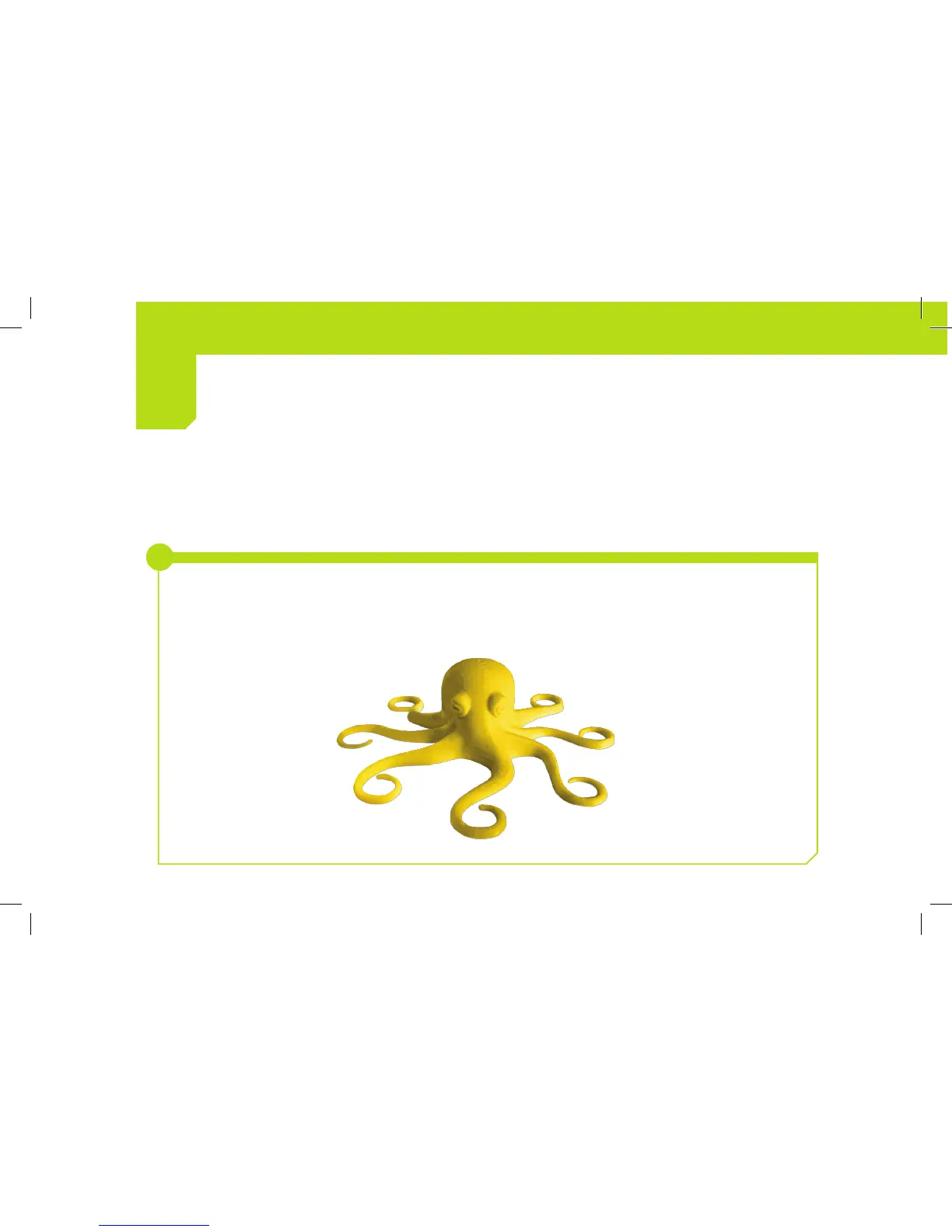
Your LulzBot Mini comes with an octopus that was made by your 3D printer during the final stage of
quality assurance. Several tools for maintaining your LulzBot Mini are also included, learn more about
how to use them in the maintenance section at the end of this Quick Start Guide.
i



 To Next Page