12
www.LumaComfort.com
STEP 7: CONNECTING THE POWER SUPPLY (LOWER BACK
PANEL)
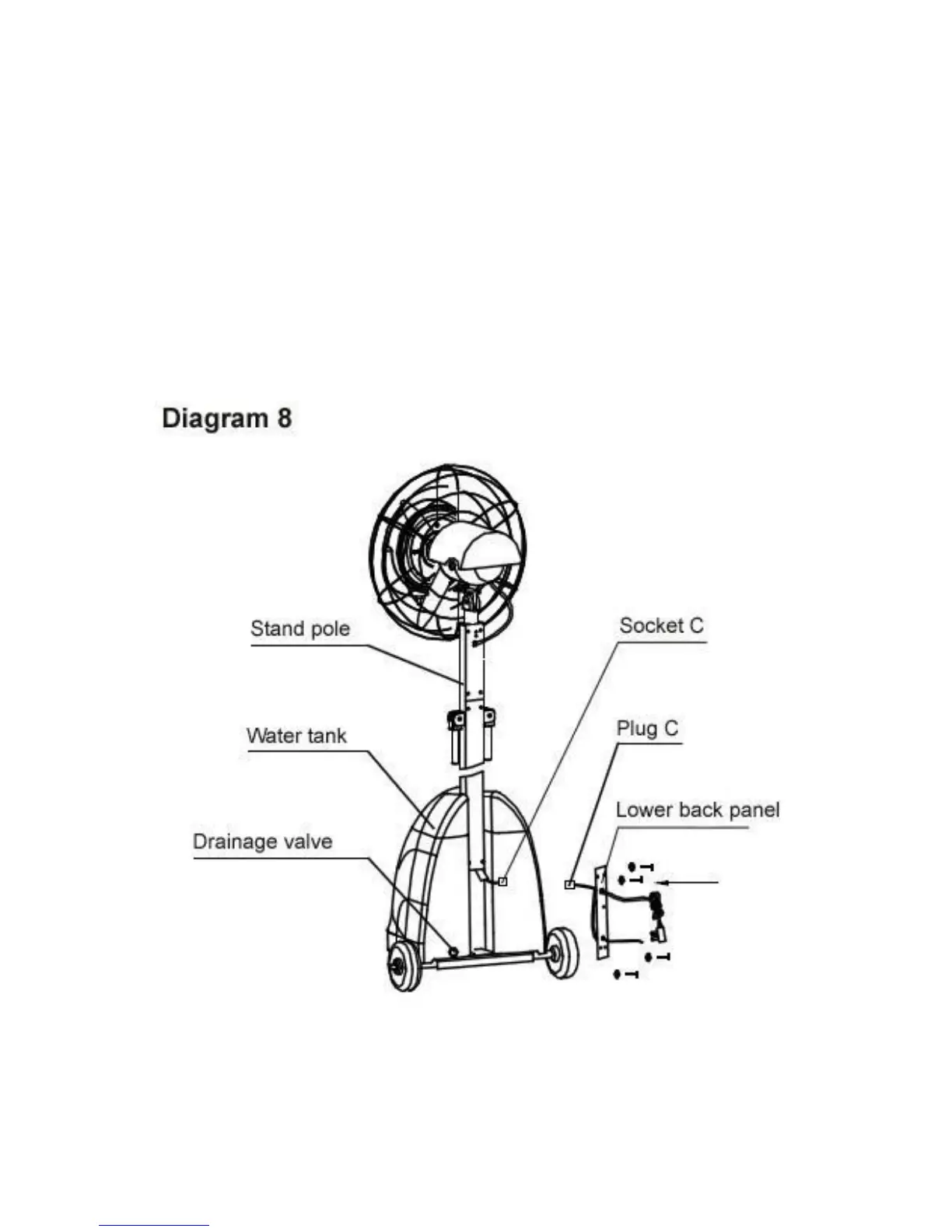
a. Refer to diagram 8. Place the water tank on the tank shelf.
b. Take the lower back panel that is attached to the pump and locate plug C
and socket C. Insert plug C into socket C and make sure the connection is
secure.
c. Remove the 4 M5 screws from the stand pole and screw the lower back
panel onto the stand pole.



 To Next Page