0817V2.1CT
How to operate the Lunos
Lunos e² systems can be operated at different flow rates depending on your ventilation
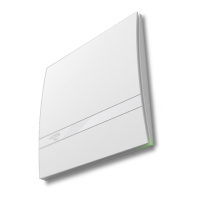
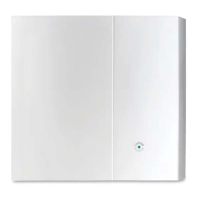
needs. With normal setup, the switch has four positions: off, low, medium and high. This
corresponds to fan pairs set to OFF, 10, 15 and 20 CFM.
Important: note that the switches don't control each fan separately, but rather the rate of
ventilation for the
whole
system. These are the switch positions:
Position 1 = Left (W1) OFF*, Right (W2) OFF*: system is OFF
Position 2 = Left (W1) ON*, Right (W2) OFF*: system is LOW (fans at 10 CFM)
Position 3 = Left (W1) OFF*, Right (W2) ON*: system is MEDIUM (fans at 15 CFM)
Position 4 = Left (W1) ON*, Right (W2) ON*: system is HIGH (fans at 20 CFM)
* OFF = switch position down, ON = switch position up


 To Next Page