EasyManua.ls Logo

LUTEC 7635202053 - User Manual

LUTEC 7635202053
8 pages
Print Icon
To Next Page IconTo Next Page
Loading...
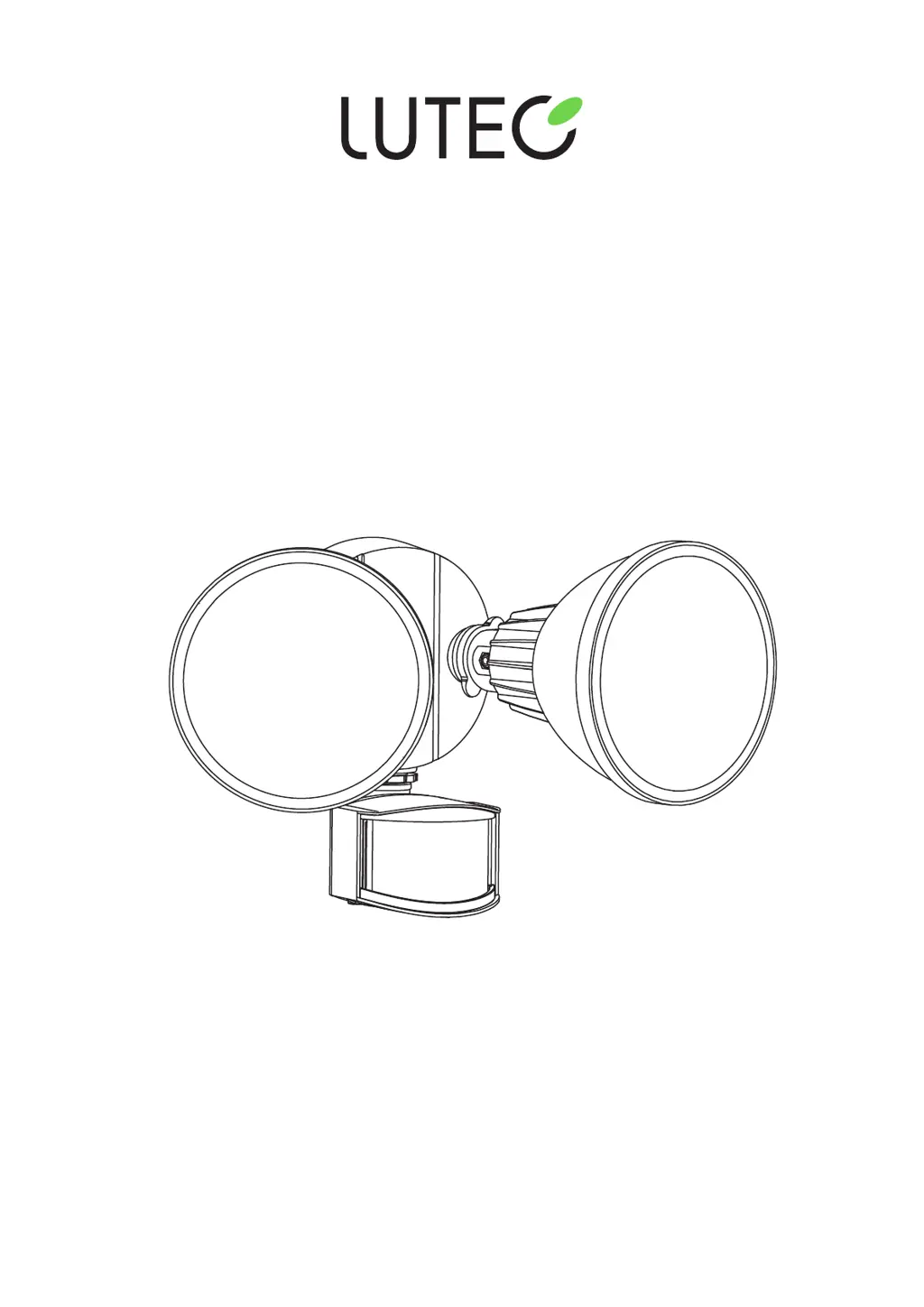
MODEL #7635202053/7635202412
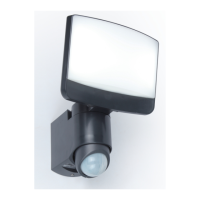
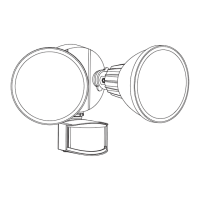
MOTION-ACTIVATED FLOODLIGHT
1
IMPORTANT,
RETAIN FOR FUTURE REFERENCE:
READ CAREFULLY
Owners Manual

Questions and Answers

  • N
    Nicole McclainAug 7, 2025
    How to fix a LUTEC 7635202053 Flood Light that will not turn on?
    • S
      Sandra AustinAug 7, 2025
      If your LUTEC Flood Light won't turn on, first ensure the circuit and wall switch are on, and that the fixture is receiving power. Also, check the wire connections inside the junction box for any loose connections. Finally, make sure the photocell isn't detecting any external light sources like street lamps, as this can prevent the light from activating.
  • F
    fergusonandrewAug 15, 2025
    Why does my LUTEC 7635202053 Flood Light stay on all the time?
    • T
      Timothy LewisAug 15, 2025
      If your LUTEC Flood Light stays on, start by checking if the photocell window is covered or dirty, preventing it from detecting light. Clean the window if necessary. Also, the motion sensor might be picking up heat from sources like air vents or reflective surfaces; try repositioning the sensor. Finally, the light might be in Manual Override mode; to exit this, flip the wall switch off for 10 seconds, then back on.
  • M
    Mia PenaAug 21, 2025
    Why does my LUTEC Flood Light turn on during the day?
    • N
      njacobsAug 22, 2025
      If your LUTEC Flood Light activates during the day, it might be because the motion sensor is in a dark location; try repositioning the fixture. Also, check that the TIME switch isn't set to the TEST position; instead, set it to the 1 min., 3 min., or 10 min. setting.
  • M
    Melinda KramerAug 30, 2025
    What to do if my LUTEC 7635202053 Flood Light is flashing?
    • R
      Russell MayAug 30, 2025
      If your LUTEC Flood Light is flashing, it could be due to unstable light sources such as lightning or arc welding. Try to avoid areas where these occur when installing the light. It may also be caused by the light reflecting back to the photocell from nearby objects. Reposition the fixture to minimize reflected light or remove the reflective object. The heat reflecting from other objects or lamp heads can also cause the light to flash; try repositioning the motion sensor.

Summary

Package Contents

Hardware Contents

Lists components and hardware included with the fixture.

Safety Information

Preparation

Installation

Operating Instructions

Care and Maintenance

Troubleshooting

3-Year Limited Warranty

LUTEC 7635202053 Specifications

General IconGeneral
Wattage20W
Color Temperature3000 K
Luminous Flux1600 lm
IP RatingIP54
Power20W
Beam Angle120°
Input Voltage220-240V
MaterialAluminum
Lifespan30000 hours

Related product manuals