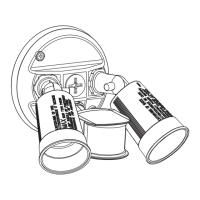
MOTION
DETECTION
(WITH DUSK
TO DAWN)
Turns on at night and stays on at low
brightness, then turns to full brightness
if motion is detected.
Deactivates during daylight hours.
“D2D”
Sensor defaults to 39-59
ft. coverage when set to
“D2D”.
1, 3, or
10 (minutes)
TESTTEST
MOTION
DETECTION
(WITHOUT
DUSK TO
DAWN)
MODE TIME SETTING DESCRIPTION
Any setting
• Clean surfaces with a mild, non-abrasive cleaner.
CARE AND MAINTENANCE
OPERATING INSTRUCTIONS
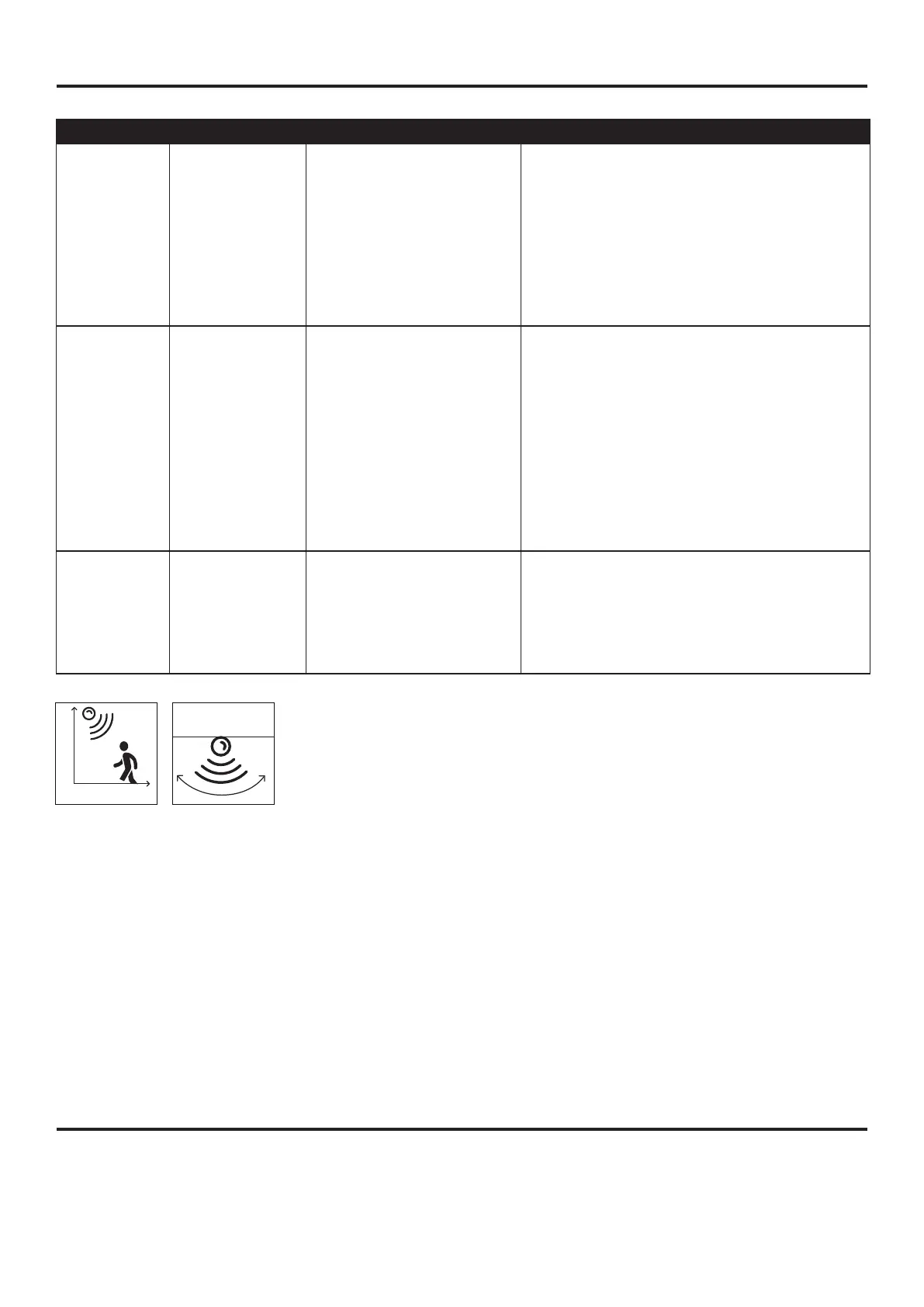
DISTANCE SETTING
Turns on at night only when motion is
detected.
Deactivates during daylight hours.
NOTE:
1. The sensor has a 14 second warm up period before it will detect motion. When turned on, please
wait 14 seconds.
2. Manual Override:Force the fixture to override the TSET,SECURITY or DUSK TO DAWN mode
so the light will stay on .Turn the light on manually from the wall switch.With the fixture already in
the ON position,continuously flip the wall switch off and then back on twice in 3 seconds.
There are two ways to revert back to the previous mode:
• Once again flip the wall switch off,wait for more than 3 seconds and then turn back on.
• If you leave the light on,the light will stay on for about 6 hours.
8.20 ft.
0-59 ft.
180°
6
L, M, or H
L= 0-20 ft.
M= 20-39 ft.
H= 39-59 ft.
Adjusts how far the
sensor detects motion.
1, 3, or
10 (minutes)
Adjusts how
long the light
stays on after
detecting
motion before
shutting off.
Tests the sensor's functionality even during
daylight hours. When DISTANCE turns to
L/M/H, after motion stops, the light will
remain on full brightness for 5 seconds and
then turns off. When DISTANCE turns to
D2D, after motion stops, the light will remain
on full brightness for 5 seconds and then
turns to low brightness.


 To Next Page