143
by Lutron
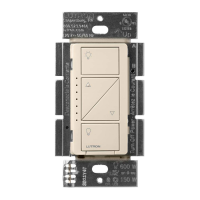
Adjusting Low-End Trim on a Caséta Diva Smart Dimmer (DVRF-6L / DVRF-5NE) Converting a Caséta Wireless Plug-In Lamp Dimmer to a Switch to Control Non-Dim Loads (PD-3PCL)
1
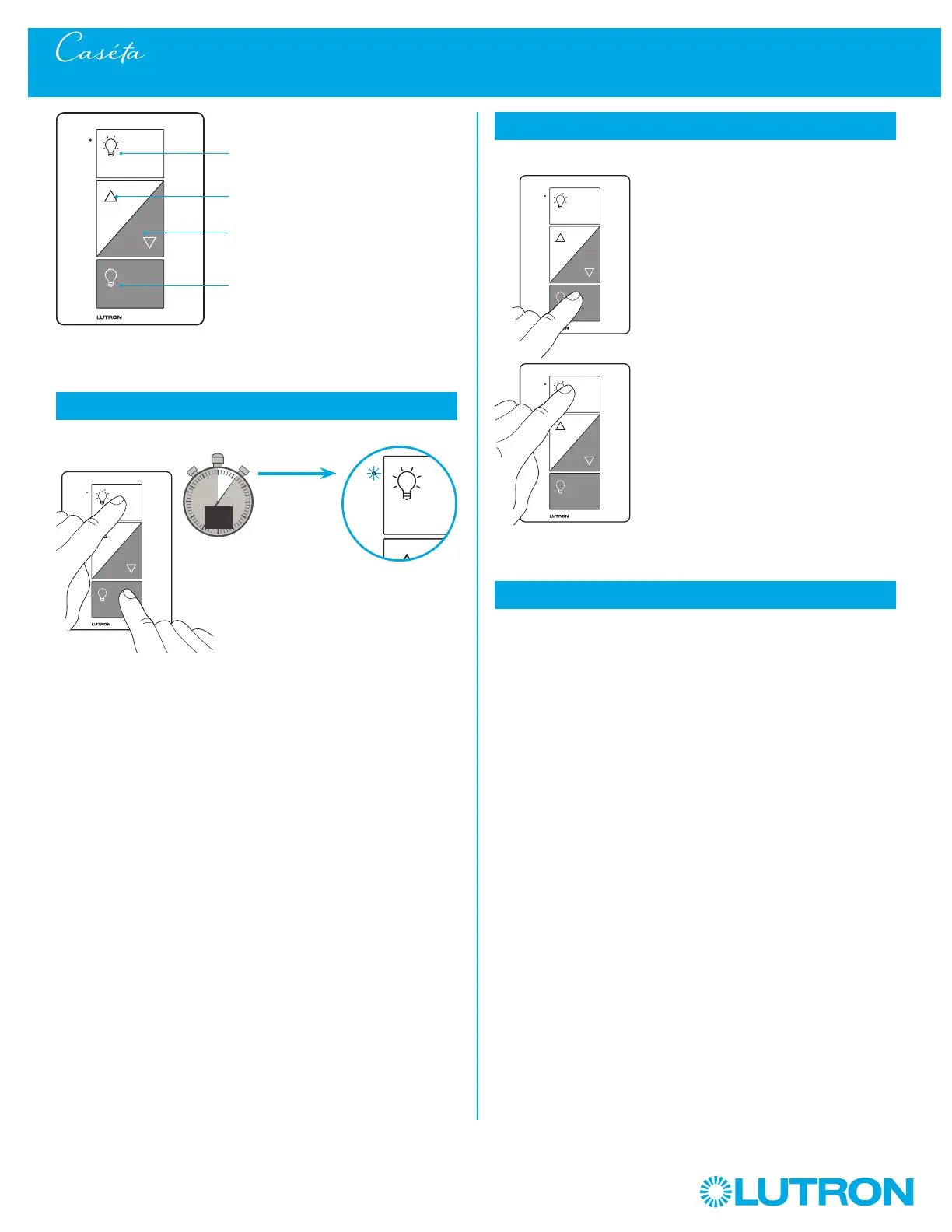
Press and Hold "On" and "Off" buttons
0
5
10
15
6
sec.
The indicator light
flashes
2
Verify
a. Tap "Off" one time. Light will
turn off.
b. Tap "On" one time. Light will
turn on.
– The "Brighter" and
"Darker" buttons will be
disabled and do nothing.
NOTE: Only use lighting loads
on your plug-in lamp
dimmer, even when
operating in switch mode.
a.
b.
3
To change back to dimmer mode repeat step 1
Plug-in lamp dimmer
On
Off
Darker
Brighter
UNTIL
HOLD



 To Next Page