5)UNIT SELECTION :
Select the desired display unit by pressing the " UNIT
Button " ( 3-6, Fig. 1 ).
The unit can be selected as :
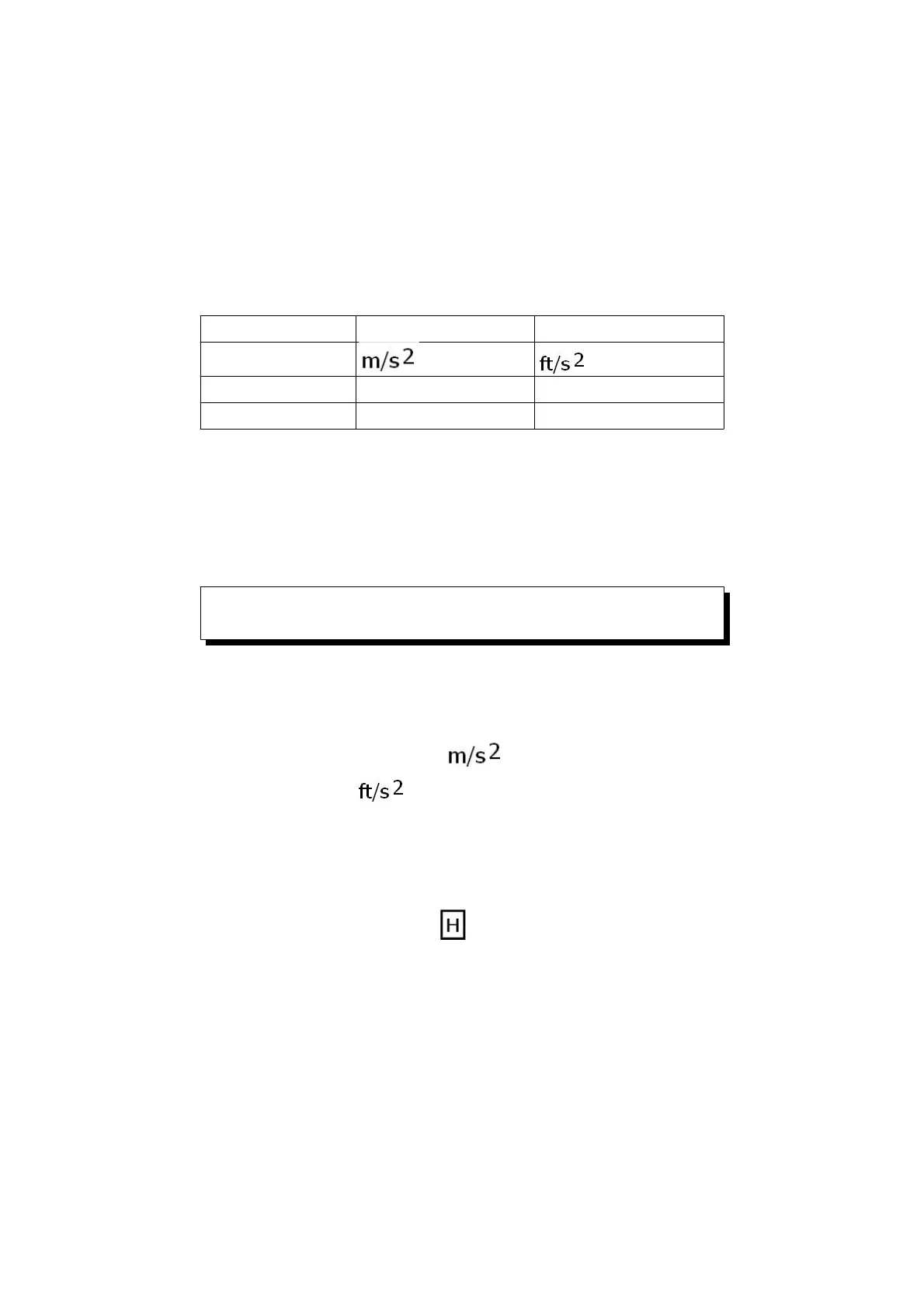
Measurement Metric unit Imperial unit
Acceleration , G
Velocity mm/s, cm/s inch/s
Displacement mm inch
Remarks :
For general applications of industrial vibration
monitoring, select " Velocity " or " Acceleration "
typically.
How to change the Metric unit to Imperial
unit each other
If press the " UNIT Button" ( 3-6, Fig. 1 )
continuously at least 5 seconds, then will
change the Metric unit ( , G, mm/s, cm/s, mm ) to
Imperial unit ( , inch/s, inch ) each other.
6)Data Hold :
During the measurement, push the " Hold button "
( 3-3, Fig. 1 ) will hold the measured value &
the LCD will indicate " " symbol.
Push the " Data hold button " again to release the
data hold function.
10












 To Next Page