WIRELESS STREAMING SPEAKER ARRO Studio Collection
S5
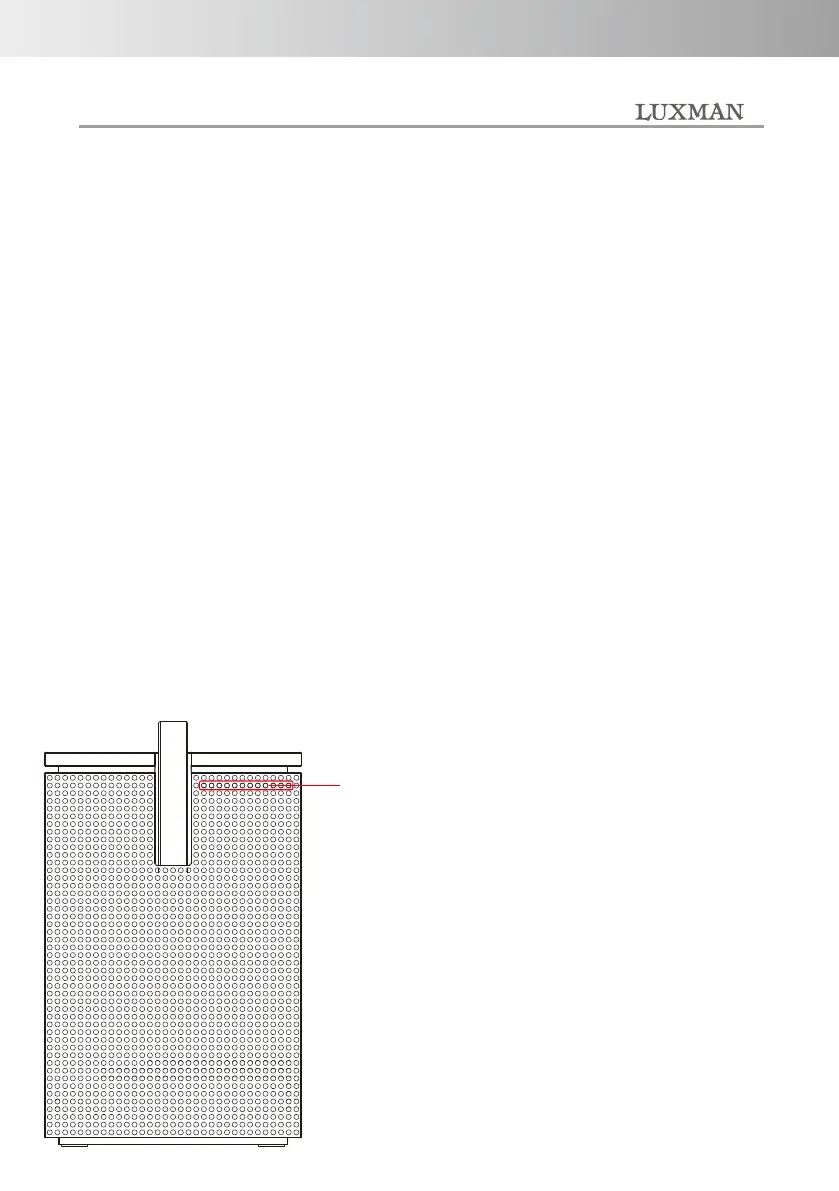
⑤ INPUT indicator
This indicator shows the input
operated by the INPUT switching
button.
The volume of this unit is indicated
by the number of green LEDs.
In addition, when the operation of
Amazon Alexa changes, the status
is displayed by the color
of the LED.
*Please refer to the explanation
information of Amazon Alexa for
the details of the color
change by the operation situation
of Amazon Alexa.
③ Microphone mute button
Disable the microphone for calling
Amazon Alexa by voice.
When the microphone is disabled,
press this button again to enable
the microphone.
④ INPUT button
It is a button to switch to the
sound source you want to listen to
the input of this unit. Every time
this button is pressed, the input
changes in the order of
NET → USB → BT → AUX →
OPT. After OPT,
it returns to NET, and repeats
USB → BT → AUX → OPT.
⑥ microphone
It is a microphone for calling
Amazon Alexa by voice.
# Please be aware that if you
cover this part, voice input to the
microphone will be blocked
and you may not be able to call
Alexa by voice.
Indicator
Front panel
-8-



 To Next Page