15
All About -
02. Introduction of MODI Modules
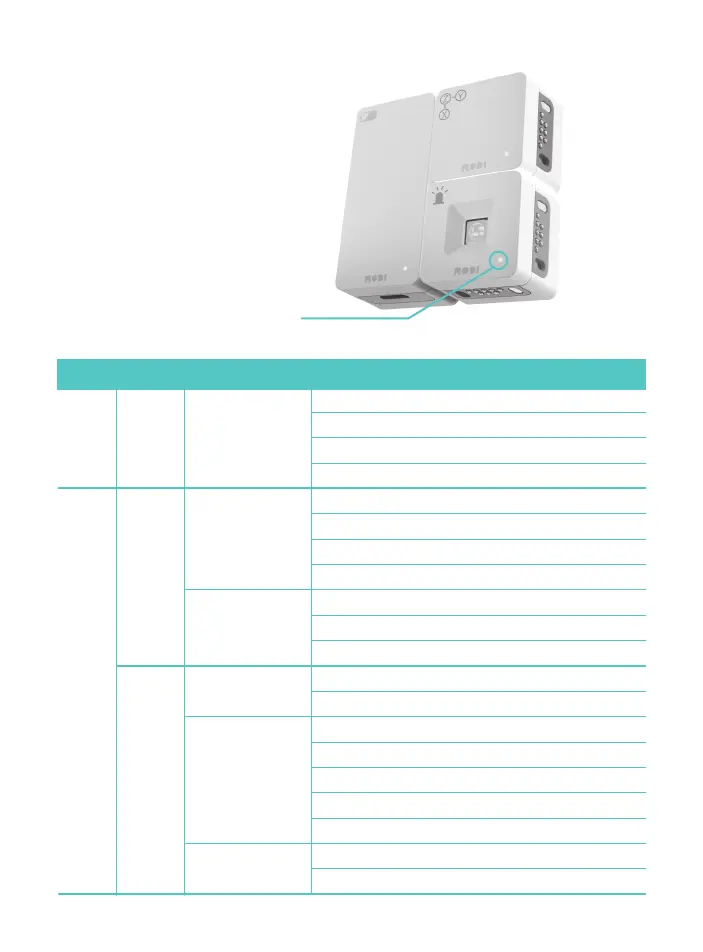
Module Status LED
Status Description
Module
Blue light Remaining battery power 95% or more
Pink light Connected to PC
Off LED light is off when discharged
Red light Firmware uploading (including upload failure)
Blinking yellow light
Remaining battery power between 15% and 50%
Blue light Module operating normally
Blue light Module operating normally
Red light Remaining battery power less than 95%
Blinking blue light Preparing for wireless connection
Red light About to be discharged
Off Power not provided
Blinking red light Remaining battery power less than 15%
Blinking blue light Preparing for wireless connection
Green light Module paused in MODI Studio
Blinking blue light Remaining batter power 50% or more
Off Power not provided
Off Sleep mode
Blue light Not connected to PC, but power provided
Red light About to be discharged
Off Power not provided
ModuleINPUT/
OUTPUT
Always
Connected to PCNetwork
module
SETUP
module
Connected to another
power supply
(battery module and
supplementary battery)
Battery
module
When connected to
another module
When not connected
to another module
While being
recharged



 To Next Page