MODI
20
MODI Coding Activity
ⅠHow Do I Code?
ⅡHow to Install MODI Studio
MODI Studio
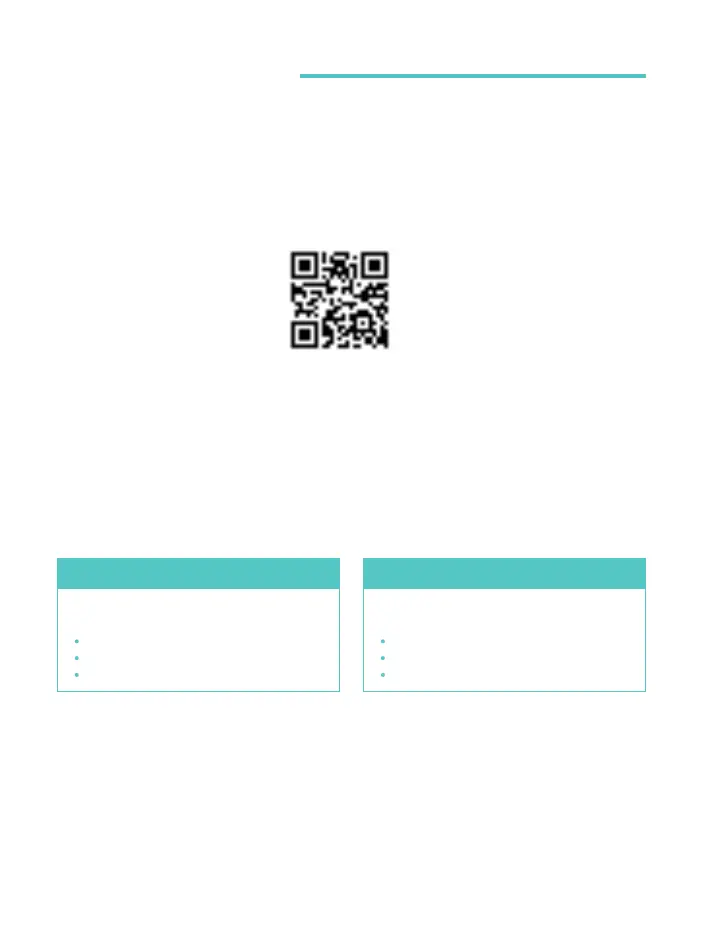
To do coding with MODI, you will need to install MODI Studio on your PC and connect the
PC and MODI. Visit the MODI website via the link below, or use the QR code, to download
MODI Studio.
Visit the MODI website via the link above to download MODI Studio. After checking to
make sure your PC’s operating system and specifications are compatible, download the file.
MODI website
http://modi.luxrobo.com
*The website may change later.
Recommended specifications
for MODI Studio
Windows 7 or better, x64 or better
RAM 2GB or better
Intel i3 processor or better
Windows
Recommended specifications
for MODI Studio
OS X or better, x64 or better
Intel 64-bit processor or better
RAM 2GB or better
mac OS



 To Next Page