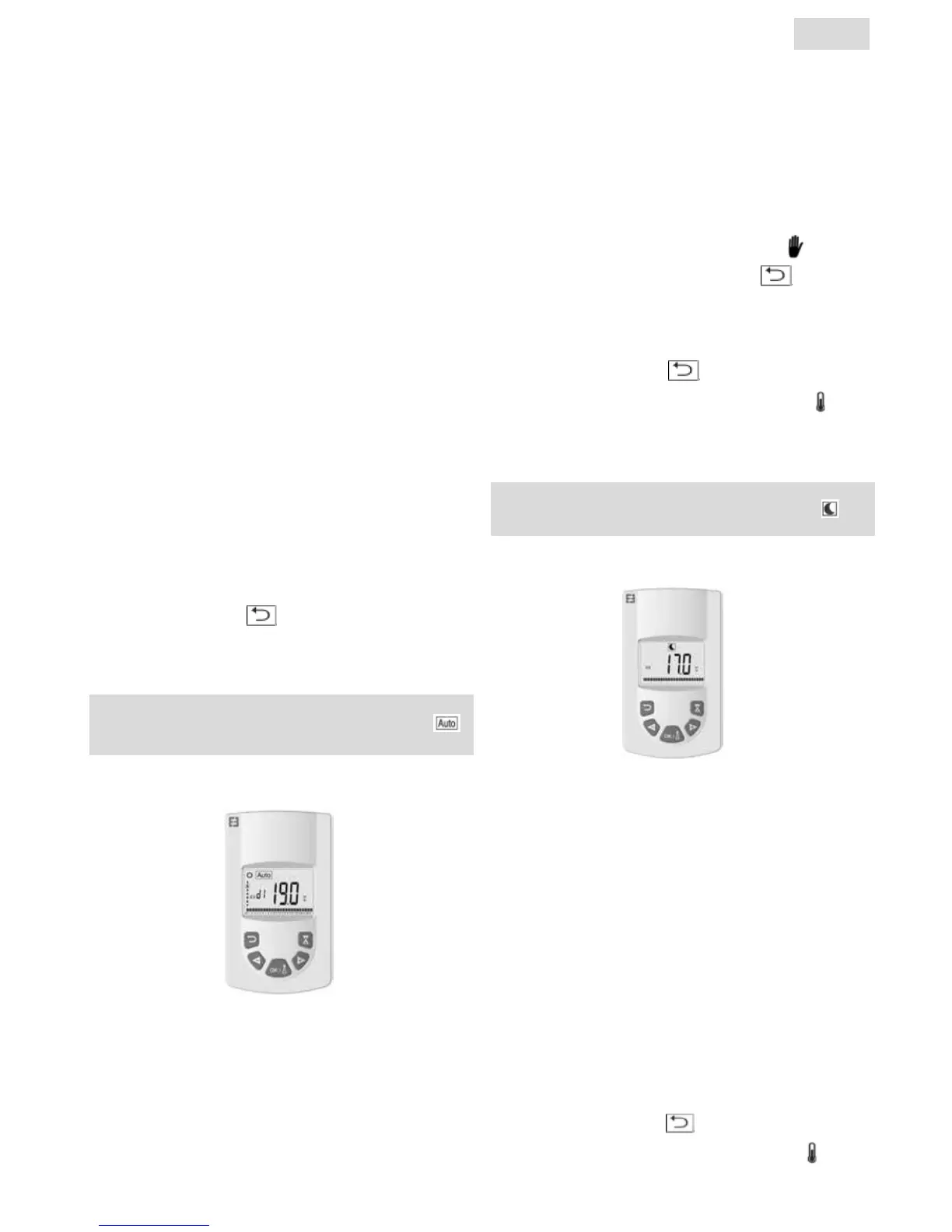
AUTO TEMPERATURE OPERATING MODE
ECO TEMPERATURE OPERATING MODE
Designed to be used in normal operation, when you don´t
want to use weekly program or external control..
Select this mode using the "+ or -" buttons then press OK. The
temperature set point appears on the screen. To modify this,
press the OK button again and the temperature ashes. Use
the "+ or -" button to adjust it then press OK to accept.
The ambient temperature appears for 10 seconds followed
again by the temperature set point. The temperature range
can be between 5.5°C and 30°C. A three-colour visual behavior
indicator displays during adjustment to inform you which
temperature ranges involve low, medium or high energy
consumpti on and allow you to save energy.
Green: Low consumption, temperature between 5.5°C and
19°C
Orange: Medium consumption, temperature between
19.5°C and 24°C
Red: High consumption, temperature between 24.5°C and
30°C
This visual indicator allows the user to be aware of the risk of
excessive energy consumption when setting the comfort tem-
perature.
The temperature you have set it to is the desired room tempe-
rature for this operating mode. You need to wait several hours
for the room temperature to become stable again.
Pressing the return button
displays the ambient tempe-
rature in the room for 10 seconds, the symbol also displays.
Designed to be used when people require automatic and
independent radiator by any of the operations as follows:
Priority 1: If the radiator is connected, control is via the
pilot wire. Read the radiator installation manual for more
information.
Priority 2: The program currently set on the Touch E3
program controller (sold separately) if the remote control is
paired with it.
Priority 3: A program previously selected in program
mode on the remote control (d1 to d9, U1 to U9).
You can at any time change the temperature setpoint in
your program by pressing the OK button. The temperature
then ashes on the screen. Change it using the "+" and "-"
buttons then press OK again to accept. In this case, you
are now in timer exemption and the symbol
appears
on the screen. Pressing the return button
exits the
exemption and returns to the temperature setpoint for
your program. If not, the exemption exits automati cally
after 2 hours.
Pressing the return button
displays the ambient tem-
perature in the room for 10 seconds, the symbol also
displays.
Designed to be used at night-time or when the house is
unoccupied for a few hours or more.
Select this mode using the "+ or -" buttons then press OK.
The temperature setpoint appears on the screen. To mo-
dify this, press the OK button again and the temperature
ashes. Use the "+ or -" button to adjust it then press OK to
accept.
The ambient temperature appears for 10 seconds followed
again by the temperature setpoint. The temperature range
can be between 5.5°C and 19°C but always 0.5°C lower than
the comfort temperature.
The temperature you have set it to is the desired room tem-
perature for this operating mode. You need to wait several
hours for the room temperature to become stable again.
Pressing the return button
displays the ambient tem-
perature in the room for 10 seconds, the symbol
also
displays.
6
EN


 To Next Page