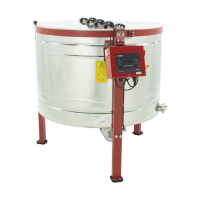
5.2. Manual for handling the automatic
controlling HE-02N
The HE-02N automatic controller for honey extractors gives
you the possibility to choose from two manual programs
(right-left), and ten automatic programs preset for different
diameters of extractors, but with the possibility to customise
these programs according to your needs. The controller is
equipped with the work time counter, which is displayed
while turning on the power. Additionally, it is equipped with
an alarm in case of an open cover or an activated safety
button. In both cases the device will not start until the issues
have been resolved.
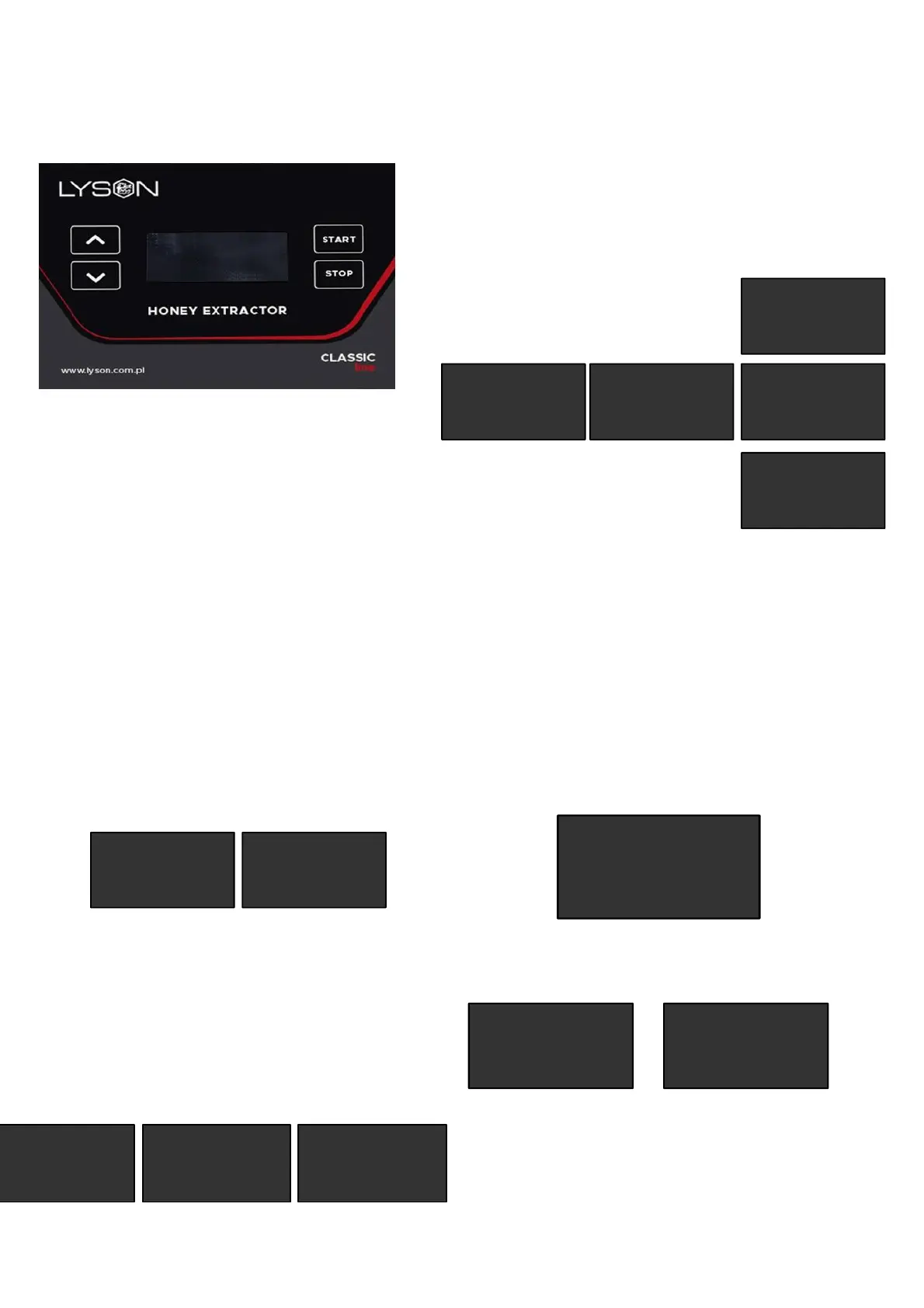
Use the up/down buttons to select the desired work mode
and confirm your selection with the start button. The start
button is also used to enable adjustment of the selected
parameter. The stop button stops the operation and exits the
adjustment mode of the controller settings. You can choose
between manual mode - clockwise spinning direction,
manual mode - counter-clockwise spinning direction, 10
automatic modes and configuration/settings mode.
When manual mode is activated, the up/down buttons
change the rotation speed of the basket. The stop button
stops the rotation.
TRYB MANUALNY
M-1 >>>
STOP
TRYB MANUALNY
M-1 >>>
50%
########
The bar at the bottom of the display additionally indicates the
value of the set speed (16 characters lit indicates 100% of
the speed setting).
When automatic mode is activated, the up/down buttons
change the speed of the basket. The stop button stops the
extraction program. The start button pressed during the cycle
pauses counting the elapsed program time, press it again to
resume counting and go ahead with the program.
TRYB AUTOMAT
A-1 04:00
80% STOP
TRYB AUTOMAT
A-1 04:00
80% 02:00
########
TRYB AUTOMAT
A-1 04:00
80% --:--
########
PAUSE
The bar at the bottom of the display additionally indicates
the progress of the selected program (8 characters lit
indicates 50% of the progress).
The setting / configuration mode allows to program the
extraction cycles, to set the controller’s interface
language and to adjust the brightness and contrast of the
display.
USTAWIENIA
>PROGRAMOWANIE
JEZYK
ZAAWANSOWANE
>PROGRAM =A-1
CZAS =04:00
PREDKOSC =80%
WIROWANIE=>> <<
JEZYK - pl
>KONTRAST =45
JASNOSC =100
Automatic program customisation:
- select the automatic mode number (A-1 to A-10)
- set the total time of the cycle
- set the max rotation speed of the last step
- select the rotation direction (clockwise or
clockwise/counter-clockwise)
The controller will automatically divide the cycle into the
appropriate number of steps (4 or 6) and assign to each
step the appropriate time and speed of basket rotation.
Total work time counter (displayed while starting the
controller)
LYSON HE-02N
fmw. 0.1
h:0000.5
Messages displayed when the safety button is pressed
or the extractor’s cover is open.
STOP
POKRYWA OTWARTA!
EMG STOP
3. Error codes
Detection of a fault / error preventing further operation
of the controller is indicated by displaying the
message "ERROR STOP" along with the error code.


 To Next Page
 Loading...