a relevant programme must be selected and subsequently
activated by pressing the START button. Stopping the
programme is possible at any time – by pressing the STOP
button.
Duration of each automatic mode cycles may be temporarily
extended or shortened. With one out of 8 automatic mode
programmes selected and the cycle stopped (state STOP),
the button PLUS or MINUS must be pressed. One-touch
pressing the PLUS button extended the cycle duration by
10%. Respectively, one-touch pressing the MINUS button
shortens each step by 10%. Such a modification remains
temporary as after controller restarting or changing the
programme number time parameters will return to the
previously programmed values.
Modification regarding the cycle step duration is calculated
as rounded until 1 second and gets activated when the tie
limits for cycle steps are not exceeded.
PAUSE function – it is activated when the controller is in
START state and the START button is pressed. In
automatic mode, the pause function stops the counting of
time until deactivation, i.e. it “freezes” the timer function. If
the timer has not been activated, activation of the pause
function does not influence the device operation. Pause
deactivation shall occur once the START button is pressed
again or by pressing the STOP button.
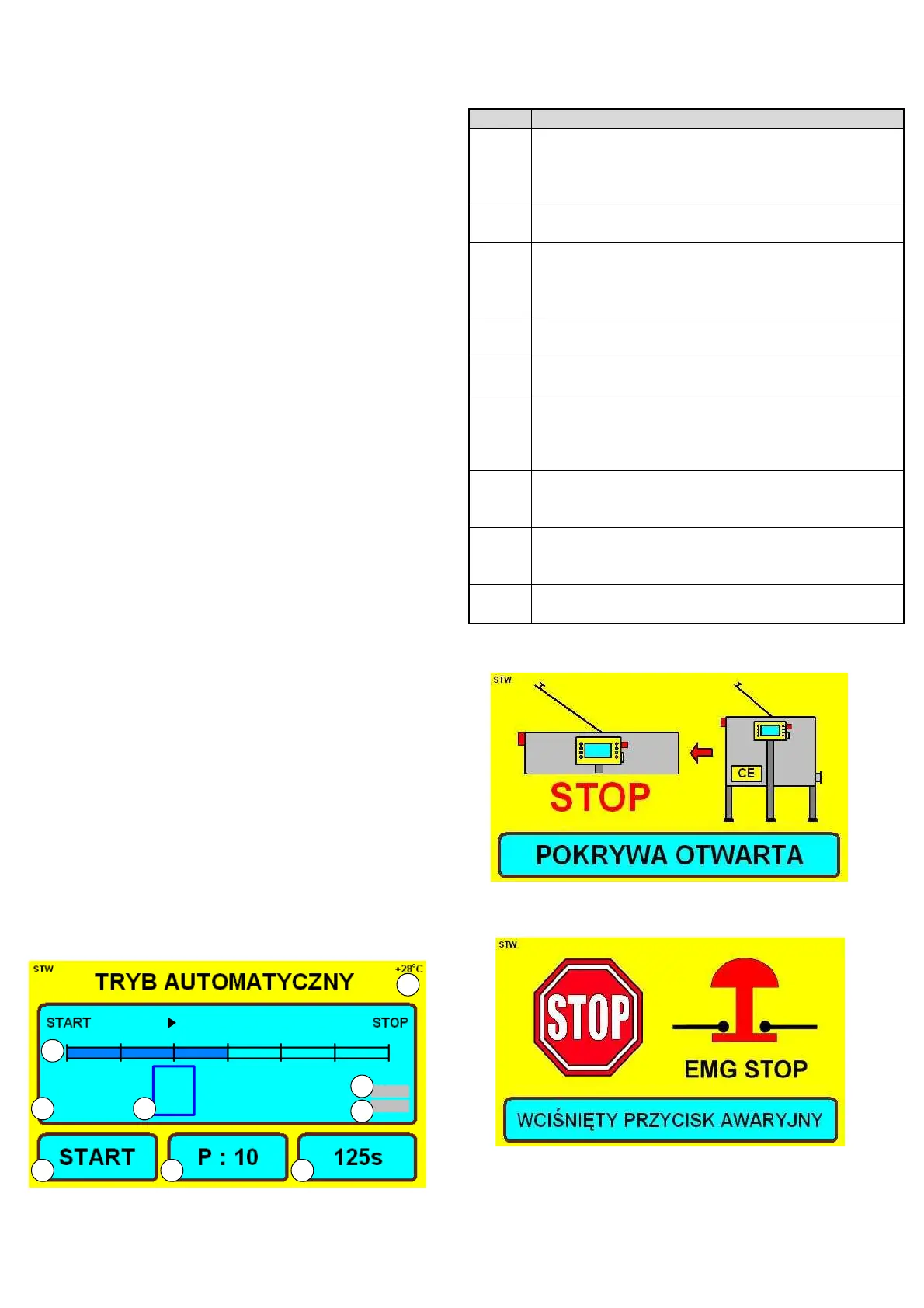
In case when the lid opening is detected or when the
emergency button is pressed, automatic mode operation
stops and a relevant warning message appears on the
screen.In case when a serious error in controller operation
is detected (controller error, fitting error, inverter error),
automatic mode operation stops and an error report shall
appear on the screen
When 30 seconds of idle state is detected, the controller will
activate the screensaver function automatically. Screen-
saving function shall display the slides presenting Łysoń
company. The extractor manufactures has an option to
deactivate the screen-saving function (see: manufacturer-
entering the access code)


 To Next Page
 Loading...