• 2. Configuration.
Item in the menu called Configuration allows to set up the
proper honey extractor type (radial or cassette). Setting the
extractor type is performed on two levels. Firstly, by means
of PLUS and MINUS buttons the relevant extractor type is
selected, next the choice is confirmed by pressing the
START button.
Choice confirmation makes the pre-defined spinning
programmes be loaded – defined by the extractor’s
manufacturer.
Changing the extractor type is possible once the relevant
access code has been entered – see: manufacturer –
entering the access code. Without a code been entered, the
current configuration is specified by grey colouring and the
arrow to show the menu item choice avoids the
configuration field.
• 3. Language.
Item in the menu called Language, allows to set the
language for the honey extractor user’s interface. Changing
the language is possible after the access code has been
entered (access code: 1111).
Without the code been entered, the current language is
specified by grey colouring and the arrow to show the menu
item selection avoids the field Language (number 3).
The code should be entered by entering option number 6.
- set the cursor to item number 6, Manufacturer.
- confirm by the START button.
- the field to enter the code is displayed.
- By means of the buttons „PLUS” and ”MINUS” change
the digit values.
- By means of the button „ARROW LEFT” and „ARROW
RIGHT ” a place to introduce a change can be set.
- Confirm by pressing the START button
• 4. Service.
The item in the menu called Service allows to move to the
screen of the honey extractor drive operating time meter.
The meters show the time in minutes. The upper meter can
be reset (by pressing the MINUS button).
The lower meter displays the total time for which the honey
extractor has operated since manufacturing. Resetting this
meter is possible once the relevant access code has been
entered. Press the STOP button to return to the system
menu.
• 6. Manufacturer
In point 6, the protection codes are to be entered in order to
make the changes in the controller settings.
• 7. Exit / Restart
The item in the menu which allows to exist the controller
configuration mode and to continue extractor’s operation.
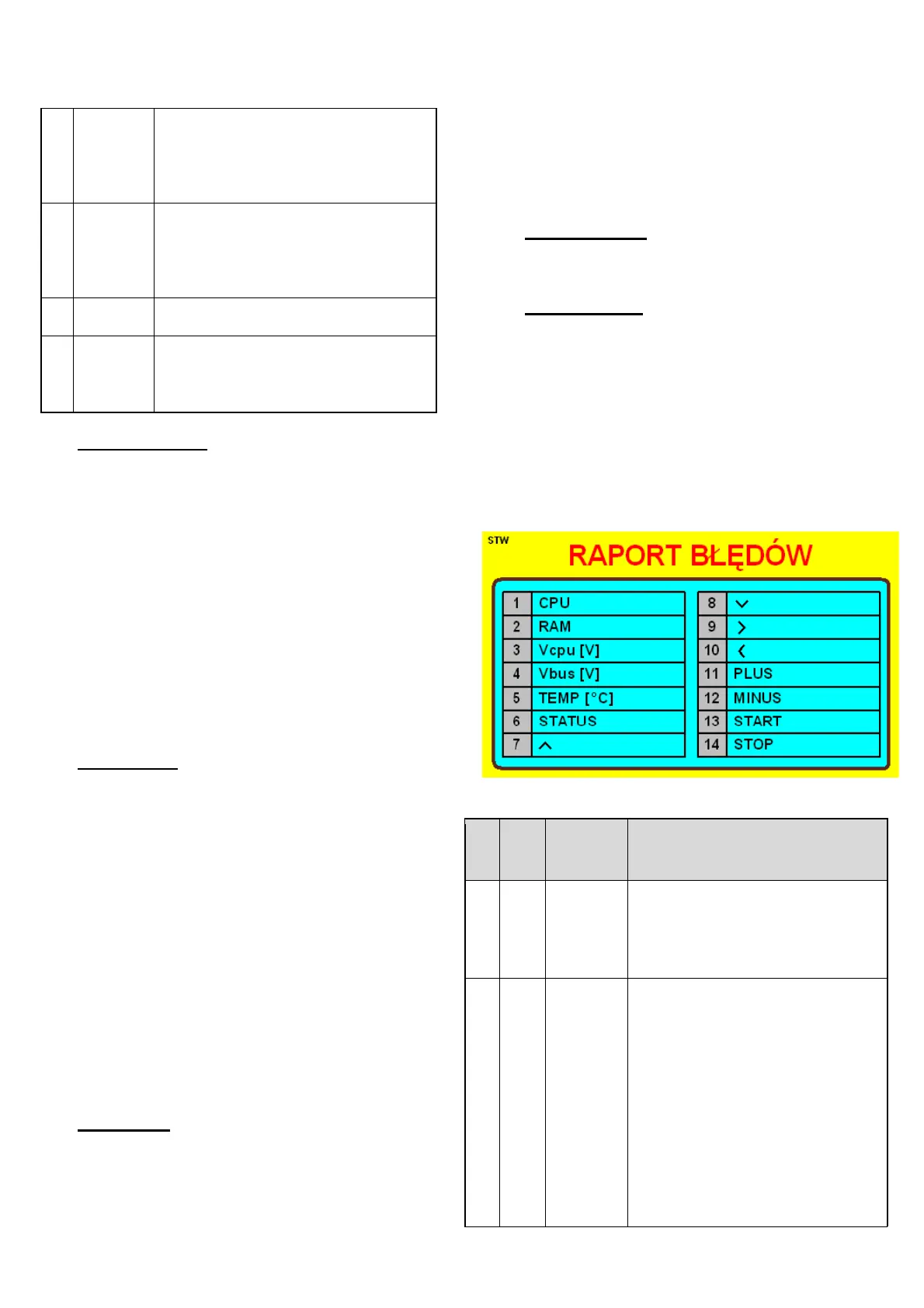
Error report
HE-03 controller is equipped with advanced mechanism for
error detection. Detecting any error triggers the emergency
stopping of the engine and the error report screen appears.
The error report screen is displayed permanently, hence it is
necessary to disconnect the power supply, remove the error
source and restart the controller.
Indication ERROR signals the
detection of data cohesion error in
RAM memory of the controller.
Such a situation is possible in case
of controller’s operation within the
environment characterised by
excessive level of disturbances.
They may be brought about by:
damaged cable connections,
damaged inverter, damaged
inverter’s casing. Other reasons for
this error to occur may be
damaging the main processor


 To Next Page
 Loading...