8
• Use the ▲/▼ buttons to select and the +/- buttons to set the following parameters:
- TEMPO: Sets the recording tempo
- CLICK: Sets whether the metronome is on or off
- TIMESIG: Sets the time signature of the recording
• Press the •ENTER or PLAY/STOP buttons to start recording. There will be a measure of countdown beats to count
you in.
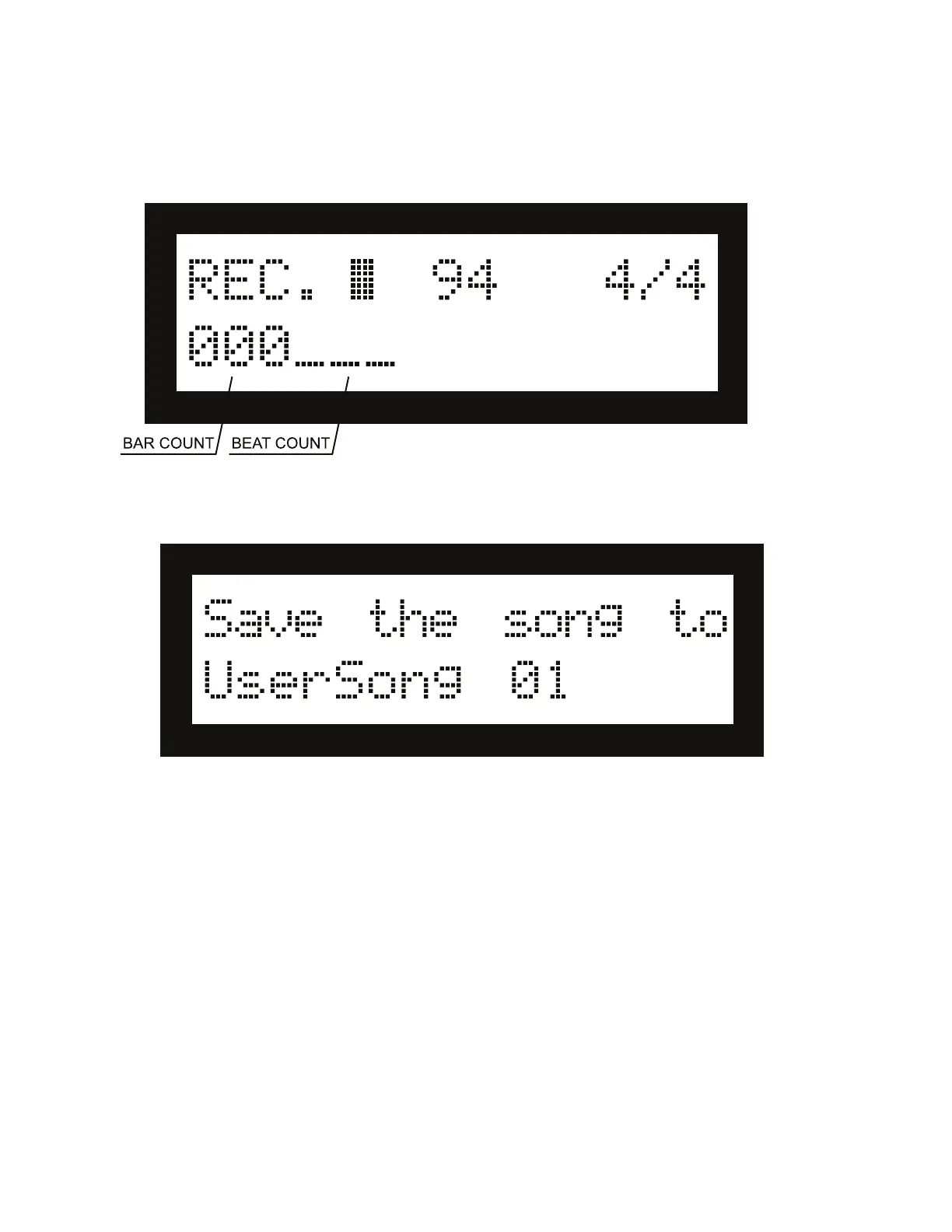
• While you’re recording, the above display will appear, showing the bar count and beat count.
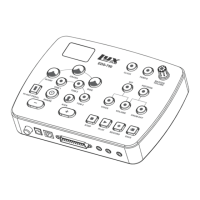
• Press the •ENTER, EXIT, or PLAY/STOP buttons to stop recording. The conirmation interface will then appear.
- Use the +/- buttons or the Value Rotary dial to change the save location, then press •ENTER to save it.
- To cancel saving and delete the recording, press EXIT.
• All saved recordings will be stored with the preix USER SONG. Refer to the SONG PLAYBACK section of this
guide on page 8 for how to play user songs.


 To Next Page