67
PRESS: M
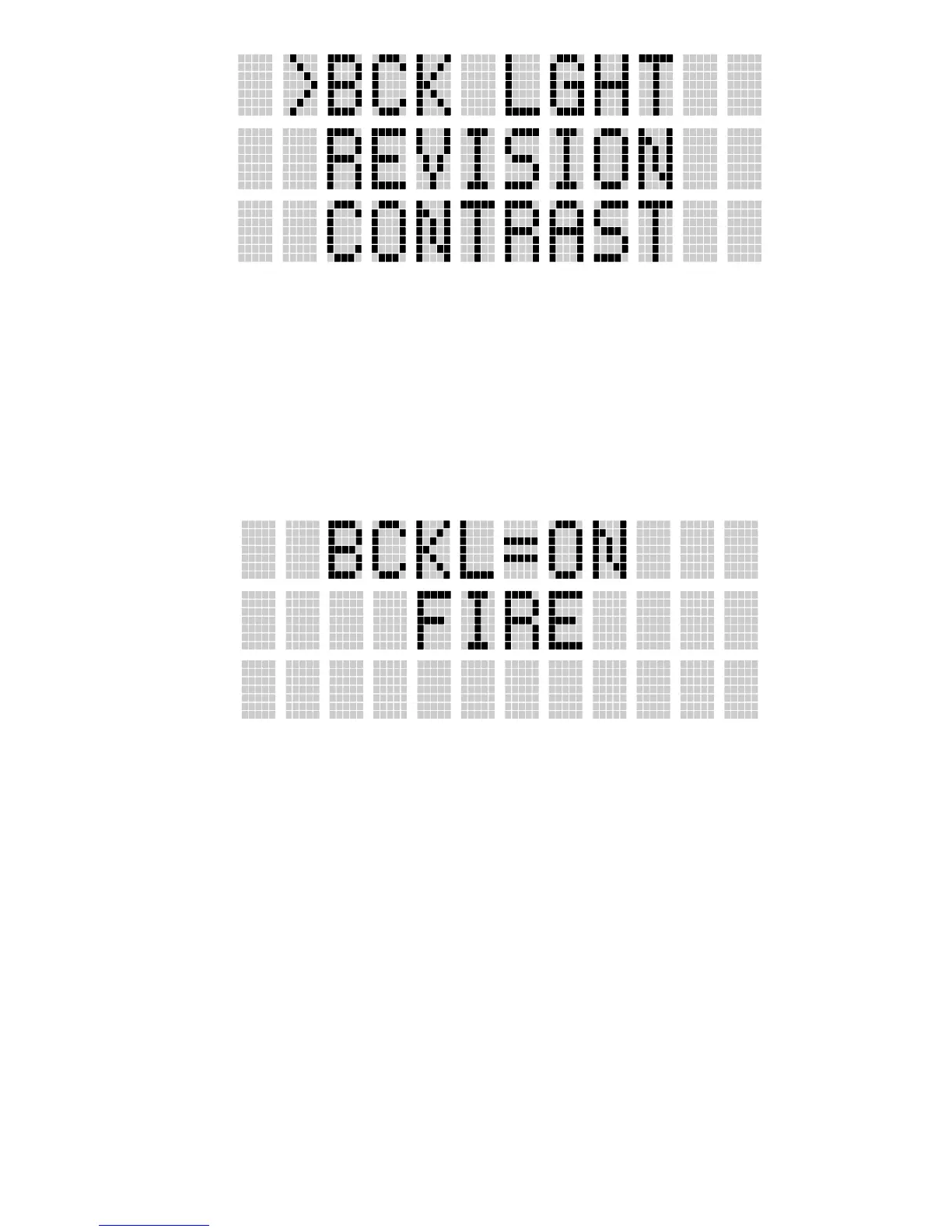
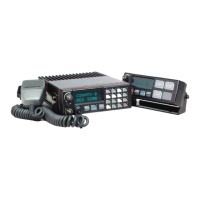
The backlight menu item is activated.
Line one shows the active menu item and its
current parameter setting. Line two shows the
currently selected system or group name.
The menu item's parameter setting shown in the
display can now be changed by using <, or >.
Once the desired setting is reached press M to
store the value and return the menu option selection
level.
For menu items that display radio information
pressing <,or > will scroll through a list of
informational displays. The menu items are listed
Table 2.


 To Next Page