34
Harmonizer
Harmonizer (Merish Plus & Merish Gold)
Plus and Gold versions of Merish also feature a Harmonizer, an audio processor able to sample the microphone signal
and divided it into three additional distinct audio signals, guided by MIDI events.
In practical terms, the resulting effect is vocal harmonization that adds up to three voices to the singer’s, enabling
to create choruses and second voices.
3-voice Harmonizer mode
In order for the voices of the Harmonizer to be in sync and musically suited to each individual backing track, the “parts”
of the vocal harmonization must be contained in the song.
Normally, a dedicated track (MIDI channel) purposely “written” for the vocal harmonization is used.
By default, the songs produced by M-Live use track 5 as the Harmonizer Track.
The Merish Harmonizer can however be set to read the data of any other MIDI track.
Alternatively, the voices of the Harmonizer can be controlled in real time by means of a keyboard connected to the Merish MIDI IN port (which can be
enabled with MENU > MIDI settings > MIDI-In). The data must be fed to the MIDI Channel set using the Harmonizer’s MIDI Track parameter.
Melody Tracker Mode
Instead of as a Harmonizer, the processor can be set as Melody Tracker, a function that allows to force the voice
of the microphone to follow the melody line contained in the song’s Melody Track.
By default, songs produced by M-Live use track 4 as the Melody Track.
However, Merish can be set to play any other MIDI track as a Melody Track with MENU > MIDI settings >
Melody track.
Alternatively, the Melody Tracker function can be controlled in real time by means of a keyboard connected to the Merish MIDI IN port (which can be
enabled with MENU > MIDI settings > MIDI-In). The data must be fed to the MIDI Channel set as the Merish Melody Track.
In practical terms, according to the setting of the proportion of real voice and processed voice (Dry/ Wet
parameter), the Melody Tracker function can be used to scrupulously follow the melody of the song, improve
intonation, double up the voice in unison or in another octave to obtain a fuller voice or a light chorus effect, or to
obtain the type of vocoder effect known as Cher effect (Wet = 50).
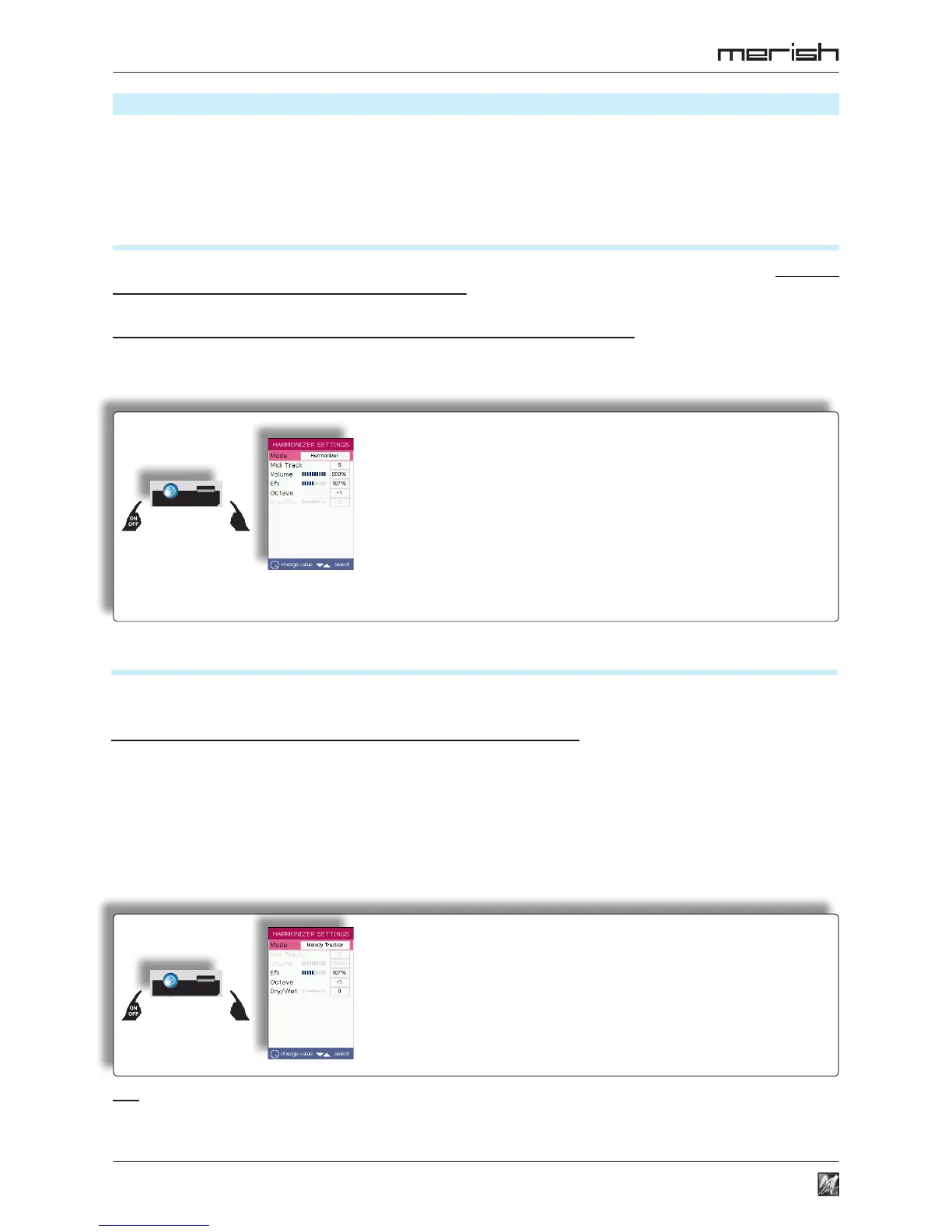
Mode Operating Mode (Harmonizer / Melody Tracker)
Midi Track Track/Channel for reading/receiving MIDI events
Volume Volume of the Harmonizer’s voices
the percentage value shows the level of the Harmonizer’s voices compared to
the level of the microphone signal: 50% = half; 100% = identical; 200% = double
Efx Reverb Send of the Harmonizer
The reverb is the one used for the Microphone (MENU > Mic Effects > MIC PRESETS;
the percentage value shows the level of the send compared to the level of the
Mic Reverb knob: 50% = half; 100% = identical; 200% = double
Octave Octave of transposition of the Harmonizer’s voices
Mode Operating Mode (Harmonizer / Melody Tracker)
Efx Reverb send of the Melody Tracker
The reverb is the one used for the Microphone (MENU > Mic Effects > MIC PRESETS;
the percentage value shows the level of the send compared to the level of the
Mic Reverb knob: 50% = half; 100% = identical; 200% = double
Octave Octave of transposition of the Melody Tracker
Dry/Wet Dry/Wet Balance of the level between the original (Dry)
signal and the processed (Wet) signal.
Trick: with a little skill, using the Melody Tracker function, it is possible to create 2-part harmonies even with files that do not contain a vocal
harmonization track. In fact, while singing, it is possible to have the processor reproduce the Melody Track, while singing a second harmony voice
with one’s own voice. The function can be enabled/disabled as required (e.g. using it only in certain points of a song), by hand (Harmonizer button)
or with a pedal (MENU > General settings > Pedal mode = Harmonizer).



 To Next Page