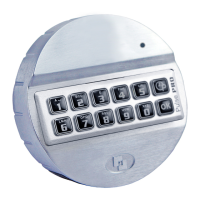
For example!
1
1
1
1
1
1
Enter a valid code. Time delay starts, the light flashes. After the time delay period the open window
time starts. The LED flashes 1x a second and beeps.
9
Press and hold ‘9’ until a double signal sounds. The LED will illuminate when performing the following
actions:
For example!
9
8
7
6
5
4
• Enter the Manager Code
0
0
0
1
• Delete the delay and open window time by entering 00 for the delay setting and 01 for the open
window time.
0
0
0
1
• Enter the delay setting and open window time again
16
USER AUDIT
7
Press and hold ‘7’ until a double signal sounds. The LED will illuminate when performing the following
actions. Listen to tone signals!
For example!
9
8
7
6
5
4
• Enter the Manager Code
1
2
3
4
5
6
7
8
9
0
• Enter 1, 2, 3, 4, 5, 6, 7, 8, 9, 0 to stop
Double signal
= active user with code
One signal = active user without code (or disabled)
Long signal = user not active


 To Next Page