MT-500 31
• Use the SELECT/ENT knob to select the desired format, either 12 HR or
24 HR.
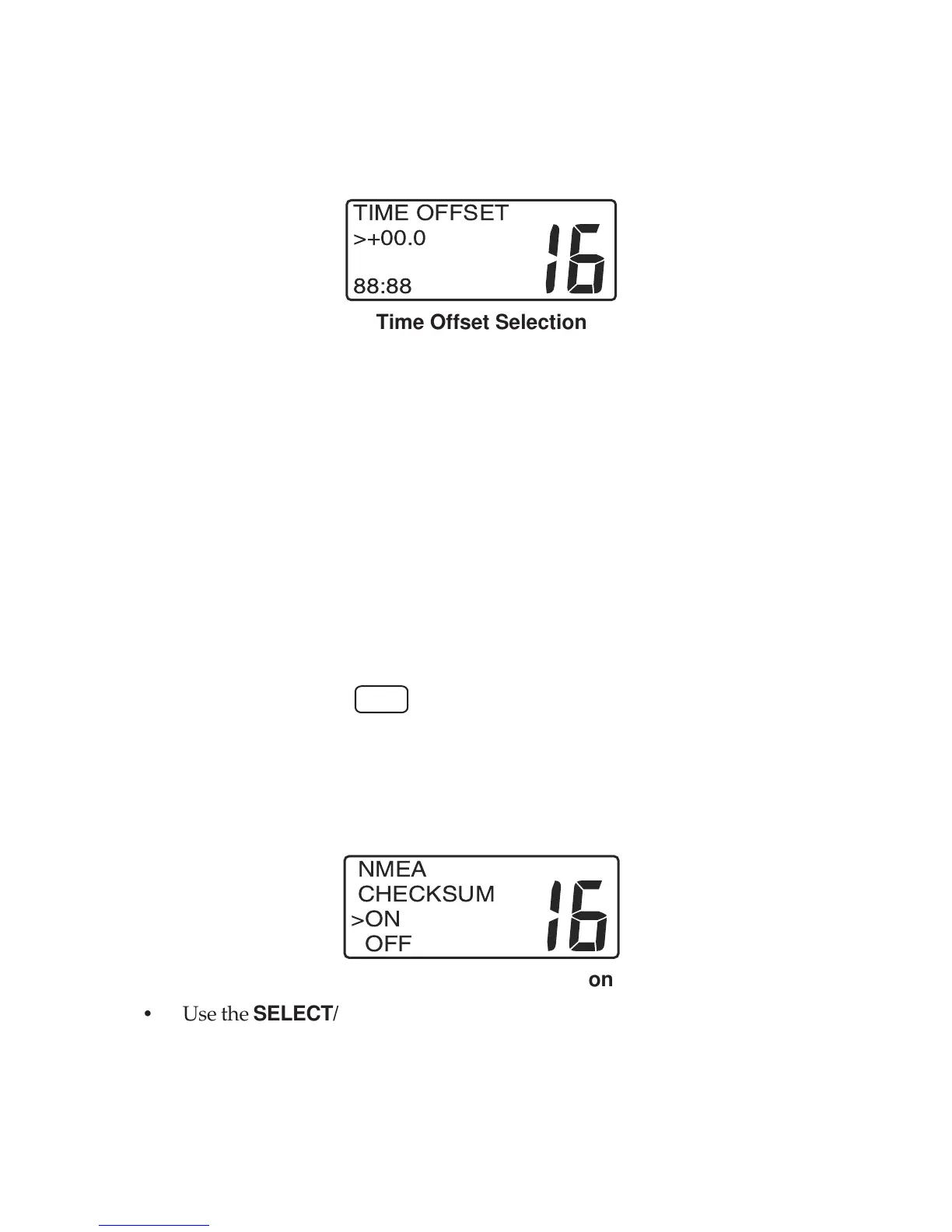
• Push the SELECT/ENT knob. The TIME OFFSET menu appears in the
display.
INT
TIME OFFSET
>+00.0
88:88
Time Offset Selection
• Use the SELECT/ENT knob to set the time difference from the Prime Me-
ridian to your location. If you are West of the Prime Meridian, select a
negative (—) value. If you are East of the Prime Meridian, select a positive
(+) value. Time offset values from 0 to 12 hours plus or minus may be
entered in 1/2 hour increments. Obtain the time offset value from your
GPS navigator.
• When your selection is complete, push the SELECT/ENT knob to store
the setting and exit the menu.
NMEA SET
Allows NMEA sentences from navigation equipment manufactured to earlier
versions of the NMEA standard to provide Lat/Lon position coordinates and
UTC time.
• Press and hold the
CALL
key. Menu topics appear in the display.
• Use the SELECT/ENT knob to position the cursor on the NMEA SET
topic.
• Push the SELECT/ENT knob. The NMEA CHECKSUM menu appears in
the display.
INT
NMEA
CHECKSUM
>ON
OFF
NMEA Checksum Selection
• Use the SELECT/ENT knob to select either ON or OFF.
• When your selection is complete, push the SELECT/ENT knob to store
the setting and exit the menu.


 To Next Page