MT-500 41
INT
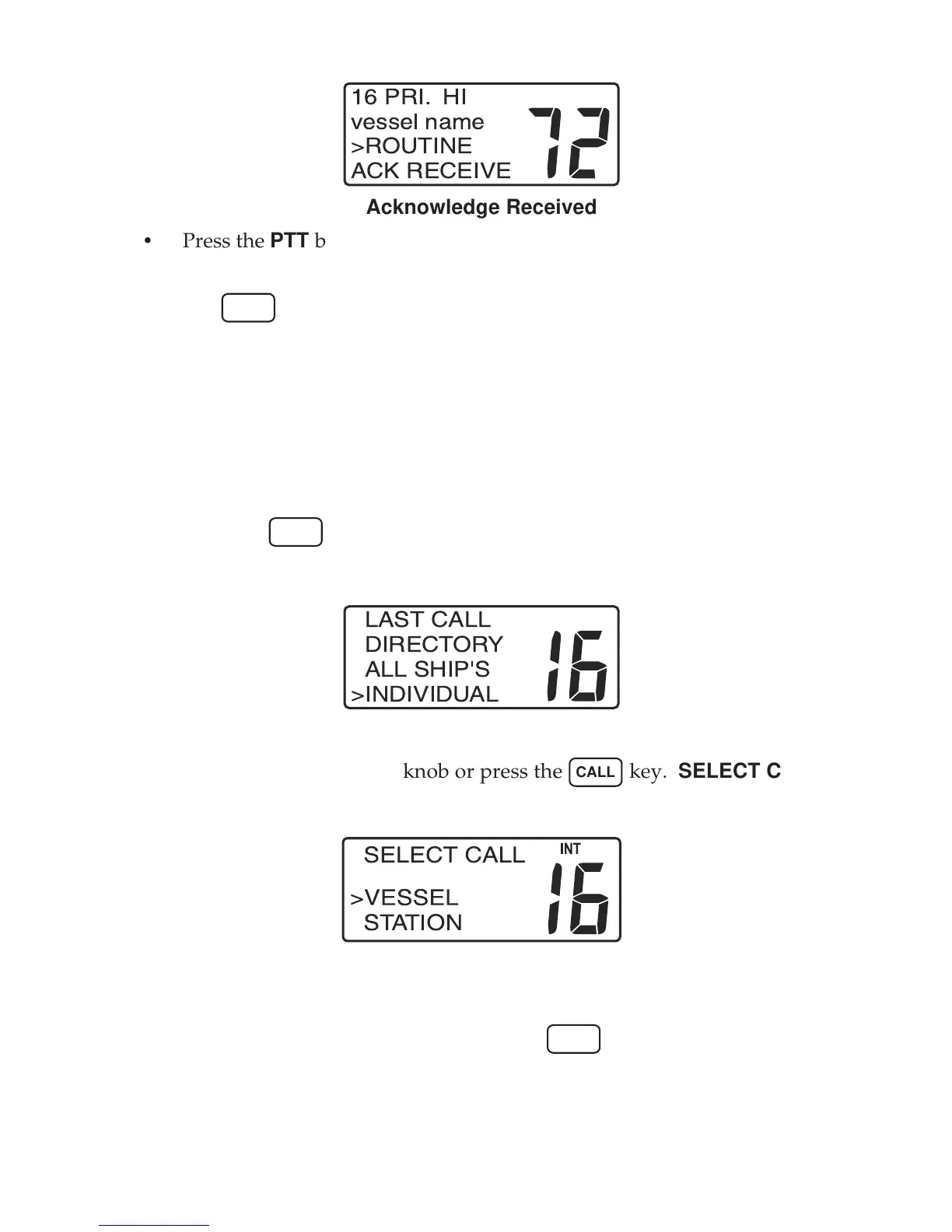
16 PRI. HI
vessel name
>ROUTINE
ACK RECEIVE
Acknowledge Received
• Press the PTT button on the microphone to silence the alert and begin
voice communication with the called vessel.
• The
END
key may be used to exit the DSC calling procedure at any time
prior to sending the call.
- Manual Call
The manual call procedure is used to make a DSC call to a vessel or station
that is not listed in your calling directory. However, you must know the
MMSID for the vessel or station.
To make a manual DSC call:
• Press the
CALL
key. The DSC calling menu appears in the display.
• Use the SELECT/ENT knob to select the INDIVIDUAL topic on the menu.
INT
LAST CALL
DIRECTORY
ALL SHIP'S
>INDIVIDUAL
DSC Manual Call
• Push the SELECT/ENT knob or press the
CALL
key. SELECT CALL
menu appears in the display.
Select Call
• Use the SELECT/ENT knob to select either VESSEL or STATION.
• Push the SELECT/ENT knob or press the
CALL
key. The SET CHannel/
SET MMSID screen for vessel and SET MMSID screen for station appear
in the display respectively.


 To Next Page