MT-500 33
INT
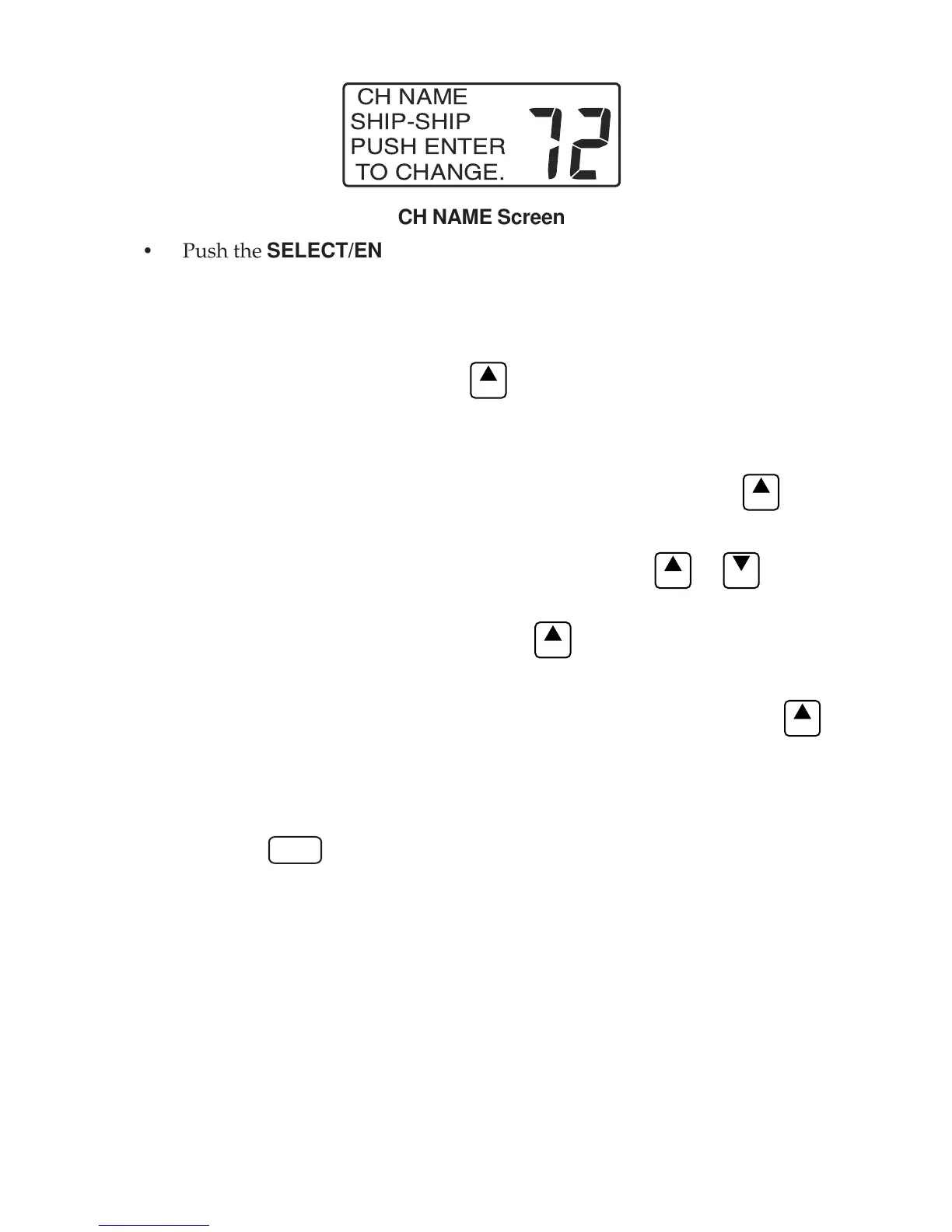
CH NAME
SHIP-SHIP
PUSH ENTER
TO CHANGE.
CH NAME Screen
• Push the SELECT/ENT knob. The underline cursor appears at the first
character position.
• Use the SELECT/ENT knob to move the underline cursor to the character
position needing change.
• Push the SELECT/ENT knob or
ENT
key. The blinking cursor appears.
• Use the SELECT/ENT knob or microphone keys to change the contents of
the character to the new value.
• When the new value is correct, push the SELECT/ENT knob or
ENT
key.
• Up to eleven characters are allowed in the channel name. If more charac-
ters need changing, push the SELECT/ENT knob or
ENT
or
EXIT
key to
move the cursor to the next desired character. If no more changes are
desired, push the SELECT/ENT knob or
ENT
key to advance the cursor to
the last character.
• When the last character is selected, push the SELECT/ENT knob or
ENT
key.
• STORED OK appears briefly in the lower line of the display completing
the entry.
• Press the
16
key to return to the Main display.


 To Next Page