22 MT-700
Some controls like
VOL
ume,
SQ
uelch,
LAMP
,
CONTRAST
and
MIC LOCK
work
separately from your
MT-700
transceiver:
Volume and Squelch
The
VOL
ume and
SQ
uelch controls work separately from
MT-700
transceiver.
To set the
VOL
control:
•
Press the
key. Rotate the
SELECT/ENT
dial to increase or decrease the
volume.
To set the
SQ
control:
•
Press the
key. Rotate the
SELECT/ENT
dial to increase or decrease the
squelch level.
LAMP
The
LAMP
adjustment works separately from
MT-700
transceiver, but how to adjust is
same as
MT-700
. See the
LAMP
topic of
6.7 Main Menu Topics
section.
CONTRAST
The
CONTRAST
adjustment works separately from
MT-700
transceiver, but how to
adjust is same as
MT-700
. See the
CONTRAST
topic of
6.7 Main Menu Topics
section.
MIC LOCK
In order to prevent accidental key operation, Keypad (except
PTT
,
DISTRESS
keys and
SELECT/ENT
dial
) of your
MT-RM01
Remote Mic may be locked.
•
Press and hold the
SELECT/ENT
dial.
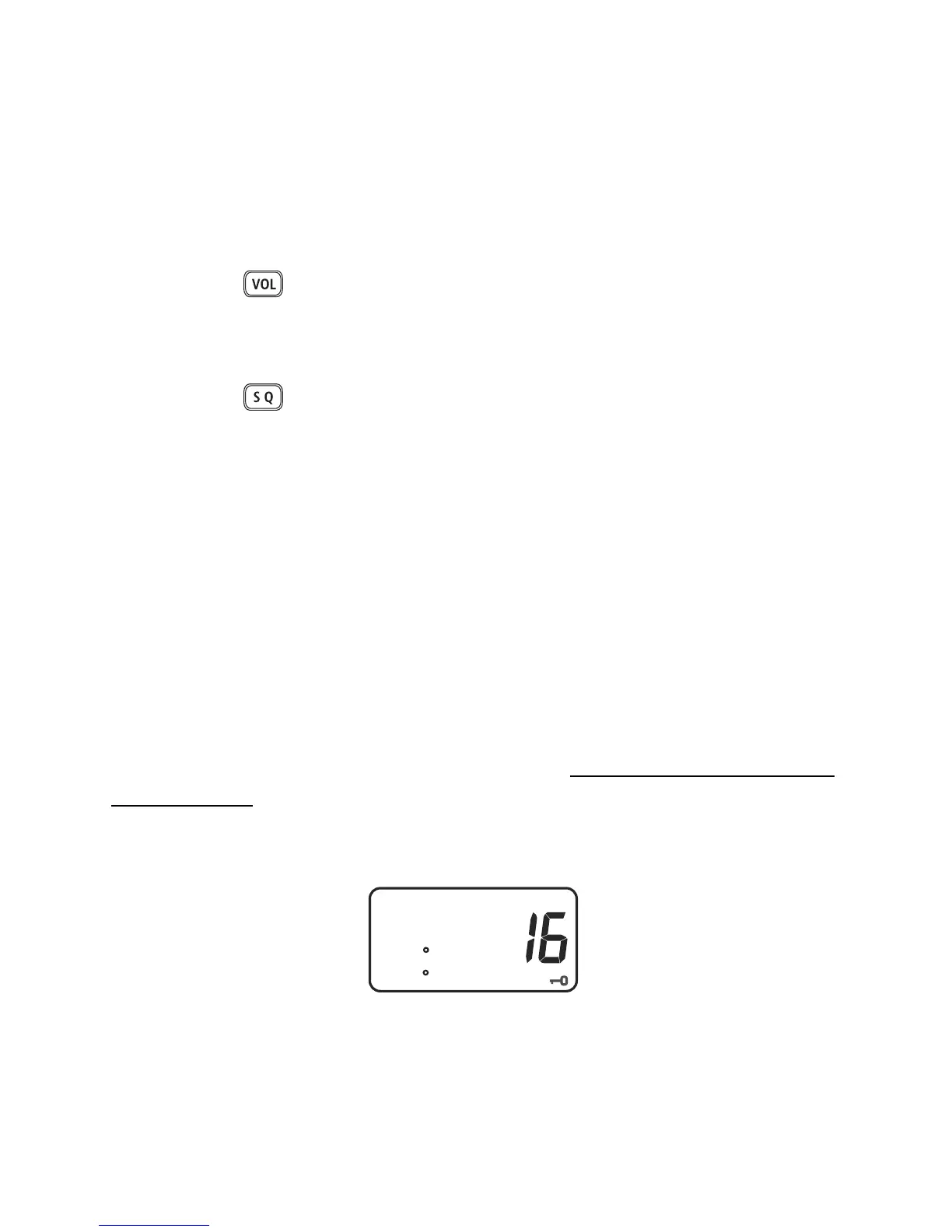
MIC LOCK
annunciator appears in the
display.
I
16 PRI. HI
MEM CHANNEL
W 83 42.169
N 28 04.814
Mic Key Lock annunciator
To unlock the Keypad:
•
Push and hold the
SELECT/ENT
dial until
MIC LOCK
annunciator is gone.


 To Next Page