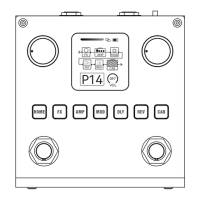
⑦ Preset number, Blackbox includes 80 Presets, with the rst 40
(P01~P40) containing default facto eects. When you need the
facto reset, you can separately reset these 40 Presets to the
default values. If you want reset all the 80 Presets, it is also feasible.
Note: Enter the mobile APP or computer software inteace to
peorm this operation.
⑧ The volume of current Preset.
⑨HOME illuminated Button(BT status light), click the HOME
button to display the Main Display Screen on the screen, then press
the HOME button again to enter the Module Operation Screen.
Press and hold it to open/close the BT. When the button light o,
the BT had been turned o; when the button light ashing, it means
BT is turning on, but not in connection; when the button light keep
on, it means BT has been connected.
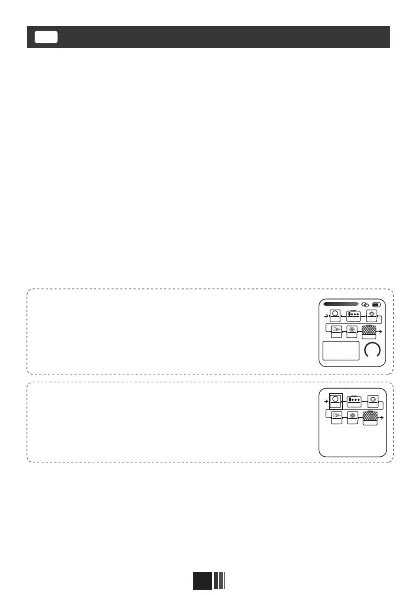
"Main Display Screen" is the home page displayed
right after the power is turned on. You can directly
see the key information and settings of the
current Preset, you can also know about batte
conditions and other information and so on.
Module Operation Screen: In this screen, you
can easily operate the connection order of 6
modules, you can also open/close a module
freely by using two Footswitches.
Front panel
EN
5
FX
AMP
MOD
D LY
CAB
REV
P14
097
VOL
FX AMP MOD
D LY
CAB
REV
P14


 To Next Page