YOUNG DSD
DIGITAL-TO-ANALOG CONVERTER AND PREAMPLIFIER
REVISION 1.1 – march 2014
Copyright © 2014, M2Tech Srl
47
www.m2tech.biz
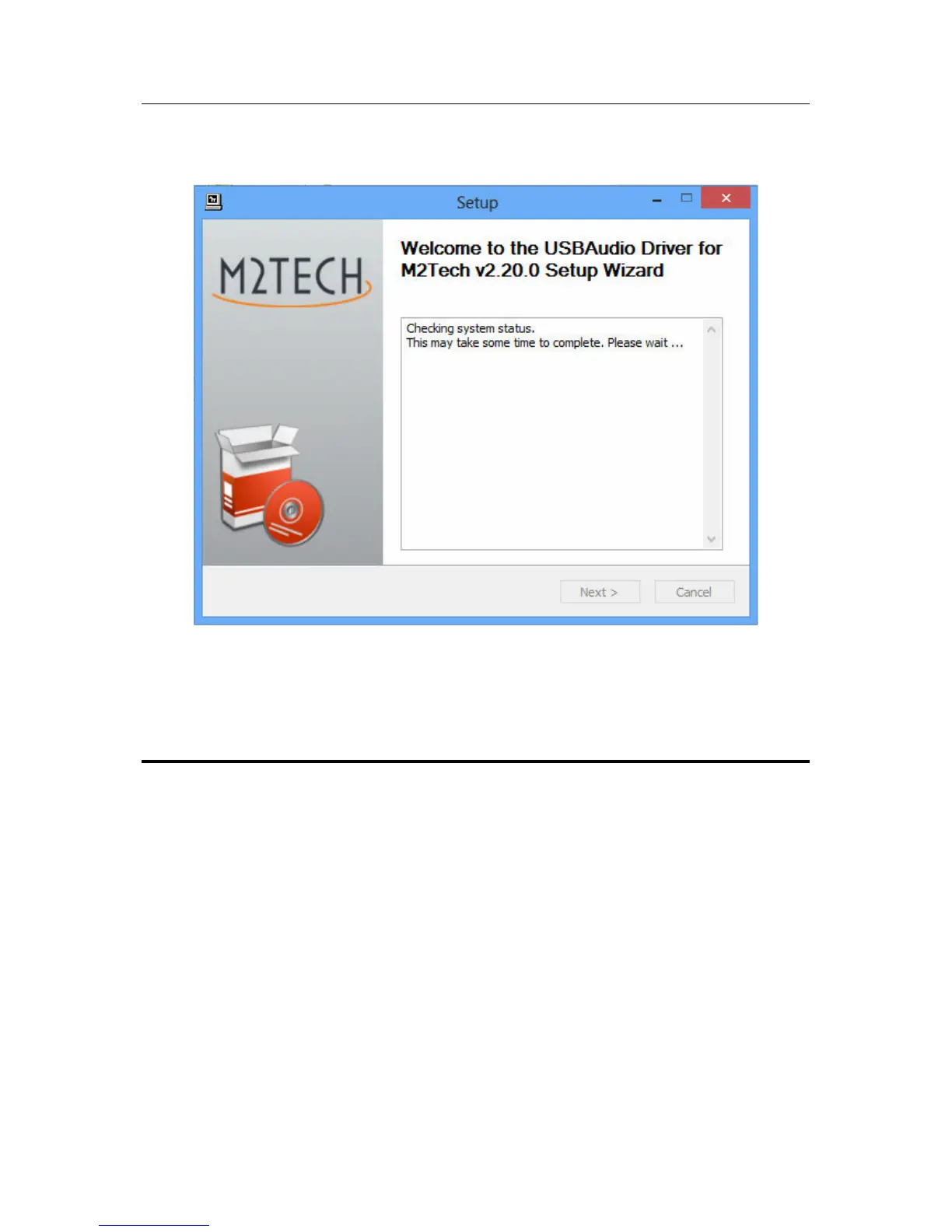
Connect the YOUNG DSD to the computer and switch it on. Then, click on the “Next”
button to proceed with installation. The window shown in Fig. 24 will appear.
Figure 24
If the DAC is correctly connected to the computer, after a few seconds the window
shown in Fig. 25a will appear. If necessary, indicate a folder of your choice, otherwise
leave the one proposed by the setup. Click on the “Install” button.


 To Next Page