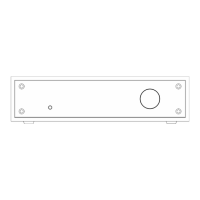
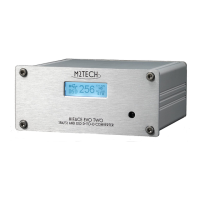
YOUNG
384
k
H
z
/32bit digital-TO-ANALOG CONVERTER
REVISION 1.o – NOVEMBER 2010
Copyright © 2010, M2Tech Snc di Manunta & Marino
15
M2Tech
www.m2tech.biz
Right-click to access the available actions.
Select “Uninstall”.
5.4.3. Uninstalling the driver on a Mac
Open a console, then type the following commands:
sudo mv /System/Library/Extensions/Young.kext /tmp
sudo touch /System/Library/Extensions
sudo pkgutil --forget com.m2tech.driver
Then, restart the Mac.


 To Next Page