16
160 Series Control System
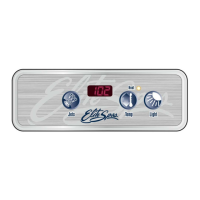
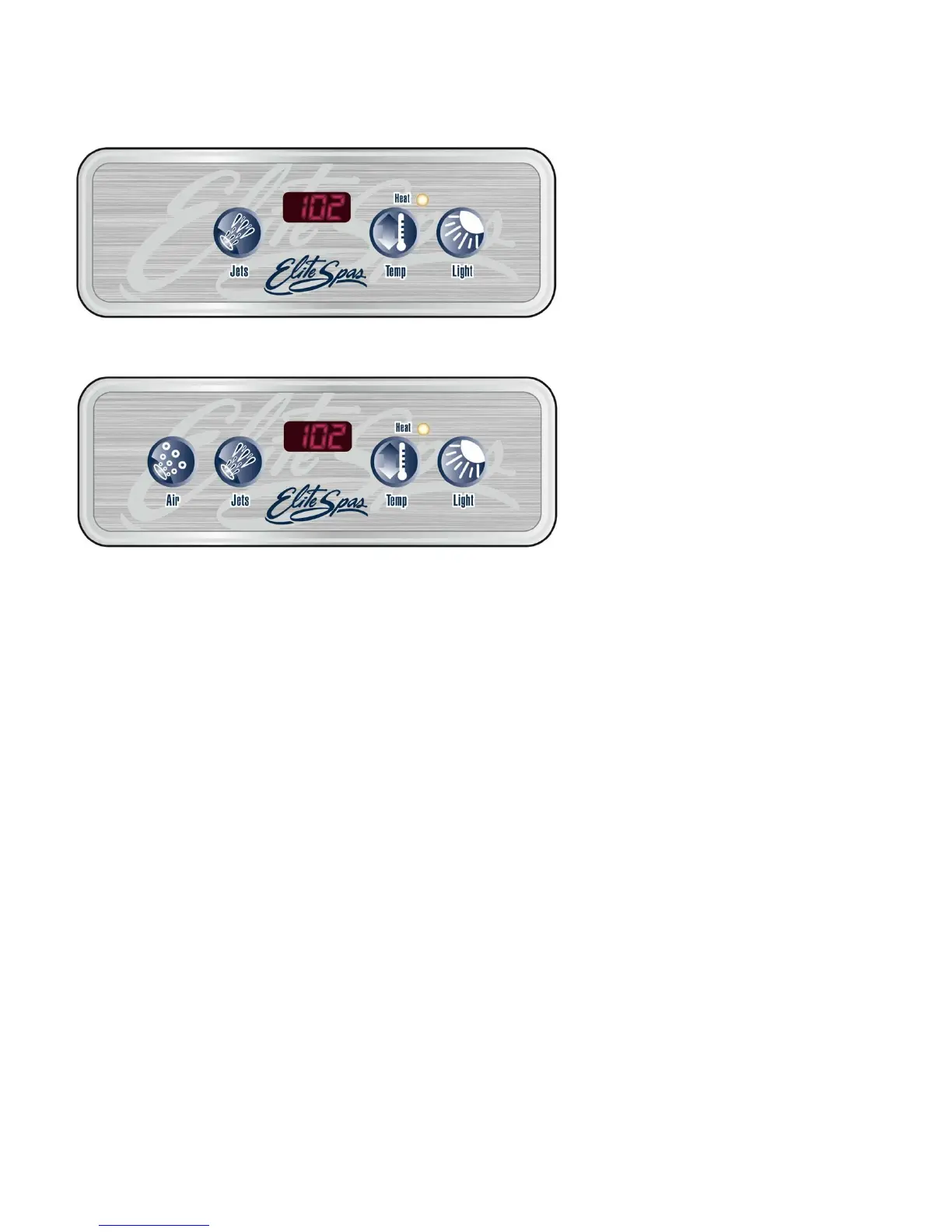
EL173 Topside Control
EL174 Topside Control
Powerworks™ 160 Serie Control
System
The 160 Series Powerworks™ Controls offer you
the ultimate in spa control. The backlit, Liquid Crystal
Display (LCD) displays current temperature, set water
temperature, and operating mode settings. Each feature
is actuated through the control panel pad. Touch the
appropriate button to activate the desired function.
At start up, when power is supplied to the spa, the
controls will operate properly and safely under the
factory settings. The spa will be in Standard mode,
have a temperature setting of 100°F, and a filtration
cycle duration of 2 hours. To fully utilize the unique
capabilities of the control system, it is important to
know how to set the temperature, operate the pumps,
operate the light, adjust the mode setting, and change
the filtration cycle.
User’s Pads
User’s Pads are the buttons located on the topside
control panel and are used to program various spa
functions (i.e., turn on spa light, set temperature, etc.).
The following table defines the buttons:


 To Next Page
 Loading...