9
Shortcut keys
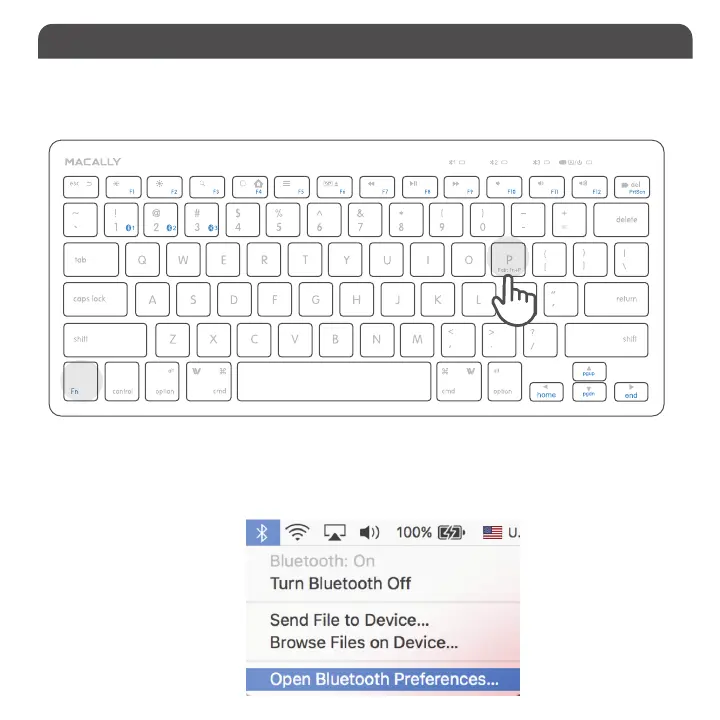
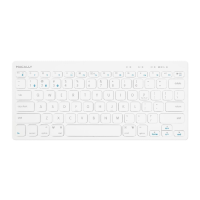
1. After a Bluetooth device(for Mac) is selected, for the first time use, pairing is required. Press Fn and P keys
simultaneously to set keyboard in pairing mode, the device LED flashes blue quickly.
2. Please click the Bluetooth icon in your computer’s menu bar located in upper right corner of
your screen.
Make sure Bluetooth is turned to On then select “Open Bluetooth Preferences ...” in the drop down
menu.
Pairing the keyboard with Mac


 To Next Page