Pairing the keyboard with your Windows PC
13
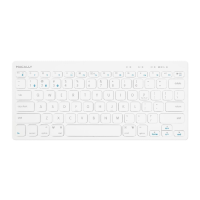
1. After a Bluetooth device(for Windows PC) is selected, for the first time use, pairing is required. Press
Fn and P keys simultaneously to set keyboard in pairing mode, the device LED flashes blue quickly.
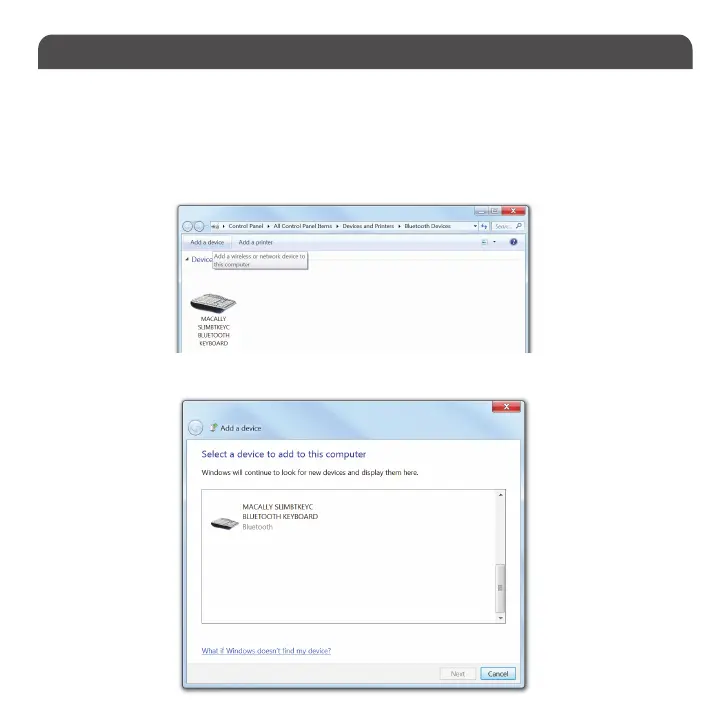
2. In Windows PC, go to Devices and Printers and select Bluetooth Devices.
3. Click “Add a device” at the top left corner like shown in the picture.
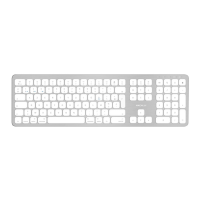
4. Once you see the Macally Bluetooth Keyboard appear, select it and press “Next”


 To Next Page