15
Pairing the keyboard with iPad/iPhone
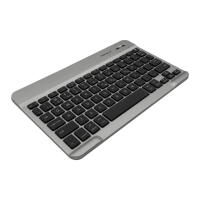
1. After a Bluetooth device(for iPad or iPhone) is selected, for the first time use, pairing is required.
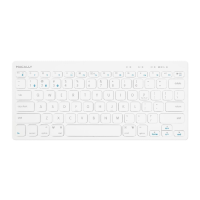
Press Fn and P keys simultaneously to set keyboard in pairing mode, the device LED flashes blue
quickly.
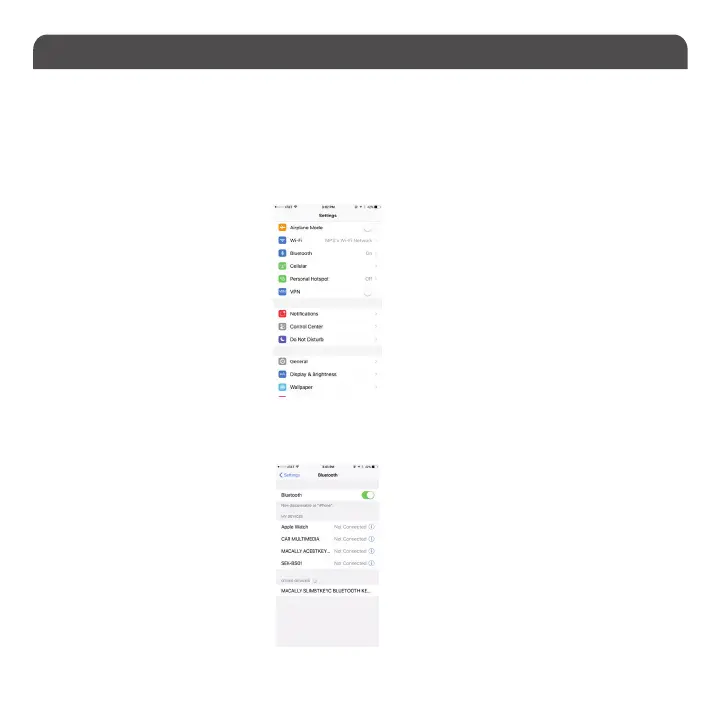
2. Bring your iPad or iPhone near by the keyboard. Open up “setting” then Bluetooth”.
3. Turn on Bluetooth, under the “Bluetooth” menu, it will auto search for the new Bluetooth devices....


 To Next Page