ABOUT KEYLINKER
Introduction
Machenike is committed to creating an awesome gaming experience for
every gamer. Since there are many platforms support gamepads, and every
gamer and even every different game may require different settings to
match the game operation. Machenike Keylinker supports custom settings
for gamepad buttons, trigger , macros and joystick etc.
Connection steps
1.After download KEYLINKER APP on the phone , when it is started at the first
time , the relevant permission application pops up and needs to be confirmed
according to the prompts.
2.Turn on the gamepad in any mode, you can search for "HG510W_APP" in
the Keylinker software homepage.
3.Click "HG510W_APP" to connect and enter the custom interface.
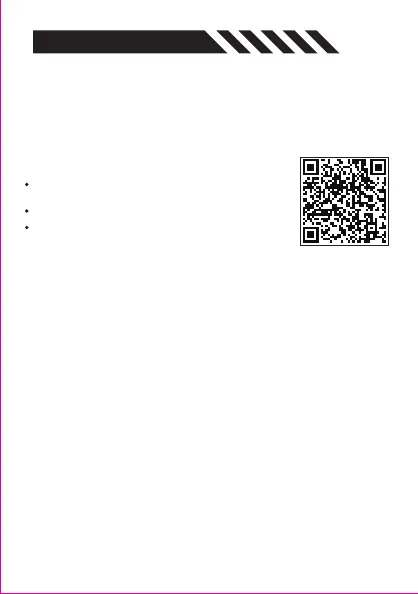
Download APP-Android/HarmonyOS/IOS
Download the APP and the relevant updated software
on Machenike official website.
URL: https://global.machenike.com/
Please download the Android version for HarmonyOS.


 To Next Page