Any problem, please feel free to contact us.
5
Install Expan sion Card
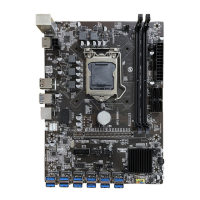
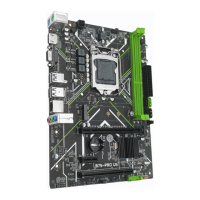
The motherboard provides 1 PCI Express 3.0 x16 expansion slot and 1 PCI Express 3.0 x1
expansion slot.
Place the expansion card in an available PCI Express slot and press the expansion card until it
is fully inserted into the slot.
Important
• When adding or removing expansion cards, always turn off the power supply and unplug
the power supply power cable from the power outlet to prevent hardware damage.
• If the expansion card is not installed correctly, it may cause a short circuit throughout the
metal pins, which could burn out the expansion card or the motherboard.
Back Panel Connectors
USB 2.0 Port
The USB port supports the USB 2.0 specification. Use this port for USB devices.
USB 3.0 Port



 To Next Page
 Loading...