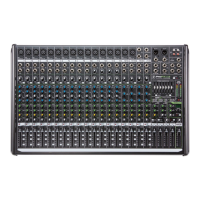
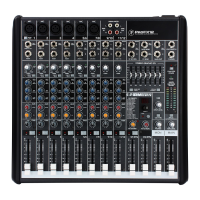
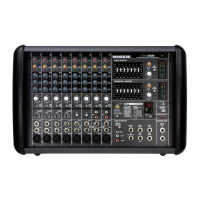
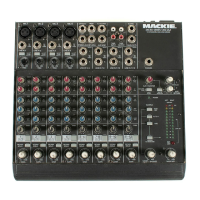
ProFX4v2
16
ProFX4v2
If you think your mixer has a problem, please check
out the following troubleshooting tips and do your best
to confirm the problem. Visit the Support section of our
website (www.720trees.com) where you will find lots of
useful information such as FAQs, documentation and
any updated PC drivers etc. You may find the answer to
the problem without having to send your mixer away.
Troubleshooting
Bad Channel
• Is the channel gain set correctly?
• Is the channel level up enough?
• Try the same source signal in another channel,
set up exactly like the suspect channel.
• Is phantom power required for your
microphone?
Bad Output
• Is the main level turned up?
• Unplug anything from the other line-level
outputs, such as monitor out, just in case
one of the external pieces has a problem.
• Make sure that you are not overdriving the
amplifiers. Check the loudspeaker average load
impedance is not less than the minimum the
amplifier can handle. Check the speaker wiring.
Noise
• Turn the channel gains down, one by one. If the
sound disappears, it’s either that channel or
whatever is plugged into it, so unplug whatever
that is. If the noise disappears, it’s from your
whatever.
Power
• The power LED should come on if the mixer is
connected to a suitable live AC mains outlet,
and the power switch is on. Check to make sure
that the AC adaptor is securely plugged in.
Repair
For warranty service, refer to the warranty
information on page 23.
Non-warranty service is available at a factory-
authorized service center. To locate your nearest
service center, visit www.720trees.com, click
“Support” and select “Locate a Service Center.”
Service for ProFX4v2 mixers living outside the
United States can be obtained through local dealers
or distributors.
If you do not have access to our website, you can call
our Tech Support department at 1-800-898-3211,
Monday-Friday during normal business hours, Pacific
Time, to explain the problem. Tech Support will tell you
where the nearest factory-authorized service center is
located in your area.
Appendix A: Service Information


 To Next Page