GU_GAS_TRACKER_V_1_00_US 10/18
Prelocate mode
Use Prelocate mode to quickly identify the area where the pipe is located.
- Press the ‘on’ button.
- Press ‘Prelocate’ button.
- Put the listening device where the pipe is supposed to be (or where you think it is)
- Wait two seconds.
- Read the bars on the screen in real time.
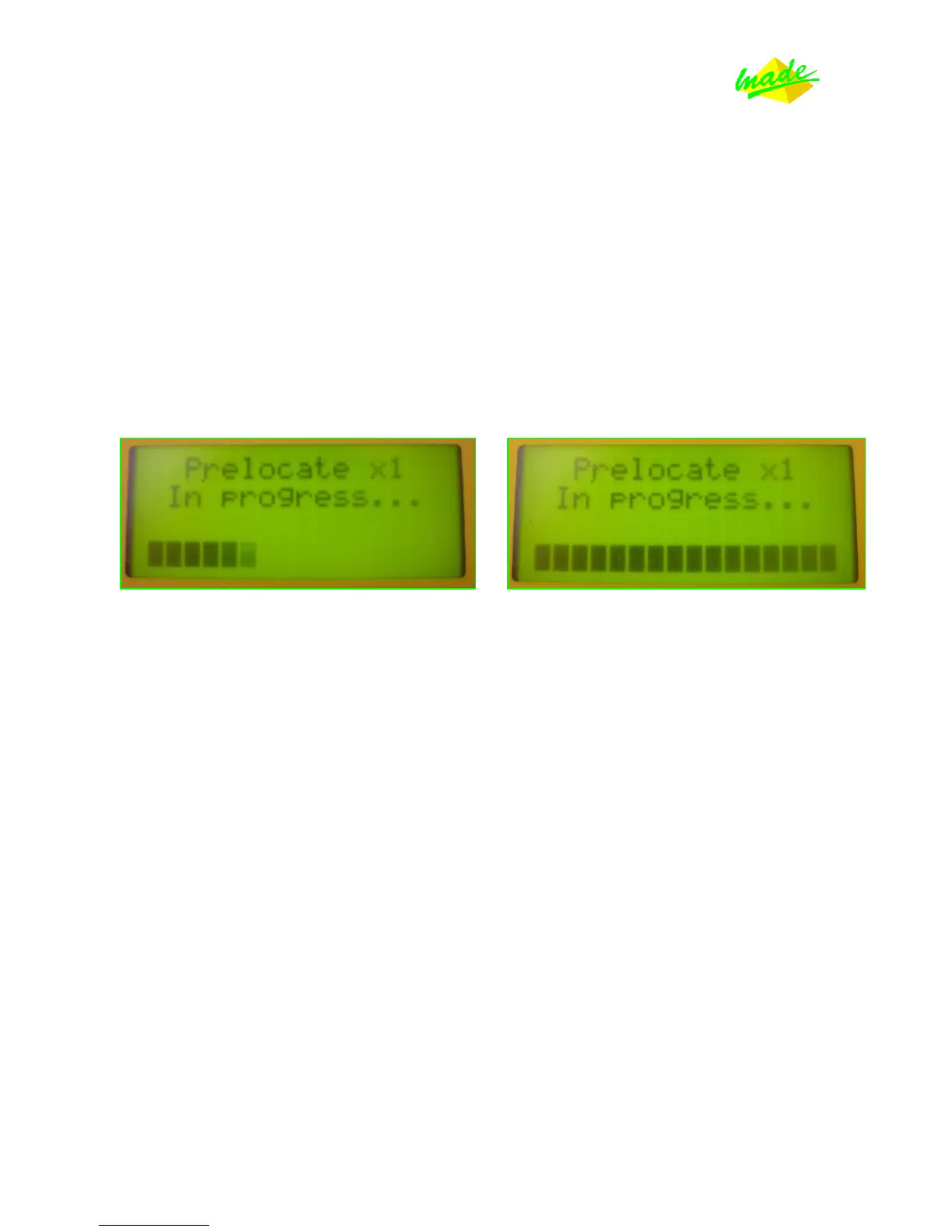
Results will appear as a bargraph:
Left: a little bit of signal Right: a lot of signal
For both: check that the bars remain constant
If you are over the pipe, there will be a lot of bars across the screen. If you do not see any bars,
the pipe is certainly somewhere else.
In this mode, your results will be slightly impacted by the ambient noise. If you stomp on the
floor, you will see a lot of bars on your screen, BUT these bars will disappear to zero a few
seconds later.
This is why, in Prelocate mode, you are looking for constant bars.
Constant bar = Constant vibration = Constant signal sent by the transmitter.
Example: If you have to locate the pipe in a street, always check with Prelocate mode the entire
street in perpendicular to cover the entire surface, from one sidewalk to the other. If you do
this, you should find a place where you have a lot of signal: your pipe is there.



 To Next Page