GU_GAS_TRACKER_V_1_00_US 11/18
Pin-Point mode
In Pin-Point mode, you will identify the exact location of the pipe.
- Press ‘Pin-Point’ button (if you were in Prelocate mode).
- Wait about 12 seconds.
- Read the value on the screen.
Results will be displayed as percentages. Note that the receiver also displays the history of the
last five values calculated.
You are not looking for 100% of signal. You are looking for the highest value measurable.
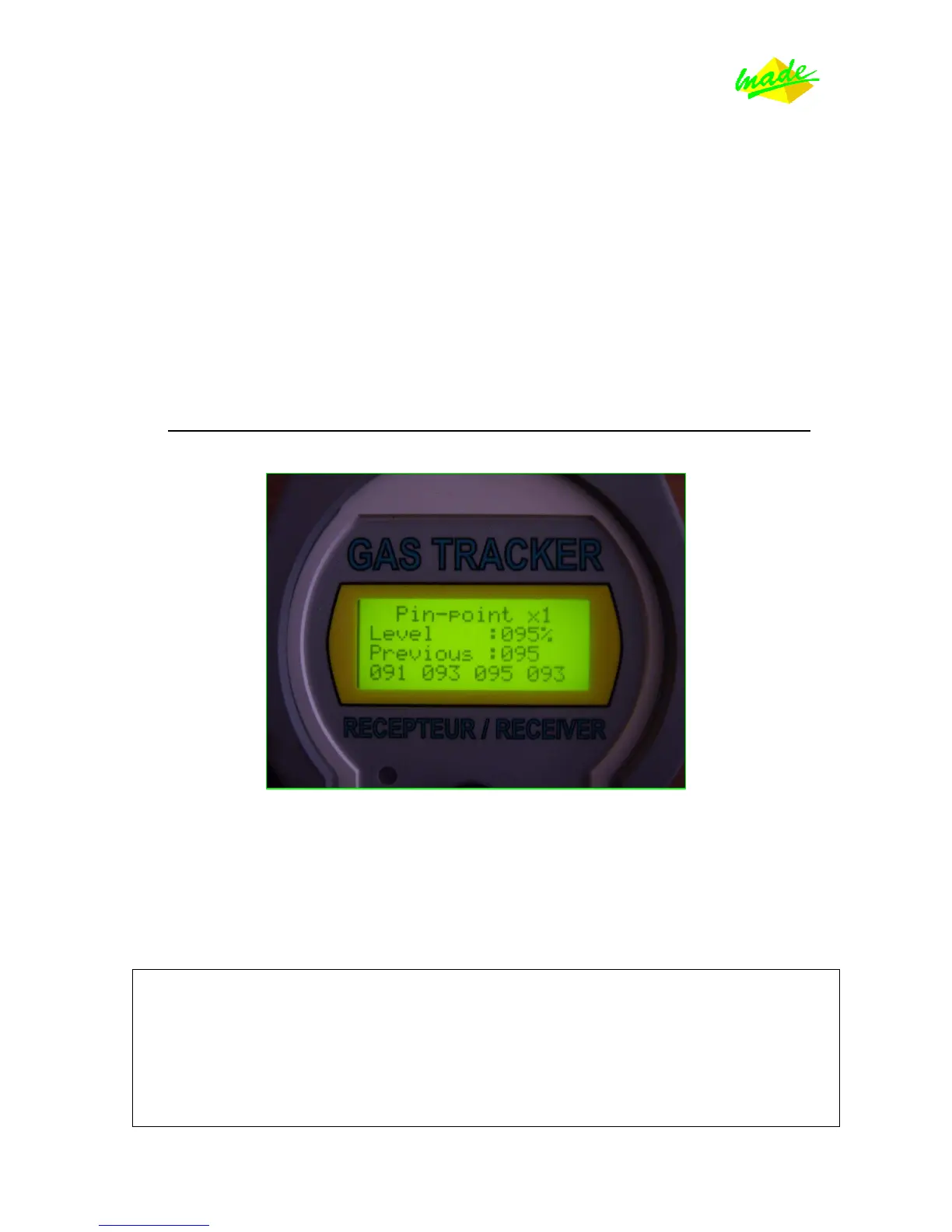
Here ‘Pin-Point x1’ means Pin-Point mode in Gain 1.
The level of signal is 95% at this position; and the previous values were 95%, 91%, 93%, 95% and
93%.
It seems like the signal is very powerful at this location. In this situation we would recommend
you move a few feet away from the transmitter to be able to have more distinctive values.
ATTENTION: All results under 20% are too low to be coming from the pipe.
These low values are of no interest to you.
Results from 20% to 40% are considered mediocre.
Results from 40% to 70% are considered good.
Results from 70% to 99% are excellent.



 To Next Page