26
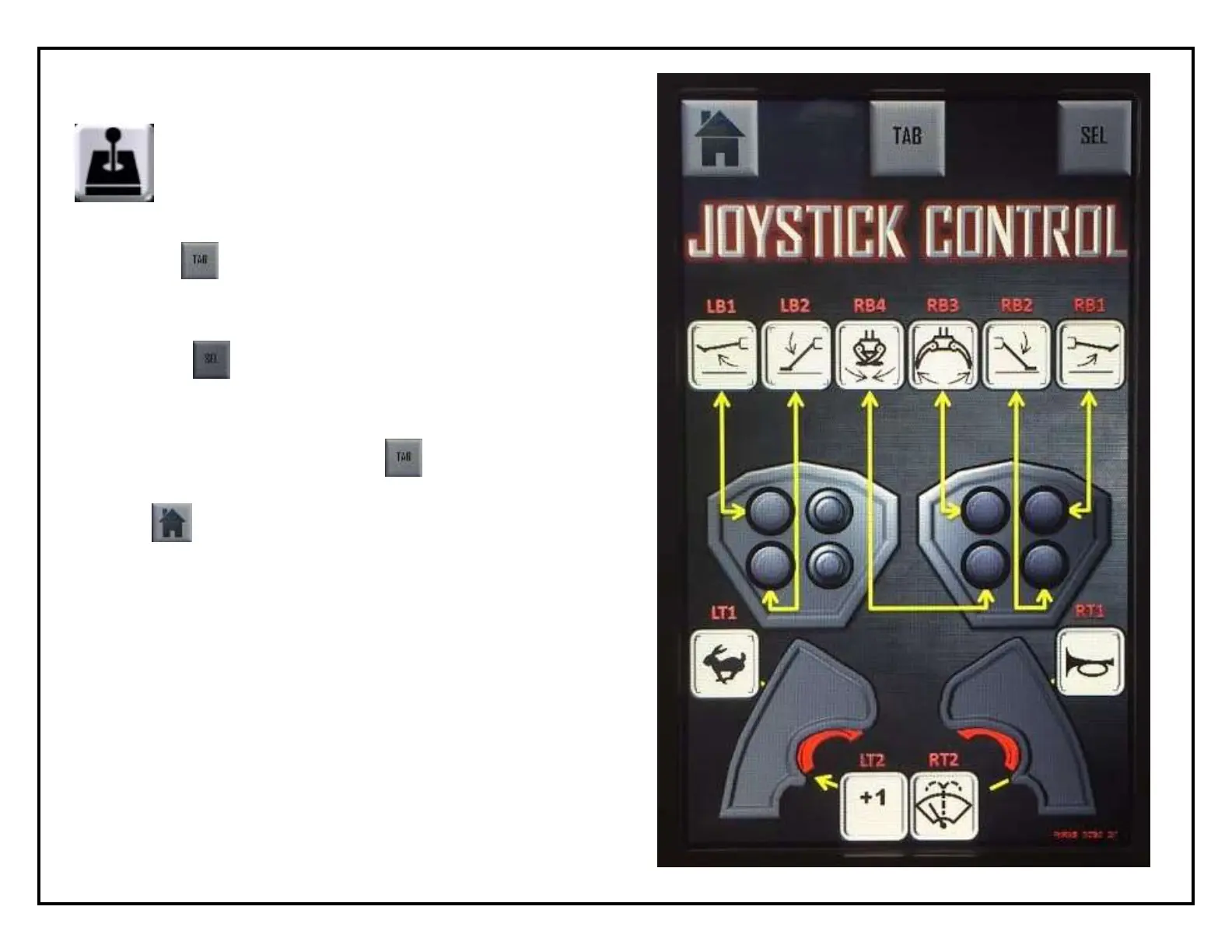
Joystick Set-up
Use the button to scroll the red marker through to
the control you wish to change
Once the control you wish to change is highlighted red,
press the button to scroll through the available
options
When you have found your new desired control press
you wish to set, simply press the button until the red
highlighting around the symbols disappears
The button will bring you back to the main screen



 To Next Page