GB-18
• Swipe the touch screen with your ngers to the
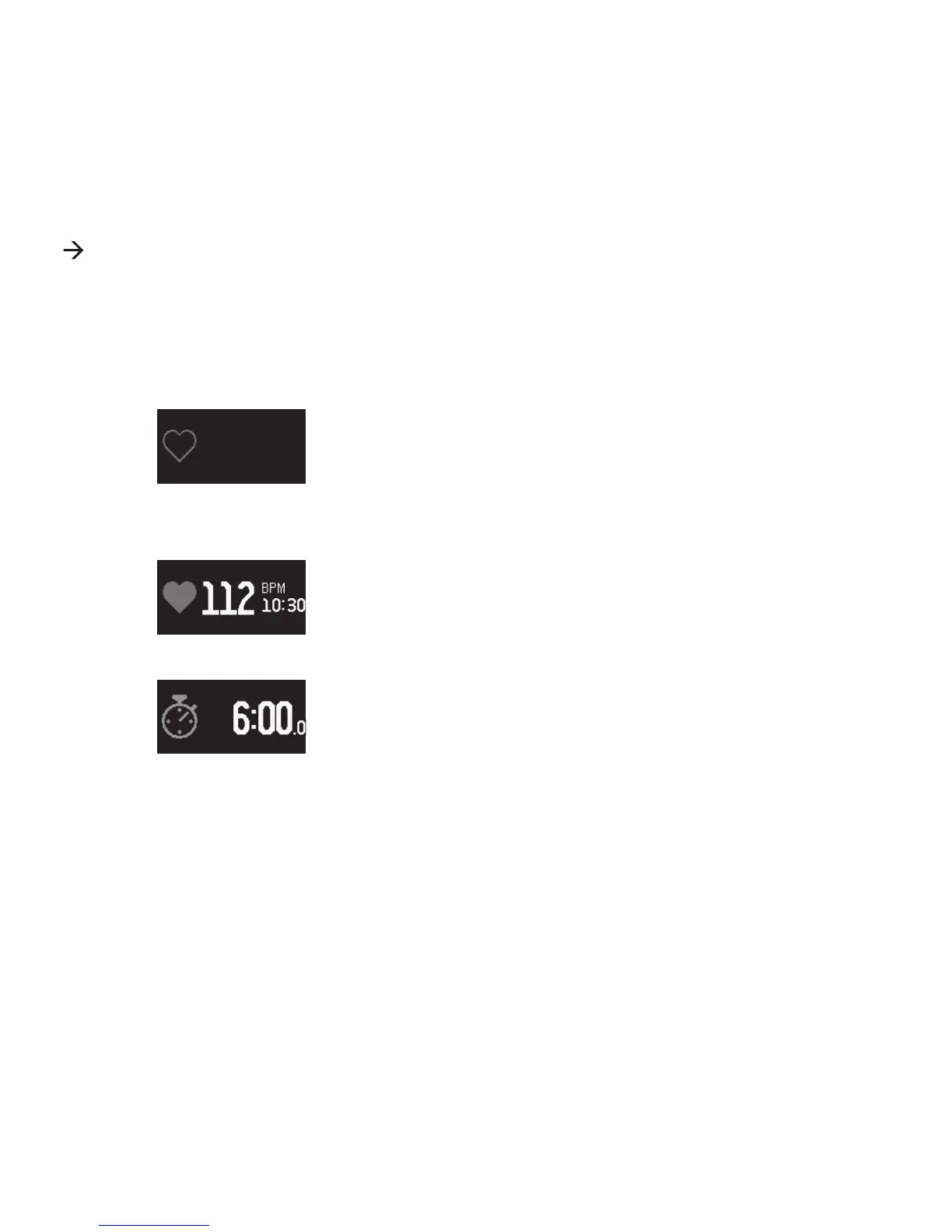
right for this menu to display the present heart
rate data. Enable the heart rate monitor in the
CT-04+ App.
• Display when heart rate monitor off
• Display when heart rate monitor on
• Swipe the touch screen with your ngers to the
right for the Stop Watch menu to be displayed.
• Tap and hold the touch screen for 3 seconds or
more to start the stop watch.
• Tap and hold the touch screen for 3 seconds or
more to stop the stop watch.
Data displayed by our CT-04+ Candy Tech Smart Go Time is daily data.
Data collected by your CT-04+ Candy Tech Smart Go Time can be
synchronized, displayed and records analyzed using “ACTIVI-TY” menu
in the CT-04+ App. The CT-04+ Candy Tech Smart Go Time performs an
automatic reset daily at 0:00 h.


 To Next Page