GB-19
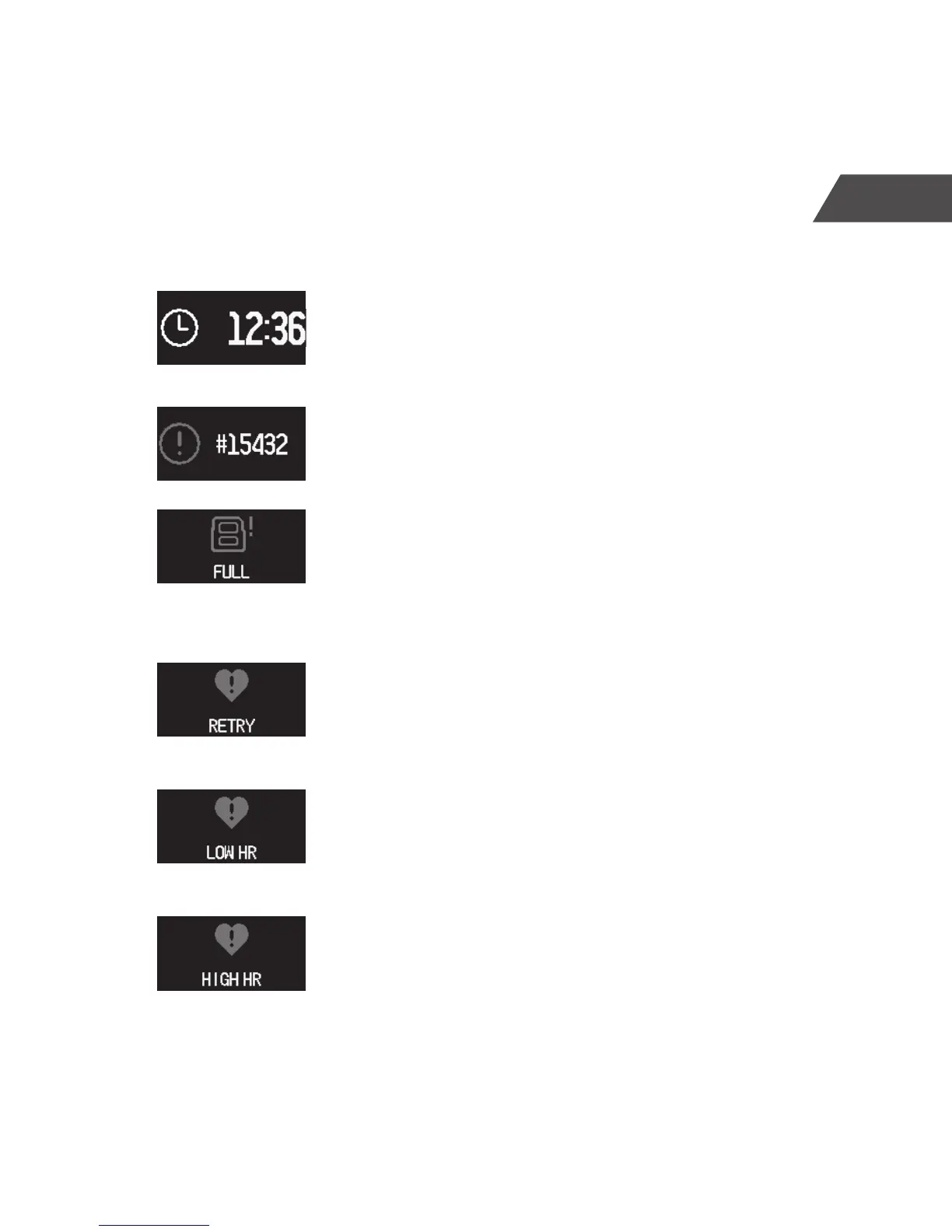
• Tap and hold clock screen for 3 seconds to check
the device information.
• The device information is displayed
• When the memory of the CT-04+ Candy Tech
Smart Go Time is full, the “FULL” icon will be
displayed. Re-syncing data with the CT-04+ App,
will clear the memory.
• Retrieving the heart rate failed. Retrying.
• Warning: Heart rate above the set limit.
• Warning: Heart rate below the set limit.
Checking device info


 To Next Page