GB-22
Troubleshooting
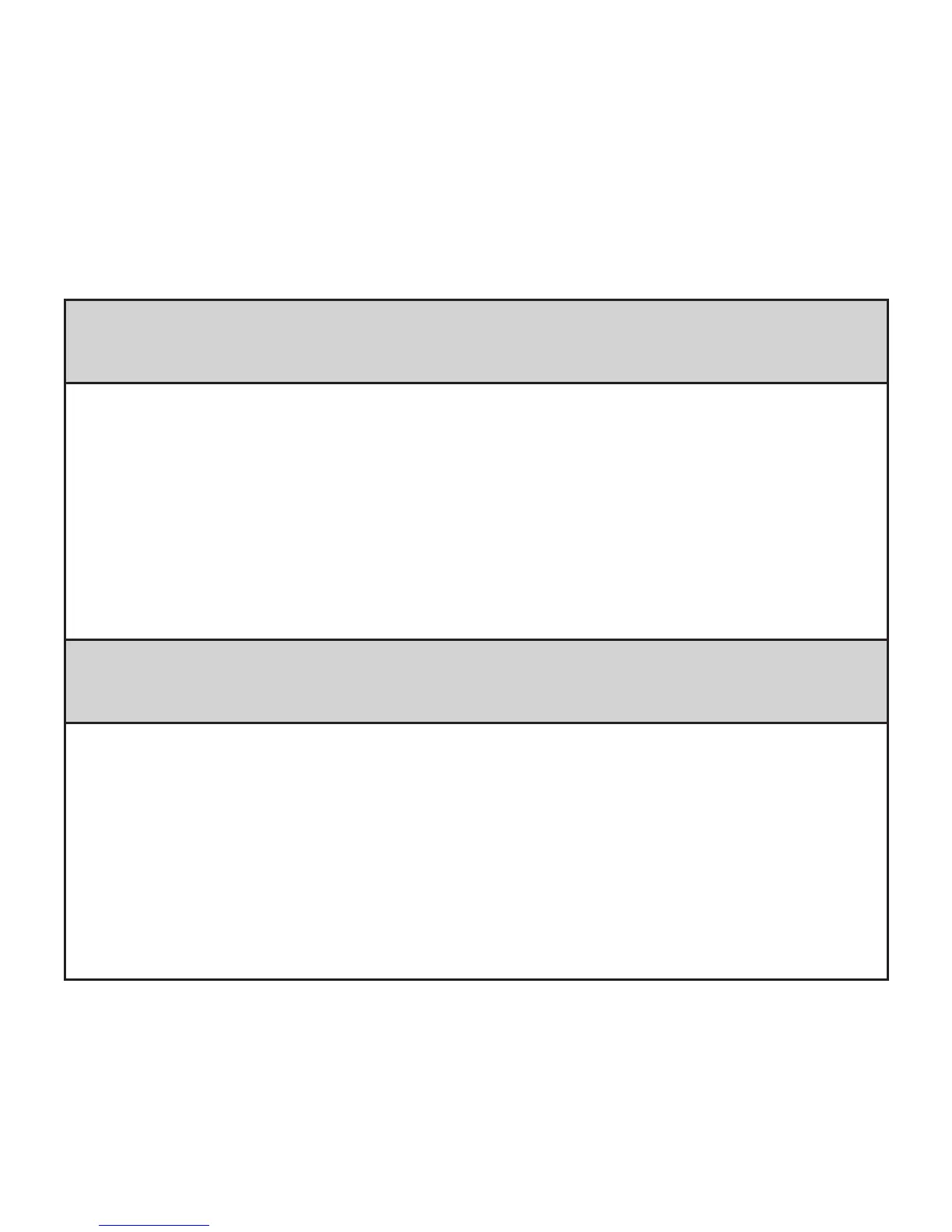
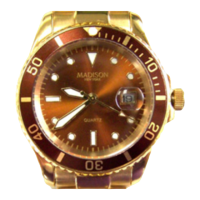
CT-04+ App failed to connect with the CT-04+ Candy Tech Smart Go
Time
1. Check if your network connection and Bluetooth settings are turned
on. Both, phone network and Bluetooth, need to be on at the same
time for data synchronization.
2. Check if your CT-04+ Candy Tech Smart Go Time is near your phone.
The maximum transmission distance range is 5 meters.
3. Make sure that the CT-04+ Candy Tech Smart Go Time is not
connected to another account.
CT-04+ App failed to synchronize data with the CT-04+ Candy Tech
Smart Go Time
1. Check if your network connection and Bluetooth settings are turned
on. Both, phone network and Bluetooth, need to be on at the same
time for data synchronization.
2. Check if your CT-04+ Candy Tech Smart Go Time is near your phone.
The maximum transmission range is 5 meters.
3. Make sure that your CT-04+ Candy Tech Smart Go Time is properly
paired with your wireless device.


 To Next Page