EasyManua.ls Logo

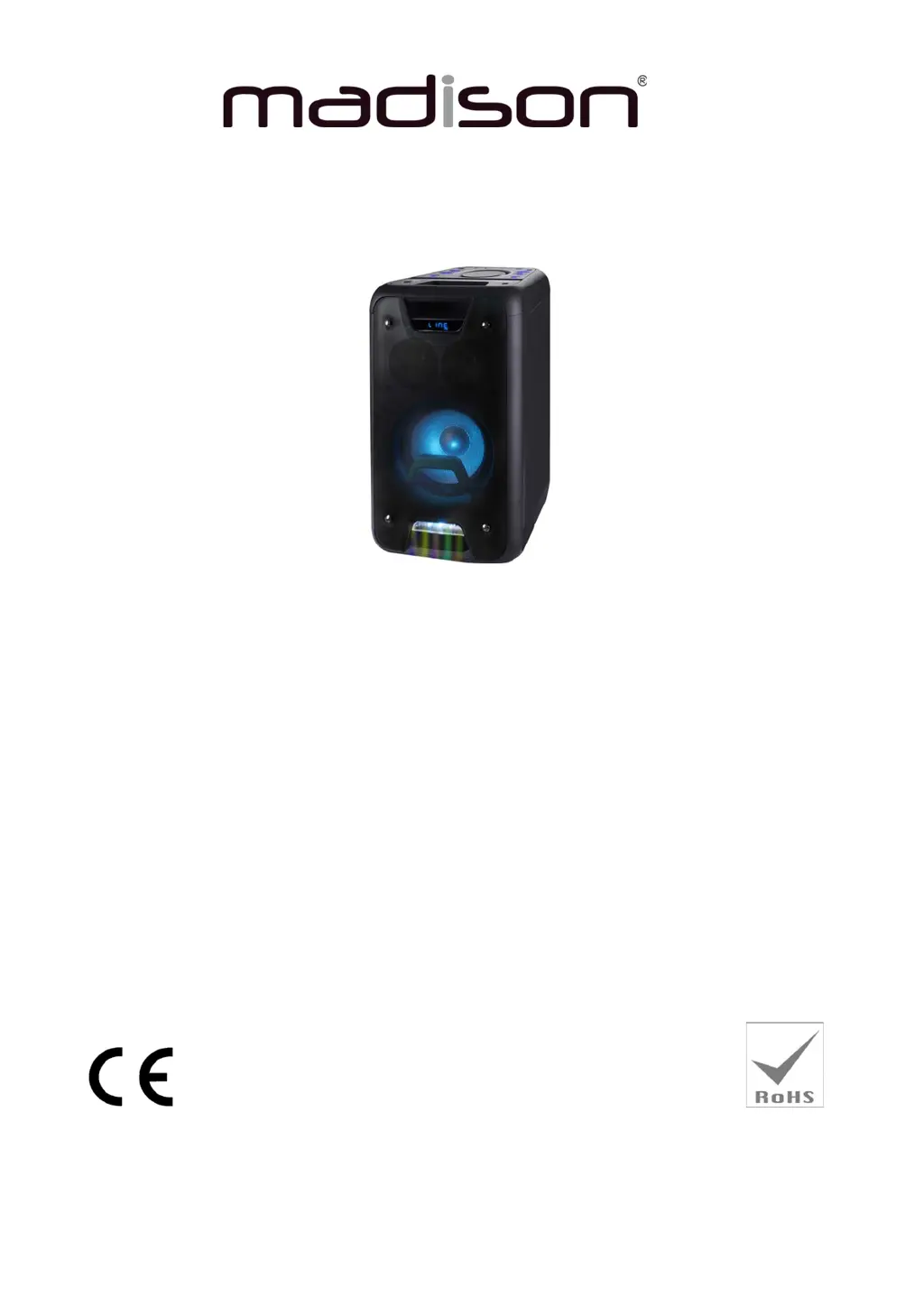
Madison MAD-HIGHPOWER400 - User Manual

Madison MAD-HIGHPOWER400
22 pages
Print Icon
To Next Page IconTo Next Page
Loading...
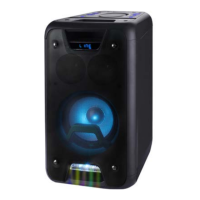
STAND-ALONE SOUND BOX
MAD-HIGHPOWER400
GB Instruction Manual
F Manuel d’Utilisation
D Bedienungsanleitung
NL Handleiding
PT Manual de Instruções
ES Manual de instrucciones
Imported from China by
LOTRONIC SA
Av. Z. Gramme 9
B-1480 Saintes

Questions and Answers

  • N
    Nicole JensenAug 3, 2025
    What to do if my Madison MAD-HIGHPOWER400 have no sound when powered on?
    • D
      Dale WilliamsAug 3, 2025
      If your Madison Speakers have no sound when powered on, it could be due to a few reasons: * There may be no input sound source. Connect a Line signal. * The volume knob might be at the lowest position. Adjust the volume. * A USB/SD card may not be inserted. Insert a USB/SD card.
  • A
    Antonio RichardsAug 8, 2025
    Why is there no sound from the Microphone on my Madison MAD-HIGHPOWER400 Speakers?
    • K
      Katrina BurnsAug 8, 2025
      If you're experiencing no sound from the microphone on your Madison Speakers, consider these potential causes: 1. The microphone socket might not be fully plugged in. Ensure it is completely plugged in. 2. The microphone switch may not be on. Power on the microphone. 3. The microphone volume could be at its lowest setting. Adjust the microphone volume.
  • P
    Peter AndersonAug 12, 2025
    How to fix sound distortion on Madison MAD-HIGHPOWER400 Speakers?
    • A
      Andrew JimenezAug 12, 2025
      Sound distortion on your Madison Speakers can often be resolved by addressing these potential causes: * If the volume is too loud, turn the volume down. * If there is an audio file error, check and change the audio file. * Adjust the Bass/Treble using the “MENU” and “Main volume” settings.
  • C
    Catherine ValentineAug 18, 2025
    How to reduce big noise coming from Madison MAD-HIGHPOWER400?
    • J
      Joseph OrtizAug 18, 2025
      Excessive noise from your Madison Speakers can be caused by several factors: * A wired microphone may be too close to the speaker. Ensure the microphone head is not pointed at the speaker. * A wired microphone might be switched on but not in use. Turn off the wired microphone when not in use. * The microphone volume could be too loud. Reduce the microphone volume. * A mobile phone may be too close to the speaker. Keep mobile phones away from the speaker during calls. * The speaker may be too close to equipment that interferes with it. Keep the speaker away from other sources of interference.
  • C
    cameron72Aug 22, 2025
    What to do if Madison MAD-HIGHPOWER400 have no sound from the USB/SD card?
    • E
      Elizabeth NixonAug 22, 2025
      If your Madison Speakers aren't producing sound from the USB/SD card, consider the following: * The song format may be incompatible. Ensure songs are in MP3/WMA format. * An illegal operation might have caused failures. Power off the speaker, then power it back on. * The USB/SD card may not be inserted properly. Ensure the USB/SD card is correctly inserted.
  • A
    Ashley GrayAug 27, 2025
    Why is the Blue-connect failing on my Madison MAD-HIGHPOWER400 Speakers?
    • E
      Elizabeth ThompsonAug 28, 2025
      A Blue-connect failure on your Madison Speakers can stem from these issues: * The Blue-connect may be disconnected. Find the correct device name or press the "MENU" button to restore factory settings. * The Blue-connect may be connected, but there's no voice. Confirm you are connected to the right device name. * The Blue-connect effective distance may be too short. Try to keep away from barriers such as walls and glass.

Summary

Instruction Manual

Precautions and Warnings

Essential safety measures and warnings for product usage.

Important Information

Key details regarding ventilation and battery disposal.

Included Accessories

List of items provided with the unit.

Top Panel Description

Detailed overview of controls and features on the top panel.

Rear Panel and Remote Control

Rear Panel Overview

Description of rear panel ports and switches.

Remote Control Functions

Explanation of all buttons on the remote control.

Operating Instructions

Bluetooth Pairing

Step-by-step guide to pair the device via Bluetooth.

Line In Mode

Instructions for connecting external audio devices.

USB and SD Card Operation

How to play music from USB and SD card.

Specifications

Troubleshooting Guide

No Sound Issues

Solutions for no sound output or microphone issues.

Audio Quality Problems

Fixes for sound distortion and speaker noise.

Connectivity Issues

Troubleshooting for USB/SD card playback and Bluetooth failures.

Madison MAD-HIGHPOWER400 Specifications

General IconGeneral
BrandMadison
ModelMAD-HIGHPOWER400
CategorySpeakers
LanguageEnglish

Related product manuals