EasyManua.ls Logo

Maestro 100 3G - User Manual

Maestro 100 3G
34 pages
Print Icon
To Next Page IconTo Next Page
Loading...
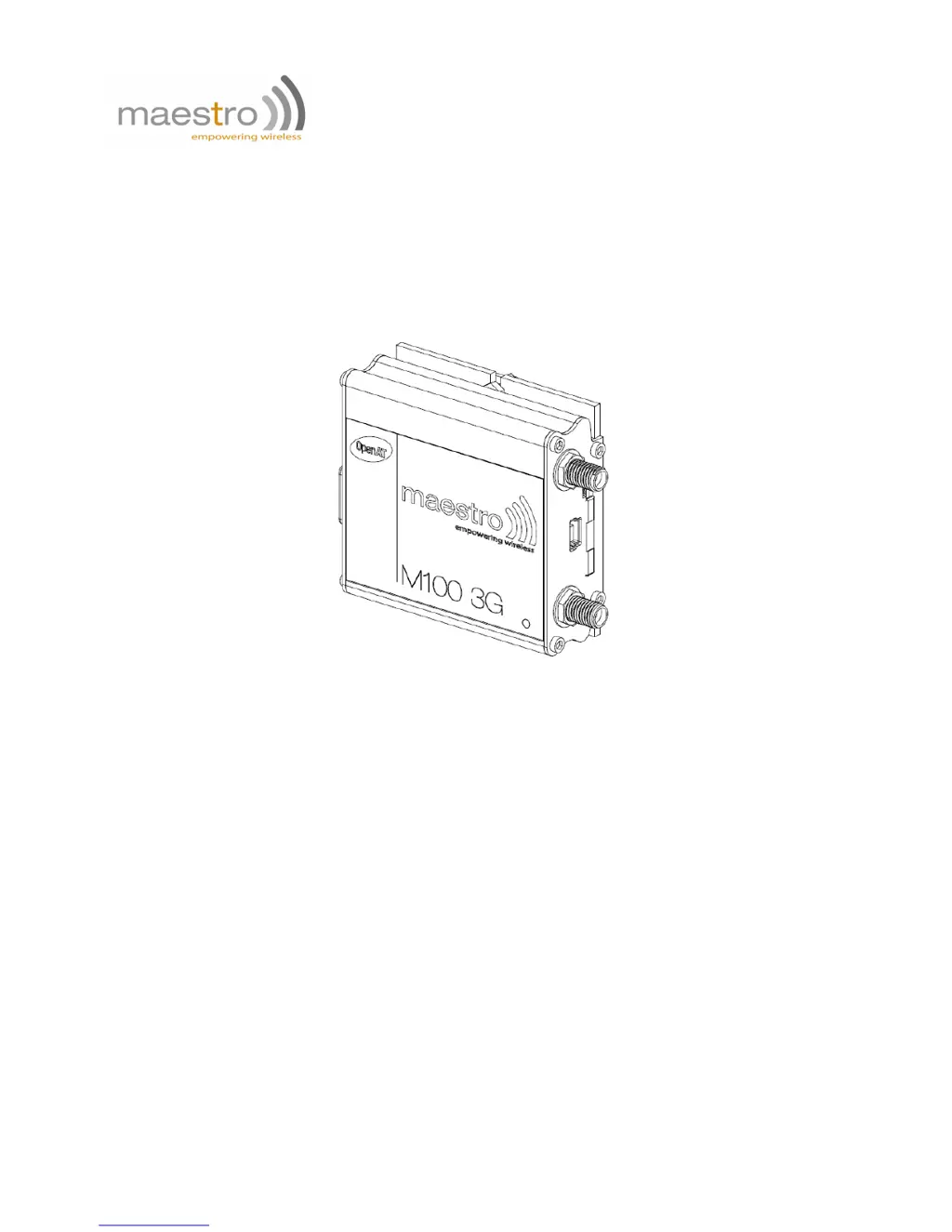
MAESTRO 100 3G
QUICK START GUIDE & USER MANUAL
VERSION 9
www.maestro-wireless.com
EMAIL: CONTACT@MAESTRO-WIRELESS.COM
SUPPORT: support.maestro- wireless.com
TEL: (+852) 2869 0688
FAX: (+852) 2525 4701
ADDRESS: 9/F, 121 KING LAM STREET, CHEUNG SHA WAN, HONG KONG

Questions and Answers

Summary

Safety precautions

General precautions

Safety guidelines for using the modem in general environments.

Using the modem in vehicle

Guidelines for installing and using the modem safely within a vehicle.

Specifications

Product Specifications

Details GSM/GPRS/EDGE bands, SKU types, memory, and features.

Hardware installation

Maestro 100 3 G easy setup guideline

Using the Maestro Configuration Software

Guide on operating the Maestro Configuration Software for setup.

Equipments description

Status Indicator and Antenna Connectors

Details the modem's status LED and SMA antenna connectors.

Mini USB and D-Sub Connectors

Describes Mini USB and 15-pin D-Sub connectors for data and serial communication.

Power and Input;Output Connector

Details the 4-pin Microfit connector for power and I/O.

Default firmware settings

Troubleshooting

Maestro 100 3G Specifications

General IconGeneral
ModelMaestro 100 3G
CategoryModem
Network3G
Network TypeUMTS/HSPA
Max Download Speed7.2 Mbps
Max Upload Speed5.76 Mbps
ConnectivityUSB
CompatibilityWindows, Linux

Related product manuals