EasyManua.ls Logo

Maestro M100 2G - User Manual

Maestro M100 2G
31 pages
Print Icon
To Next Page IconTo Next Page
Loading...
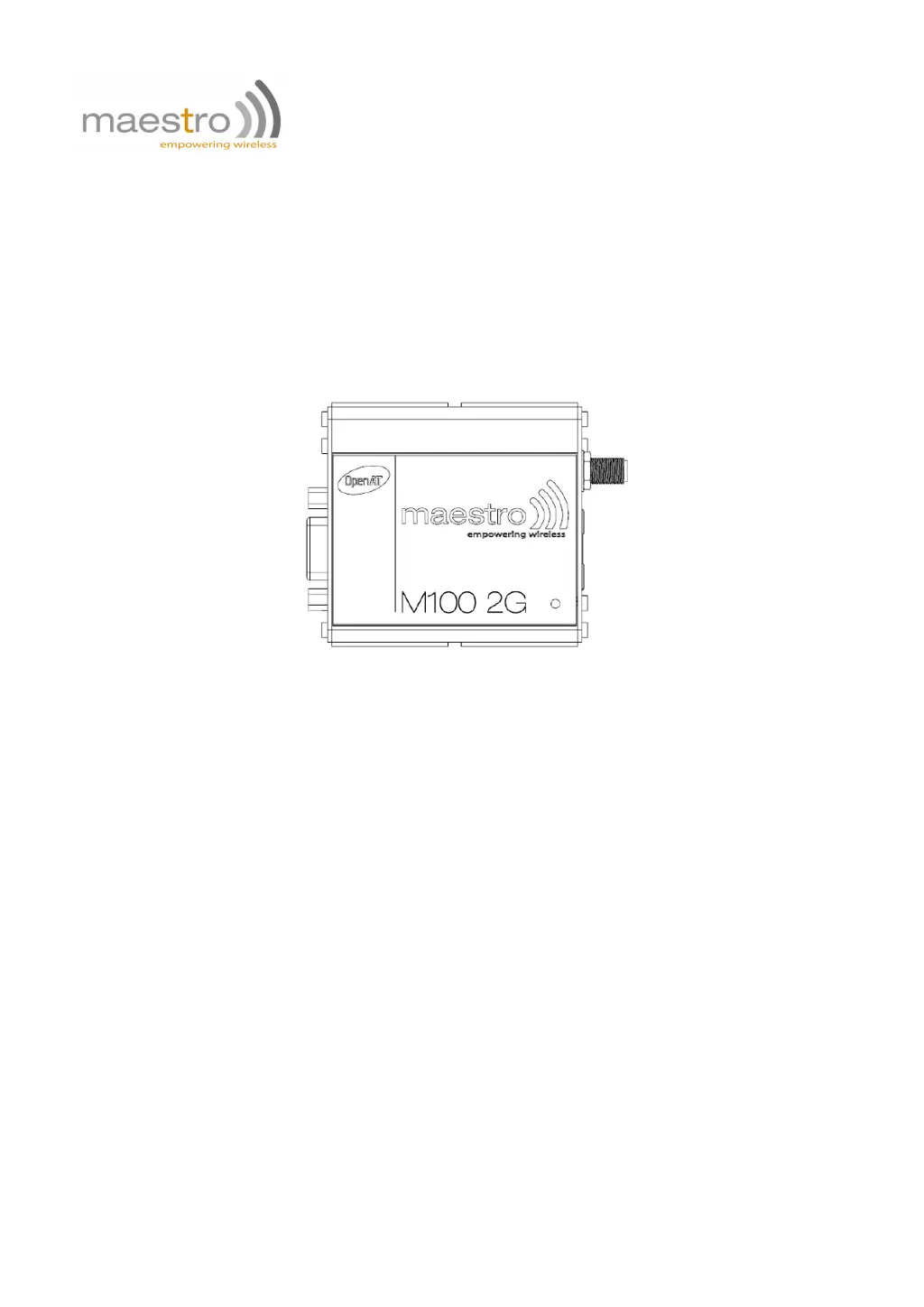
MAESTRO 100 2G
QUICK START GUIDE & USER MANUAL
VERSION 3
WWW.MAESTRO-WIRELESS.COM
GLOBAL CONTACT E-MAIL: CONTACT@MAESTRO-WIRELESS.COM
TECHNICAL SUPPORT E-MAIL: SUPPORT@MAESTRO-WIRELESS.COM
TEL.: +852 3955 0222
FAX: +852 3568 4833
ADDRESS: 9TH FLOOR, WING CHEONG FACTORY BUILDING 121 KING LAM STREET, CHEUNG SHA WAN, HONG
KONG

Questions and Answers

Summary

Specifications

Hardware Installation

Maestro 100 2 G Easy Setup Guideline

Downloading the Maestro Configuration Software

Instructions on how to download the Maestro Configuration Software from the official website.

Using the Maestro Configuration Software

Guide on using the configuration software, including COM port settings and connection.

Default Firmware Settings

Factory Settings

Lists the default factory settings for various AT commands and their meanings.

General Purpose Input;Output Port

Configuration of the GPIO port as input or output using AT commands.

Analog Input Port

Configuration of the analog input port as voltage or current input using AT commands.

Troubleshooting

The Modems LED Does Not Light

Steps to diagnose why the modem's status LED is not illuminated.

LED Lights But Does Not Blink

Troubleshooting steps when the modem LED is on but not blinking as expected.

Modem Does Not Respond to Terminal Program

Checks for issues when the modem does not respond to commands from the terminal program.

Maestro M100 2G Specifications

General IconGeneral
BrandMaestro
ModelM100 2G
CategoryModem
LanguageEnglish

Related product manuals