OPERATION
LIGHTING
52 Operating Manual MT 25 / 30 YT
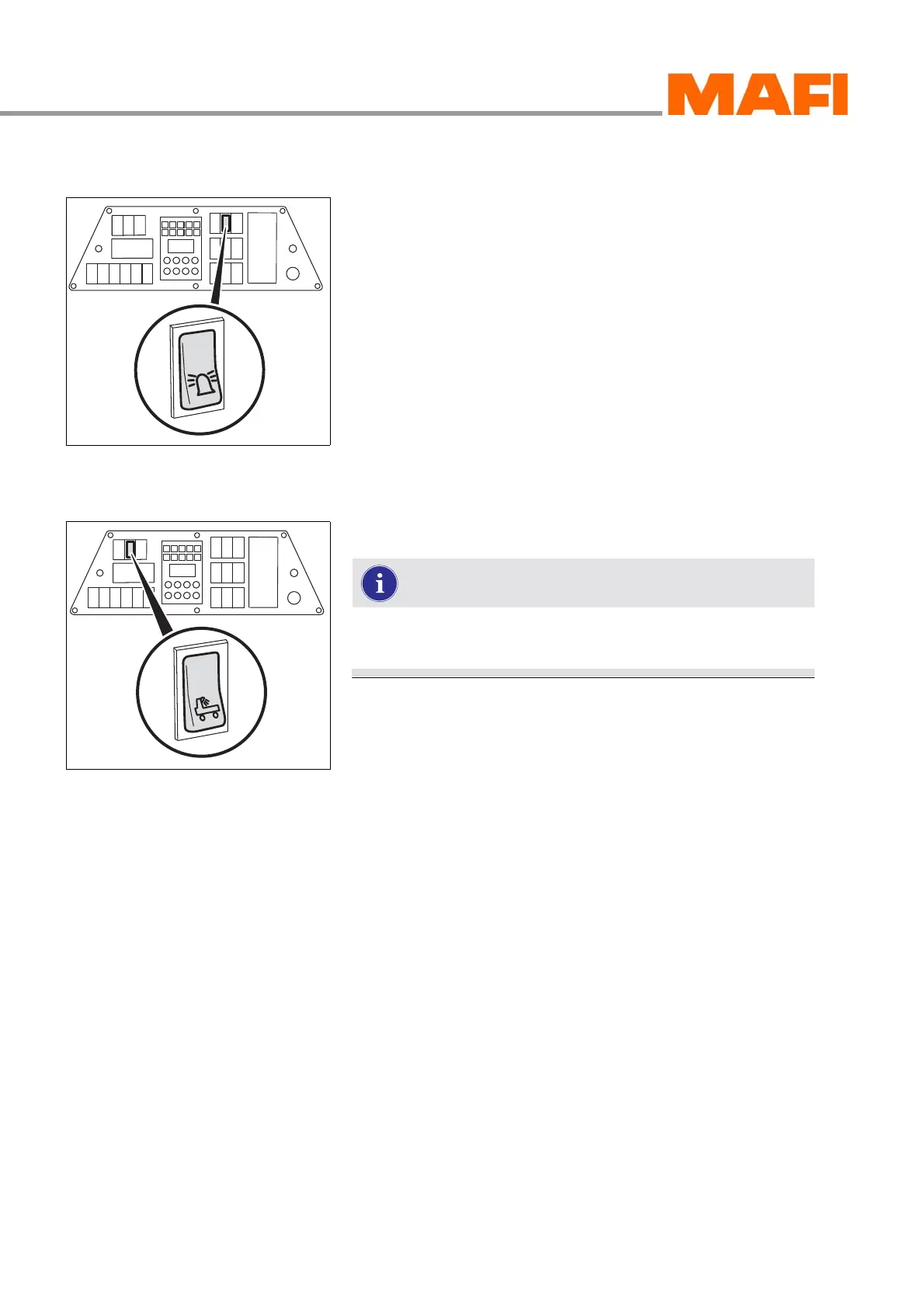
Warning beacon
Fig. 34: Switch for warning beacon
The switch is installed in the instrument panel.
Switching on the warning beacon
X Press the switch.
3 The warning beacon is switched on.
Operational spotlight (rear)
Fig. 35: Operational spotlight switch
Use the rear operational spotlight when coupling and
uncoupling in the dark. You increase safety.
The switch is installed in the instrument panel.
Switching on the operational spotlight
X Press the switch.
3 The operational spotlight is switched on.



 To Next Page