OPERATION
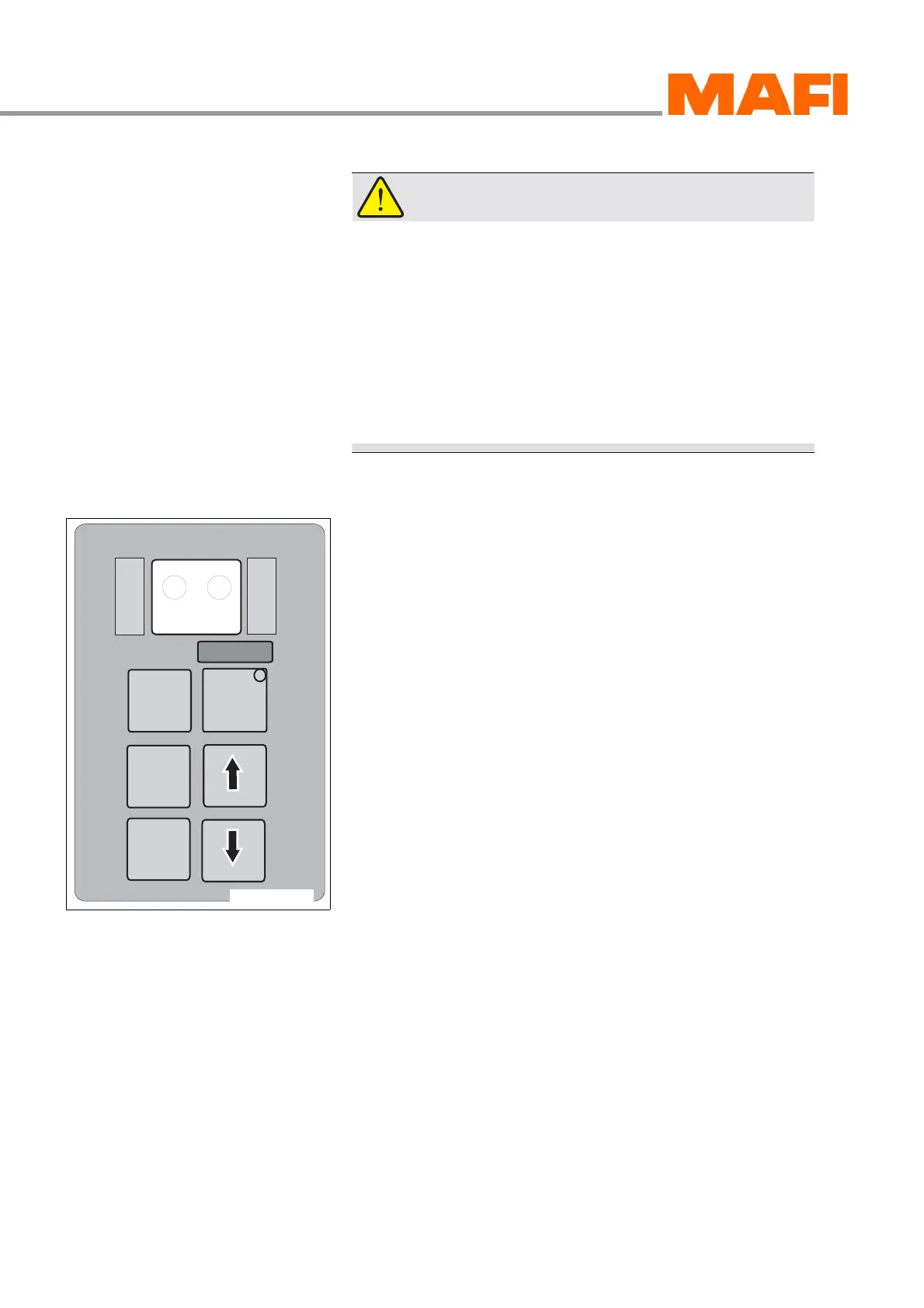
OPERATING PANEL FOR AUTOMATIC TRANSMISSION
66 Operating Manual MT 25 / 30 YT
WARNING!
Accident hazard!
Uncontrolled rolling MT can seriously injure persons.
X Do not let the MT roll in neutral position.
X Always shift into neutral before exiting the MT and
apply the parking brake.
X Never let the motor run more than five minutes when
the MT is at standstill. Apply the main brake or the
parking brake and shift the transmission into neutral
position.
Display during driving
Fig. 55: Two-part display during driving
1 SELECT
2 MONITOR
During driving, the two-part display indicates the highest
achievable gear of the selected driving gear on the left side
next to SELECT 1 . Generally, this display corresponds to the
key selection on the operating panel.
On the right side next to MONITOR 2, the currently switched
gear is displayed.
M
O
N
I
T
O
R
R
N
D
S
E
L
E
C
T
MODE
11-C25-067-084A-3
1
2



 To Next Page