Magellan RoadMate 2000 2
Magellan RoadMate 2000
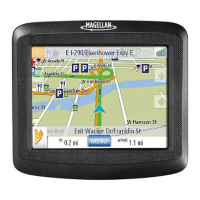
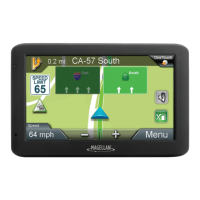
The Magellan RoadMate 2000 uses a touchscreen display for all user inputs. The only
readily accessible button that is normally used is the power button located on the right
side of the unit. To prevent accidental turn on, you need to press and hold the power
button for a few seconds to turn the Magellan RoadMate on. [Note: The reset button
must be on (in the up position) before the Magellan RoadMate can be turned on.]
All connections to the Magellan RoadMate are located on the left and right sides of the
unit, protected by a rubber covering to keep out moisture. When you need to access the
connectors, simply lift the protective cover from the bottom.
Power











 To Next Page