%
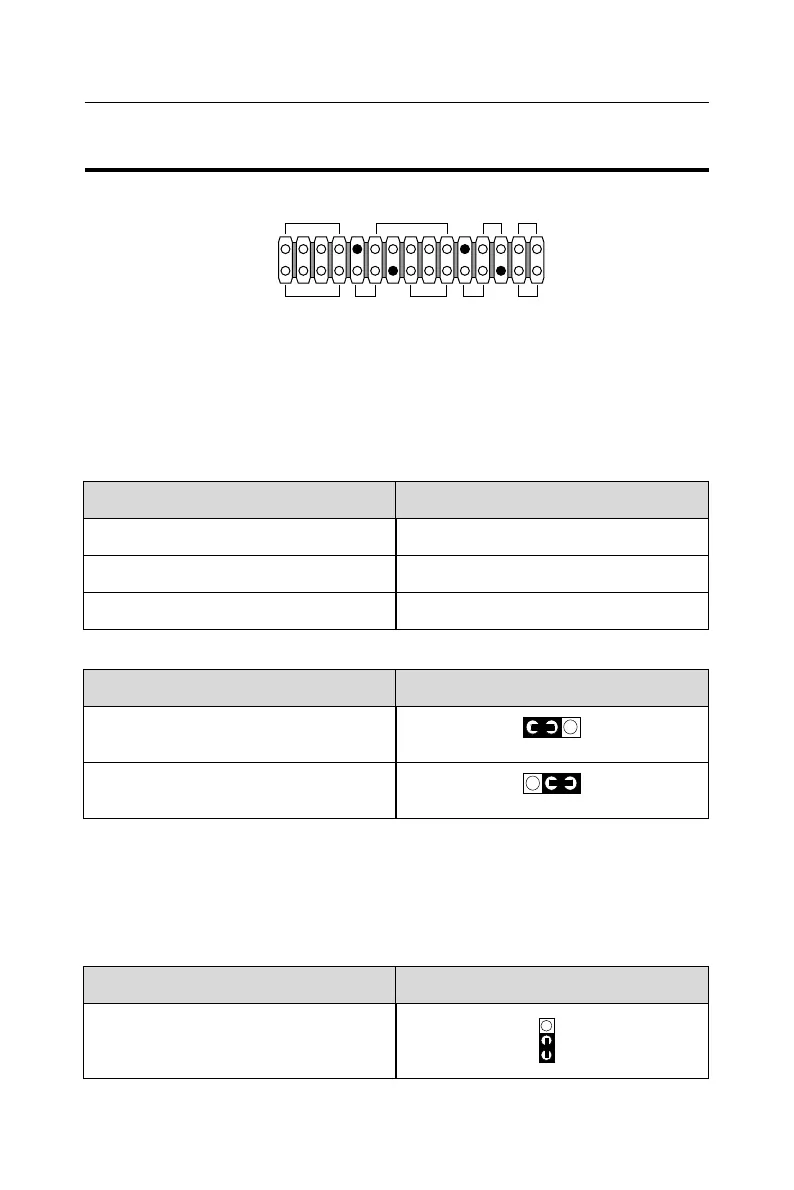
J U M P E R S E T T I N G
FAN# FUNCTION
FAN1 CPU FAN
FAN2 POWER FAN
FAN3 CHASSIS FAN
FAN#: Onboard FAN (12V) Connector
Keyboard Power On JP2
JP2: Keyboard Power On
Disabled (default)
!
Enabled
!
NOTE 1: If motherboard does not support keyboard power on function, the JP2
will be fixed by jumperwire.
NOTE 2: When the keyboard power on function shows any compatible problem,
choose Disabled and report the keyboard model to your vender/maker.
NOTE 3: Keyboard power on function must be set from the BIOS. Refer to the
Integrated Peripherals sector.
Signal Level Shift Control JP3
JP3: Signal Level Shift Control
Factory default setting
(default)
!
A. : HDD LED
C. : POWER SWITCH
E. : SPEAKER
G. : POWER LED
I. : SUSPEND LED
B. : INFRARED (IR)
D. : SUSPEND CONNECTOR
F. : RESET SWITCH
H. : KEYLOCK
1
1
15
15
J2
J3
A.
E. F. G. H. I.
B. C. D.



 To Next Page