EasyManua.ls Logo

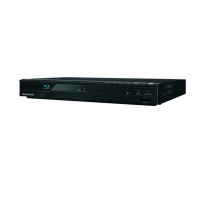
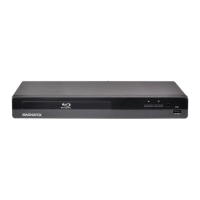
Magnavox MBP1500 - User Manual

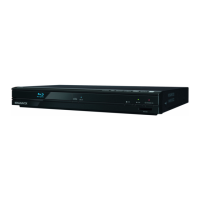
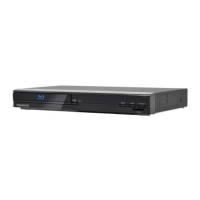
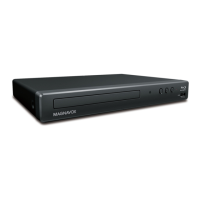
Magnavox MBP1500
54 pages
Print Icon
To Next Page IconTo Next Page
Loading...
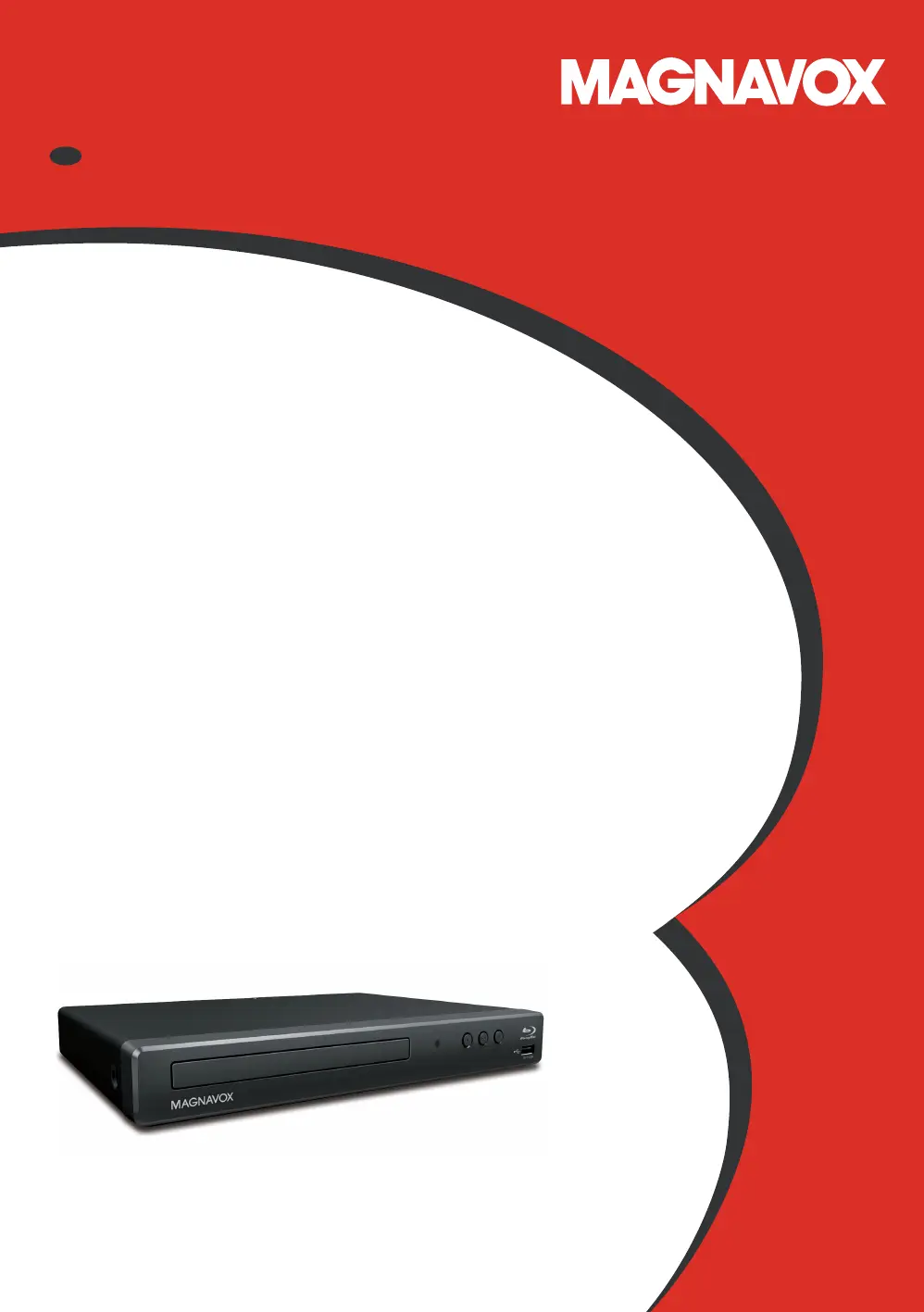
Owner’s Manual
ES
INSTRUCCIONES SIMPLIFICADAS
INCLUIDOS EN ESPANOL.
MBP1500
Blu-ray Disc™ / DVD Player
© 2017 Funai Electric Co., Ltd.

Questions and Answers

  • S
    saundersmicheleAug 20, 2025
    How to fix a Magnavox Blu-ray Player remote that is not responding?
    • D
      derek25Aug 20, 2025
      If your Magnavox Blu-ray Player remote control isn't working, try these steps: reduce the distance between the remote and the infrared sensor window on the player. Ensure the player’s AC power cord is plugged into a working power outlet. Verify the batteries in the remote are correctly inserted, matching the + and - symbols. Lastly, aim the remote directly at the unit’s remote receiver and press an arrow key to see if the Power-On indicator dims and blinks, which confirms the IR signal.
  • U
    uturnerAug 22, 2025
    How to troubleshoot a Magnavox Blu-ray Player that has no power?
    • B
      Brandy WilsonAug 22, 2025
      If your Magnavox Blu-ray Player isn't turning on, ensure the AC power cord is securely connected. If it is, try plugging it into a different power outlet. As an additional step, unplug the AC power cord, wait 5-10 seconds, and then plug it back in before attempting to power on the unit again.
  • C
    Christopher MoraAug 25, 2025
    Why is there no sound or picture from my Magnavox MBP1500 Blu-ray Player?
    • T
      tcoxAug 25, 2025
      If you're not getting any sound or picture from your Magnavox Blu-ray Player, first, verify that both the TV and the Blu-ray player are powered on. Next, double-check that the connections to the TV are correctly set up. Also, confirm that the connected TV or device supports HDCP, as the unit won't output a video signal without HDCP support.
  • B
    brendachambersAug 26, 2025
    What to do if there is no Audio / Video signal on the display device via HDMI cable from Magnavox Blu-ray Player?
    • T
      Todd BakerAug 26, 2025
      If you're getting no audio or video signal on your display device via HDMI cable from your Magnavox Blu-ray Player, it could be due to connecting the unit to a non-certified HDMI device, which will prevent the audio/video signal from outputting. Ensure the display device is set to the correct input/video source. Try performing an HDMI hotplug: disconnect the HDMI cable from the display device, turn on both devices, and then reconnect the HDMI cable. Check if there are any available software updates for your TV from the TV manufacturer and confirm that your HDMI cable is a certified version.
  • J
    john40Aug 27, 2025
    Why is my Magnavox MBP1500 Blu-ray Player not showing high-definition video on my TV?
    • J
      Jessica WrightAug 28, 2025
      If you're not getting a high-definition video signal on your TV screen from your Magnavox Blu-ray Player, first, make sure the disc you're playing actually contains high-definition video, as it's only available if the disc has it. Also, ensure that your TV supports high-definition video, as it's required for playback.
  • M
    Michael SmithAug 29, 2025
    How to resolve no sound or distorted sound from Magnavox MBP1500?
    • K
      Kathryn GarciaAug 30, 2025
      If you are experiencing no sound or distorted sound from your Magnavox Blu-ray Player, try the following: Adjust the volume. Check that the speakers are correctly connected. Verify the HDMI connection. Ensure the HDMI cable is not plugged into an HDMI-DVI adapter or projector that doesn't handle digital sound. Check the settings in the Audio Out menu.
  • D
    Darren PetersonAug 31, 2025
    What to do if the buttons do not work or the Magnavox MBP1500 Blu-ray Player stops responding?
    • I
      Ian Parsons MDAug 31, 2025
      If your Magnavox Blu-ray Player buttons aren't working or the unit stops responding, perform a soft reset by pressing and holding the power button on the front panel for 10 seconds to shut down the unit. Alternatively, you can hard reset the unit by unplugging the AC power cord from the AC outlet for 5-10 seconds.
  • J
    Joanna HeathSep 2, 2025
    Why does the picture freeze momentarily during disc playback on my Magnavox Blu-ray Player?
    • W
      wandasmithSep 2, 2025
      If your Magnavox Blu-ray Player is freezing momentarily during disc playback, inspect the disc for fingerprints or scratches. Clean the disc with a soft cloth, wiping from the center to the outer edge.
  • W
    William LloydSep 4, 2025
    What to do if my Magnavox MBP1500 cannot play back a disc?
    • S
      Stephanie HarrisSep 4, 2025
      If your Magnavox Blu-ray Player cannot play back a disc, ensure that the disc is compatible with the unit. Check if the region code of the disc matches the player's supported region codes (Blu-ray Disc: A; DVD: ALL or 1). For DVD-RW/-R discs, verify that the disc is finalized. Clean the disc. If the disc is a newer title, a software update may solve the problem. You may also soft reset the unit by turning it off for 30 seconds, then on again.
  • G
    gillmatthewSep 6, 2025
    Why is the picture distorted on my Magnavox Blu-ray Player?
    • T
      Thomas KennedySep 6, 2025
      Sometimes a small amount of picture distortion may appear on your Magnavox Blu-ray Player. This is not a malfunction.

Summary

Introduction

Safety Instructions

Safety precautions for electrical shock, fire, location, handling, dew condensation, and recycling.

Features

Product Features Overview

Details various features like Blu-ray, DVD upscaling, media playback, HDMI, and special functions.

Functional Overview

Front Panel Controls

Details the buttons and indicators on the front panel of the Blu-ray / DVD player.

Remote Control Operation

Description of all buttons and their functions on the remote control.

Connections

Connecting to a TV via HDMI

Guide to connecting the player to a TV via HDMI, including resolution support.

Before You Start

Finding the Correct TV Input Source

How to select the correct video source input on your TV for the player.

Initial Setup Procedure

Step-by-step guide for initial setup, including language and voice guide settings.

Information on Playback

Playable Discs and Files

Details playable discs and files, including format compatibility and limitations.

Basic Playback

Playing Back a Disc

Instructions for playing back discs, including resume-on-stop mode and file types.

Playing Back from USB Memory Stick

How to play JPEG files and access BD-ROM contents from a USB memory stick.

Special Playback Features

Switching Subtitles

How to select and switch subtitle languages and styles during playback.

Switching Audio Soundtrack

How to select and switch audio tracks or languages during playback.

List of Settings

Setups

Parental Controls Setup

Setting up parental controls for BD-video and DVD-video content.

Software Update Procedure

Instructions for updating the player's software using discs or USB memory sticks.

Troubleshooting

Specifications

Maintenance

Magnavox MBP1500 Specifications

General IconGeneral
BrandMagnavox
ModelMBP1500
CategoryBlu-ray Player
LanguageEnglish

Related product manuals