EasyManua.ls Logo

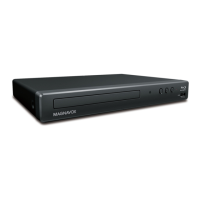
Magnavox MBP5130 - User Manual

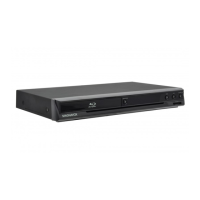
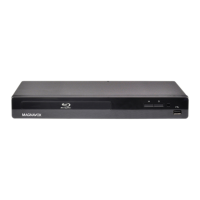
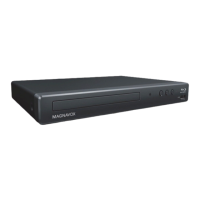
Magnavox MBP5130
52 pages
Print Icon
To Next Page IconTo Next Page
Loading...
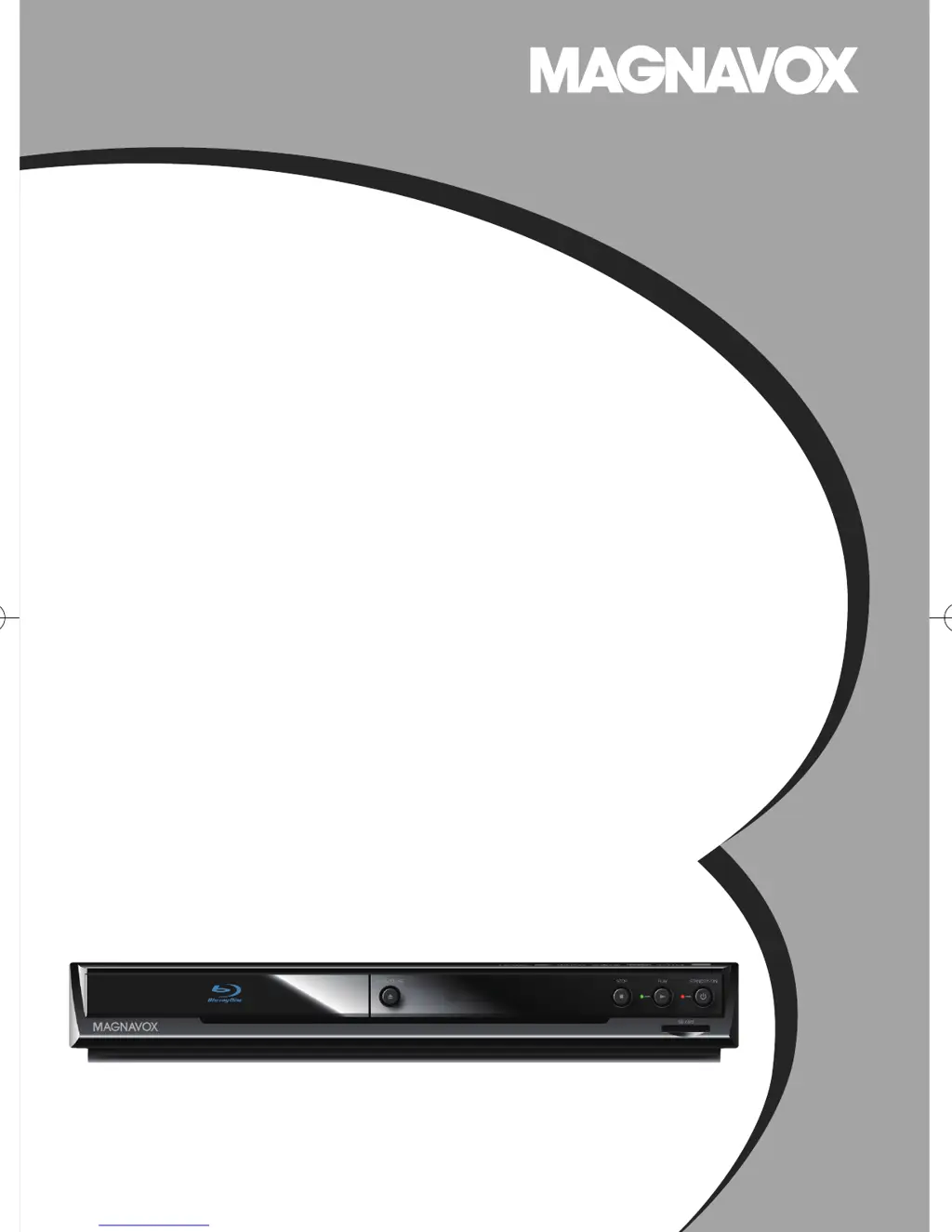
Owner’s Manual
MBP5130/F7
Blu-ray Disc / DVD Player
© 2010 Funai Electric Co., Ltd.
E5S20UDMBP5130F7OMEN.indd1E5S20UDMBP5130F7OMEN.indd1 2010/10/0111:59:502010/10/0111:59:50

Table of Contents

Other manuals for Magnavox MBP5130

Questions and Answers

  • S
    salinasmelissaSep 23, 2025
    How to add movies or TV episodes to the instant Queue on Magnavox MBP5130 Blu-ray Player?
    • S
      solispatrickSep 23, 2025
      Adding movies or TV episodes to the instant Queue on your Magnavox Blu-ray Player is not available. Visit netflix.com on your PC to add movies or TV episodes.
  • B
    Bradley LopezAug 25, 2025
    What to do if my Magnavox Blu-ray Player has no sound or picture?
    • J
      Jason HullAug 25, 2025
      If your Magnavox Blu-ray Player isn't producing any sound or picture, first check that the connected TV is turned on. Then, verify that all connections are securely and correctly made. Also, confirm whether the connected TV or device supports HDCP, as the unit requires HDCP support to output a video signal. Lastly, check if the output format of the Blu-ray player (HDMI FORMAT) matches the supported input format of the connected device.
  • K
    Kim TaylorAug 25, 2025
    What to do if there is no audio/video signal on the display device via HDMI cable with Magnavox MBP5130?
    • Z
      zramirezAug 26, 2025
      If you're getting no audio/video signal on your display device via HDMI cable with your Magnavox Blu-ray Player, the audio/video signal may not be output if the unit is connected to the unauthorized display device with an HDMI cable. Also, perform an HDMI cable hotplug, wherein you disconnect the HDMI cable from the TV and this unit and then reconnect it to both the devices while they are powered on. Ensure that your HDMI cable is certified.
  • J
    jamesliuAug 27, 2025
    Why Magnavox MBP5130 Blu-ray Player disc cannot be played back?
    • A
      Amanda PattersonAug 27, 2025
      If your Magnavox Blu-ray Player disc cannot be played back: * Clean the disc. * Ensure the disc label is facing up. * Check if the disc is defective by trying another disc. * Cancel the ratings control or change the control level. * Insert a correct disc that can be played back on this unit.
  • A
    Alicia BrownAug 27, 2025
    How to troubleshoot no sound or distorted sound on Magnavox MBP5130?
    • N
      Nicole BarnesAug 27, 2025
      To troubleshoot sound issues on your Magnavox Blu-ray Player: * Adjust the volume. * Check if the speakers are connected correctly. * Check the HDMI connections. * Check the settings in the 'Audio' menu.
  • C
    Casey BishopSep 14, 2025
    Why angle does not switch on Magnavox Blu-ray Player?
    • R
      Regina RomeroSep 14, 2025
      If the angle does not switch on your Magnavox Blu-ray Player, the angle cannot be switched for BD / DVD which do not contain multiple angles. In some cases multiple angles are only recorded for specific scenes.
  • T
    tamismithSep 12, 2025
    Why is the picture quality of streaming movie poor on Magnavox MBP5130 Blu-ray Player?
    • D
      deborah66Sep 12, 2025
      If the picture quality of streaming movies (Netflix, Blockbuster, or VUDU) is poor on your Magnavox Blu-ray Player, check the speed of your Internet connection. You need speeds of at least 8 Mbps to this player for high quality uninterrupted playback.
  • J
    Justin EdwardsSep 13, 2025
    What to do if Magnavox MBP5130 Blu-ray Player does not return to start-up screen when disc is removed?
    • A
      alejandro62Sep 13, 2025
      If your Magnavox Blu-ray Player does not return to the start-up screen when the disc is removed, reset the unit by turning it off, then on again.
  • E
    Edward JimenezSep 4, 2025
    How to fix cannot use the BD-Live function on Magnavox MBP5130 Blu-ray Player?
    • P
      Patricia MannSep 5, 2025
      If you cannot use the BD-Live function or data download isn't working properly on your Magnavox Blu-ray Player: * Insert an SD card with enough capacity (1GB or more). * Check if the SD card is correctly inserted. * Make sure the write-protect switch on the SD card is not enabled.
  • D
    Daniel GuerreroSep 2, 2025
    How to fix distorted picture on Magnavox MBP5130 Blu-ray Player?
    • N
      nreidSep 2, 2025
      If you're experiencing a distorted picture on your Magnavox Blu-ray Player, note that a small amount of picture distortion may appear, which is not a malfunction. Connect the unit directly to the TV. If the audio/video cables are connected to a VCR, pictures may be distorted due to the copyright protection system.

Summary

Important Safety Instructions

Electrical Shock and Fire Hazards

Specific warnings and instructions to prevent electrical hazards.

Location and Handling Guidelines

Guidelines on where to install and how to handle the unit safely.

Dew Condensation Warning

Warning about condensation forming inside the unit and how to handle it.

Recycling and Battery Disposal

Information on recycling packaging materials and disposing of batteries.

Unit Overview

Front Panel Controls

Details the buttons and indicators on the front of the unit.

Rear Panel Connections

Details the connections and ports on the rear of the unit.

Remote Control

Button Functions

Explains the functions of each button on the remote control.

Installing Remote Batteries

Step-by-step instructions on how to insert batteries into the remote.

CONNECTIONS

Connecting to the TV

Instructions for connecting the unit to a TV via HDMI or standard video cables.

Connecting to Audio Systems

Instructions for connecting the unit to various audio systems.

Connecting to the Network

Explains connecting the unit to the internet for various services.

Wired Network Connection

Instructions for setting up a wired network connection using a router.

Wireless Network Connection

Instructions for setting up a wireless network connection.

PLAYBACK

Playable Media Formats

Lists all supported disc types and file formats for playback.

Playing Back Discs (BD;DVD;AVCHD)

How to play back Blu-ray, DVD, or AVCHD discs.

Playing Back Audio;WMA;JPEG Files

How to play back audio CDs, WMA, and JPEG files.

Playback Control Functions

How to fast forward, reverse, slow down, step, repeat, program, and shuffle playback.

Enjoying BD-Live Discs

How to use interactive features on BD-Live discs via the internet.

Switching Subtitle Languages

How to change subtitle languages during playback.

Switching Audio Soundtracks

How to switch between different audio tracks or languages.

NETWORK OPERATIONS

Netflix Operations and Setup

How to set up and use the Netflix streaming service.

Blockbuster Operations and Setup

How to set up and use the Blockbuster streaming service.

VUDU Operations and Setup

How to set up and use the VUDU streaming service.

FUNCTION SETUP

Quick Menu Settings

Provides quick access to frequently used setup menu items.

Custom Setup Menu

Access to all setup menu items, categorized by type (Language, Video, Audio, etc.).

Video Setup Options

How to adjust video settings like aspect ratio and HDMI resolution.

Speaker Setup Configuration

How to set up speaker size and configuration for surround sound.

Parental Controls

BD Rating Level Settings

How to set age-based rating limits for Blu-ray discs.

DVD Rating Level Settings

How to set rating limits for DVD discs.

Network Setup

Network Connection Test

How to perform a test to confirm network connection status.

Wired Network Selection

How to configure wired network settings (Easy or Custom).

Wireless Network Selection

How to configure wireless network settings (Easy or Custom).

Software Update Procedures

Disc Update Process

Steps to update software using a downloaded disc.

Network Update Process

Steps to update software via the internet.

Initialize Player Settings

How to reset player settings, format SD card, or clear data.

OTHERS

Troubleshooting Common Issues

Checklist for diagnosing and solving common operational problems.

Troubleshooting Specific Problems

Continues the list of common problems and their solutions.

Troubleshooting Connectivity Issues

Continues the list of common problems and their solutions.

Product Specifications

MAGNAVOX LIMITED WARRANTY

Magnavox MBP5130 Specifications

Picture/Display IconPicture/Display
display resolution1920 x 1080
aspect ratio16:9, 4:3
picture enhancementProgressive scan, Video upscaling
Sound IconSound
sound systemDTS, Dolby Digital Plus, Dolby True HD
audio playback compression formatDolby Digital, DTS
audio playback mediaCD, CD-R/RW
Connectivity IconConnectivity
rear connectionsAnalog audio Left/Right out, HDMI output, Composite video (CVBS) output, Digital coaxial out
front/side connectionsSD-card (Videostore)
video disc playback systemNTSC
Power IconPower
power supply120V, 60Hz
Dimensions IconDimensions
set dimensions360 x 50 x 215 mm
set weight1.9 kg

Related product manuals