EasyManua.ls Logo

Magner 175V - Key Operation Guide; Detailed Key Functionality

Default Icon
57 pages
Print Icon
To Next Page IconTo Next Page
To Previous Page IconTo Previous Page
Loading...
Magner175V/175FF USER Guide
Magner INT 14
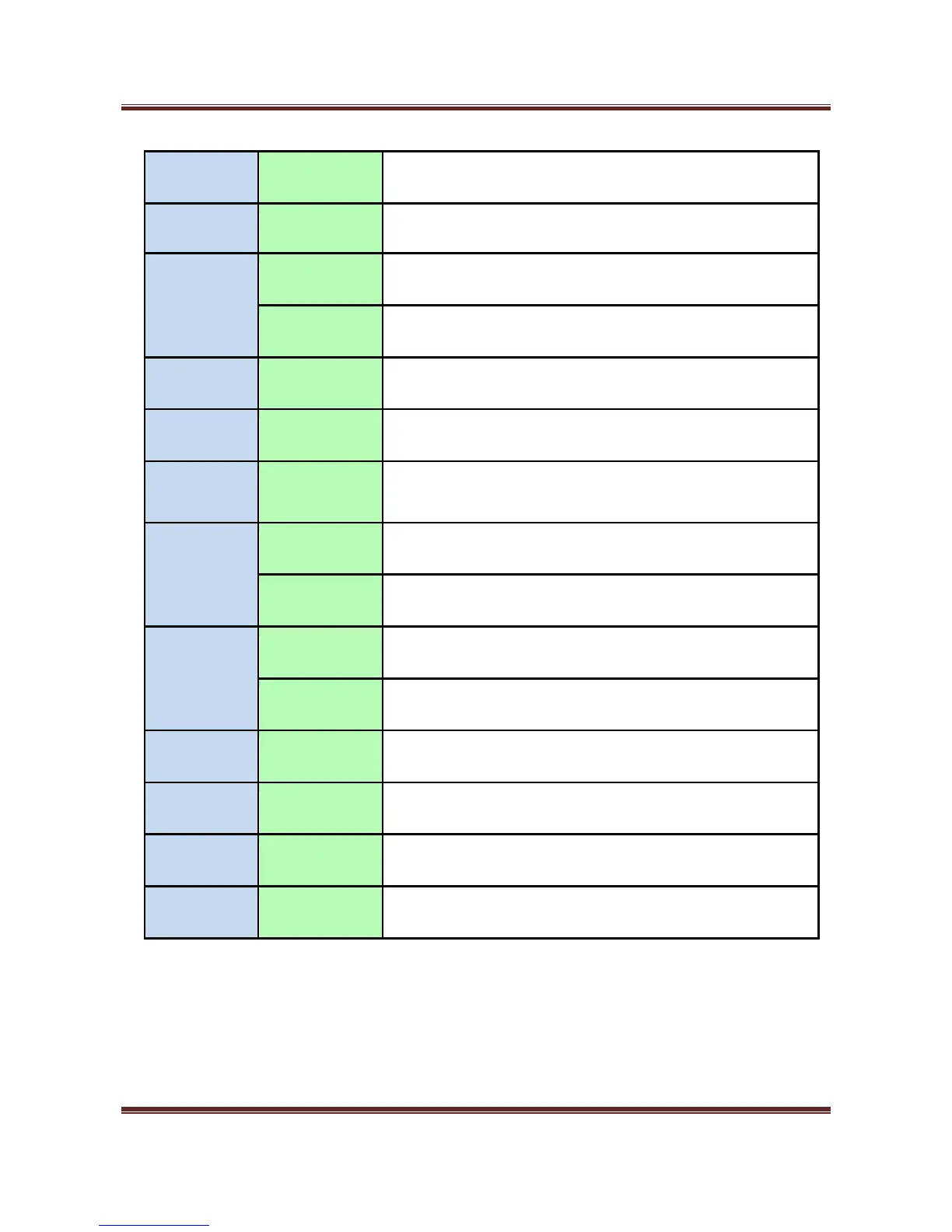
CURR
Short Key
Select Currency
MODE
Short Key
Select Operation Mode.
SET
Short Key
Enter fitness setup menu. Save the number.
Long Key
Enter Pincode menu.
CLEAR/ESC
Long Key
Delete characters
ADD
Short Key
Turn on or off ADD
BATCH
Short Key
Select BATCH number.
START/STOP
Short Key
Start or stop the counting and exit the menu.
Long Key
Enter Setting Mode.
PRINT/SEND
Short Key
Print the counting result to Display or Printer.
Long Key
Print the counting result via Printer.
↑↓
Short Key
Change counting Speed.
↑↓
Long Key
Page at Setting Mode.
Short Key
Change value and move curser or page at Setting Mode.
1~0
Short Key
Enter the relevant menu.

Related product manuals